GroupMap Tour - Online Collaboration and Facilitation Software


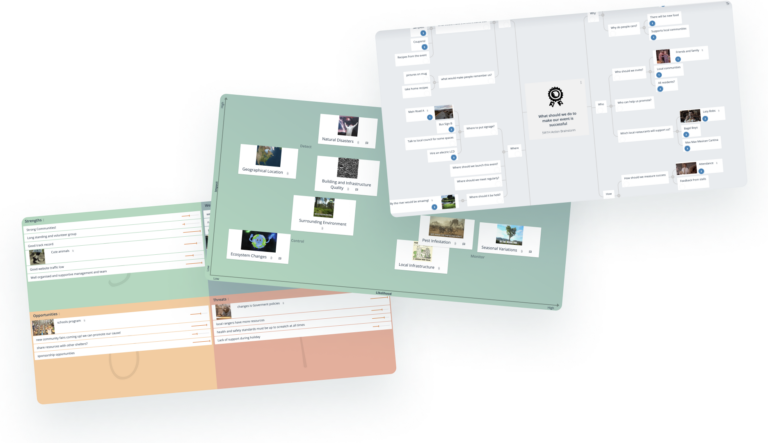
Anatomy of a GroupMap

Instructions for Participants


Tap and Hold to Add

Tap and hold or right click on an idea on your map  to access the menu. Type in your idea and it will be shared around with other participants. You can use the menu on the GroupMap to add ideas from the GroupMap directly to your Map. Hint:  Keep your ideas short and to the point so that others can read it quickly.

Click To Edit an Idea

Double click or double tap to edit an idea on your map.  When you edit your idea, GroupMap treats it as a new suggestion and will stop showing the old suggestion to others. Hint: Use the built in spell check to help you enter ideas in correctly.

Tap on a suggestion to accept it

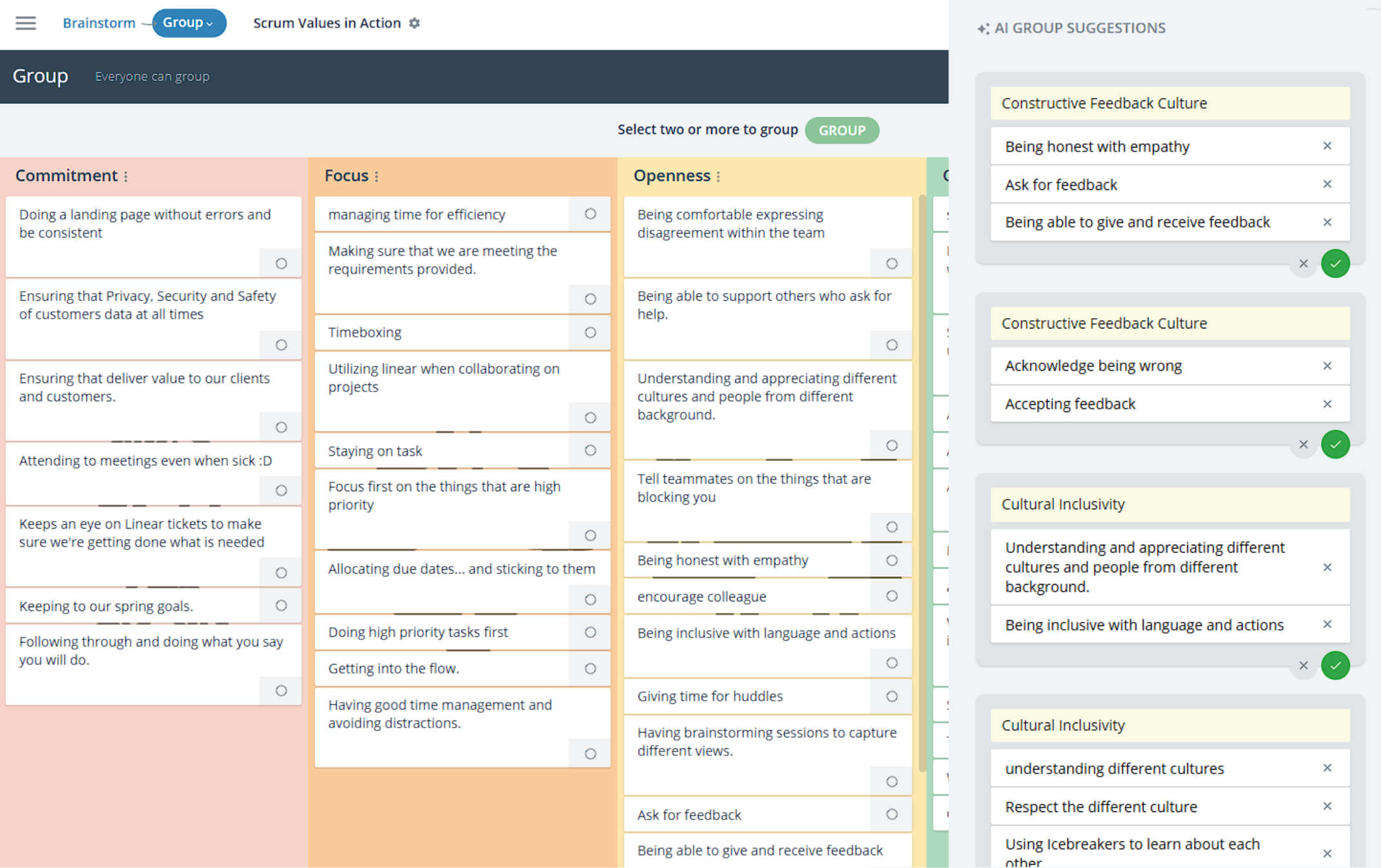
If you see a suggestion (grey) you agree with, tap / click on it to add it to your own map. Build your map quickly using the ideas from others, but only add the ones you agree with. You can remove suggestions using the minus sign. Hint: Removing suggestions makes room for new suggestions. Suggestions may rotate depending on how the group has responded to them.

Drag an idea onto another to MERGE them

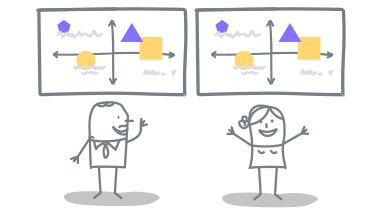
If you see two ideas that are similar or equivalent, you can combine them by dragging them onto each other. Merging equivalent ideas and suggestions helps GroupMap build a better view of group and will then offer you different suggestions. Hint: Drag the similar idea into another existing idea and it will merge behind it. The one you drag is the one that mergers and disappears.

Drag and drop ideas to new locations

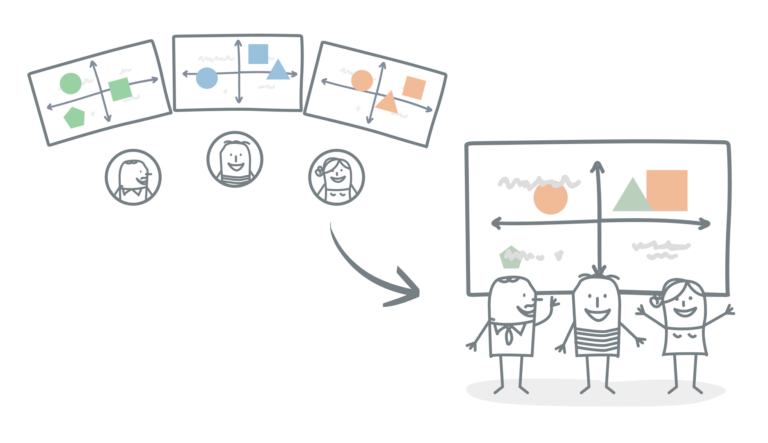
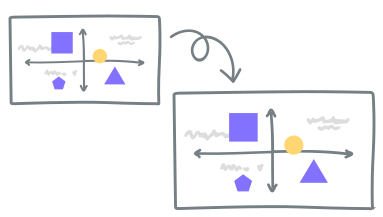
Think that there is a different relationship between ideas, or that a group of ideas belong in cluster? Just drag and drop ideas on your map. The GroupMap will show the ideas and the relationships that are most supported by the most people. Hint:If you have a complex problem, focus on the broader topic at the middle of the map and then branch out to more specific areas.

Drag ideas off the Map to Remove Them

You can delete ideas by dragging an idea on your map until it turns red or accessing the menu and clicking on remove idea. Removing ideas are fine. Not all ideas are equal and the process of eliminating ideas is just as important as adding them. Hint: Removing suggestions and ideas ensures  you rotate through suggestions and have considered all perspectives.

WP Socializer Aakash Web