Mood Wall Ice Breaker
An easy ice breaker that lets people to share their current mood in a non-threatening and inclusive way. Use this Mood Wall template now.
What is a Mood Wall?
A Mood Wall is a simple tool that allows people to share their current emotional state or mood by placing their name on a board that displays a range of emoticons.
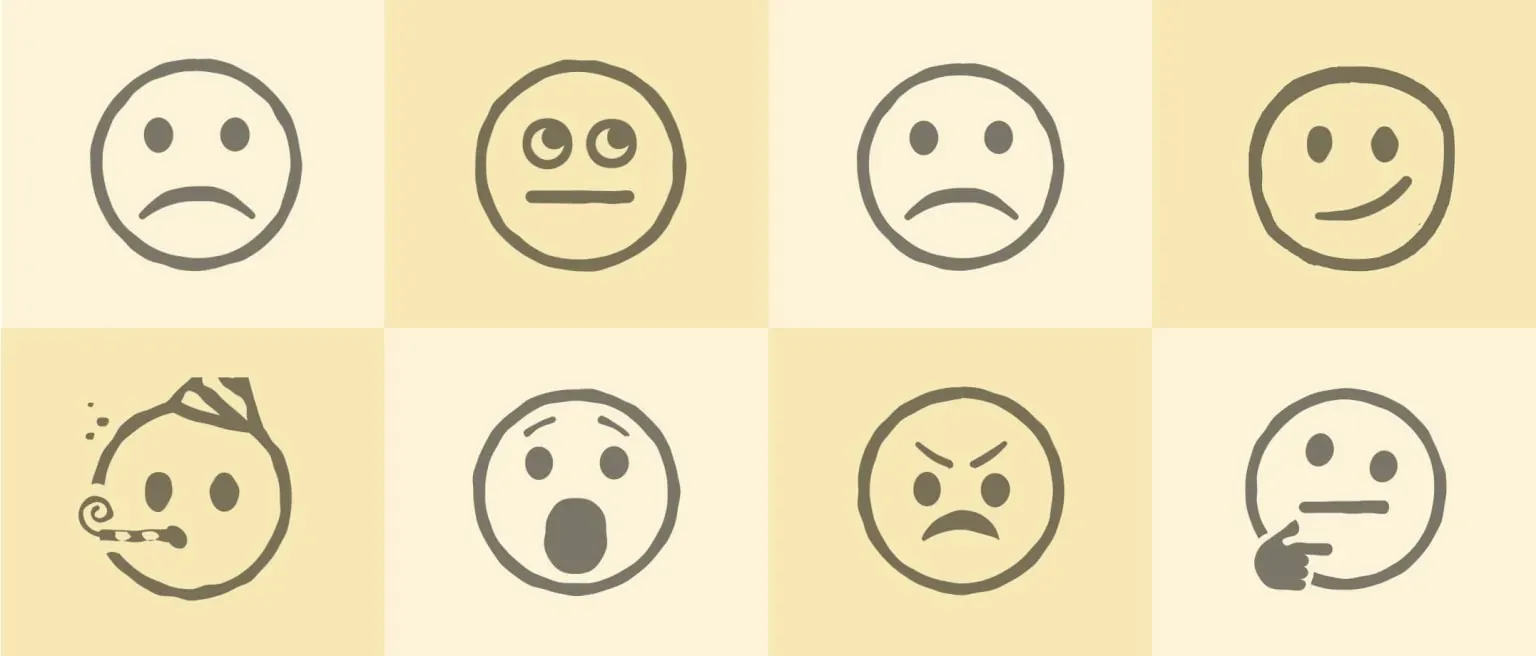
This is a powerful way to build empathy and get a sense of the energy and mindset of the people in the room.
Using a Mood Wall requires minimal setup. You can choose a range of emotions and simply have people add their names on the Wall. You can go the extra step by having them comment on why they feel that way.
A Mood Wall can be a fun icebreaker that sets the tone for a collaborative and empathy-focused meeting.
Why use a Mood Wall?
Besides being a really simple way of getting everyone to check in and be present for the meeting, a Mood Wall can:
- Encourage self reflection. Having people check in on their own feelings helps them become aware of their own emotional state as they start the meeting.
- Encourages communication. People can share a single feeling and reason for their choice; this helps to break down barriers.
- Builds empathy and understanding. By being aware of how the team is feeling, this can help people work better together.
When should I use a Mood Wall?
A Mood Wall can be used by meeting or workshop facilitators. It can also be used by teachers and lecturers. They are useful for:
- Company meetings to encourage openness and collaboration.
- Market research sessions for people to add their reactions.
- Counseling or design thinking sessions to practice empathy.
- Team building events to kick off a big workshop.
Tips for your Mood Wall Ice Breaker
- Set expectations and boundaries. Explain the Mood Wall and ask for people to be genuine.
- Create a safe and supportive environment. Be explicit that all feelings are valid and that it is important to honor all of them.
- Give people time to think and consider. You might even want to try a short guided meditation.
- Encourage active listening. Have people demonstrate empathy and reflect on what is being said.
- Reflect on the activity. After the discussion, ask people to share their thoughts about how they might impact your meeting or workshop.
How to run a Mood Wall
Draw, print or write different emoticons on a large whiteboard or wall and hand out sticky notes to each person who can then add their names to the wall. Then invite each person to add their name to the emoticon that best reflects how they feel.
Alternatively, you can use an online brainstorming tool like GroupMap for both real-time and remote sessions. It can also be set up so that people add their names independently and are therefore not influenced by other people’s responses. You can then reveal the results in total to the whole group. This will reduce bias and anchoring.
Related templates
References
- Emotional Dynamics and Strategizing Processes: A Study of Strategic Conversations in Top Team Meetings.
- Media, Mood, and Meetings: Related to Project Success?
Save effort, time and money with GroupMap
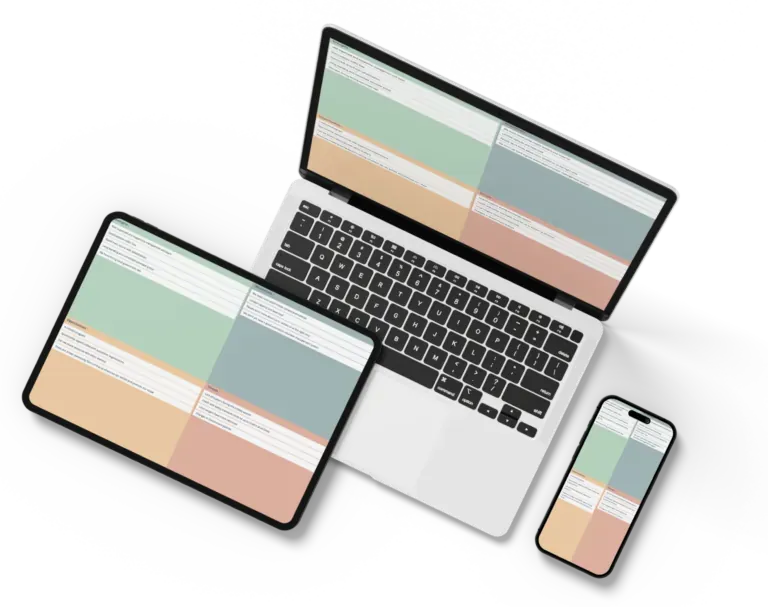
GroupMap offers more than just an online digital whiteboard. Its innovative platform is designed to enhance the quality of your team’s decisions. With features that prevent bias and keep facilitation simple, GroupMap makes sure no single voice dominates and keeps conversations productive and inclusive. Its intuitive interface is easy for anyone to use, and its scalable design supports small teams and large groups whether they are face to face or around the globe. Customizable templates and workflows keep discussions focused on objectives, helping you drive actionable outcomes each and every time.
Frequently asked questions
What is a Mood Wall?
Why use a Mood Wall icebreaker?
When should you use a Mood Wall?
How do you run a Mood Wall?
Is a Mood Wall suitable for remote teams?
How to run it in GroupMap

Create the Mood Wall
Use the template to choose your emoticons.

Brainstorm
People add their names to the relevant emoticon.

Discuss
Get people to share why they are feeling that way today.
Ready to get everyone on the same page?
Start a free GroupMap and turn your next discussion into clear, shared decisions.