For remote teams
Run engaging virtual brainstorming meetings with your remote teams
Create collaborative, interactive workshops with real-time results that improve decision quality: a reliable digital facilitation tool with custom templates.
Supporting team building activities, wherever, whenever!
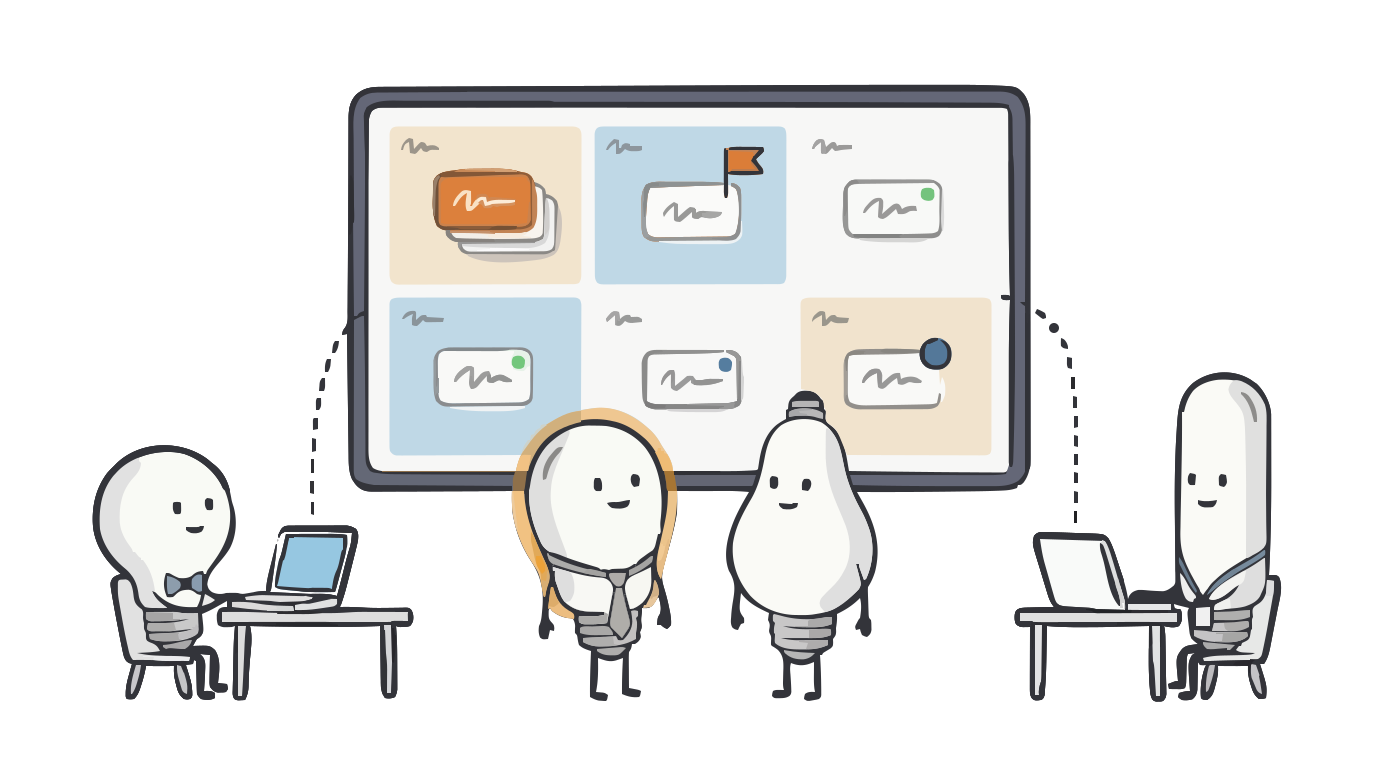
A more connected culture
Bring your team together and build a sense of belonging with collaborative, easy-to-run team-building activities.
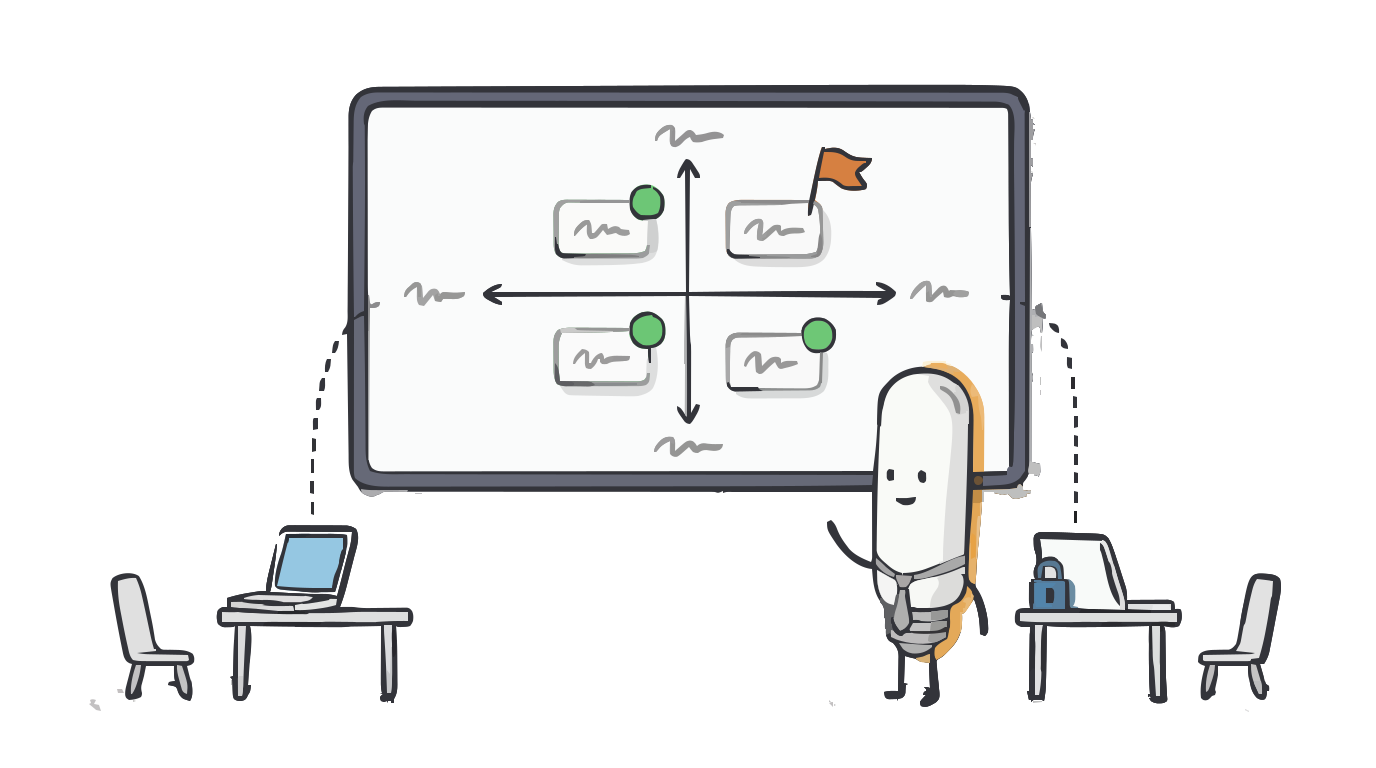
Empowered decision making
Involve your team at every step: brainstorm, then vote and rate ideas independently before decisions are made.
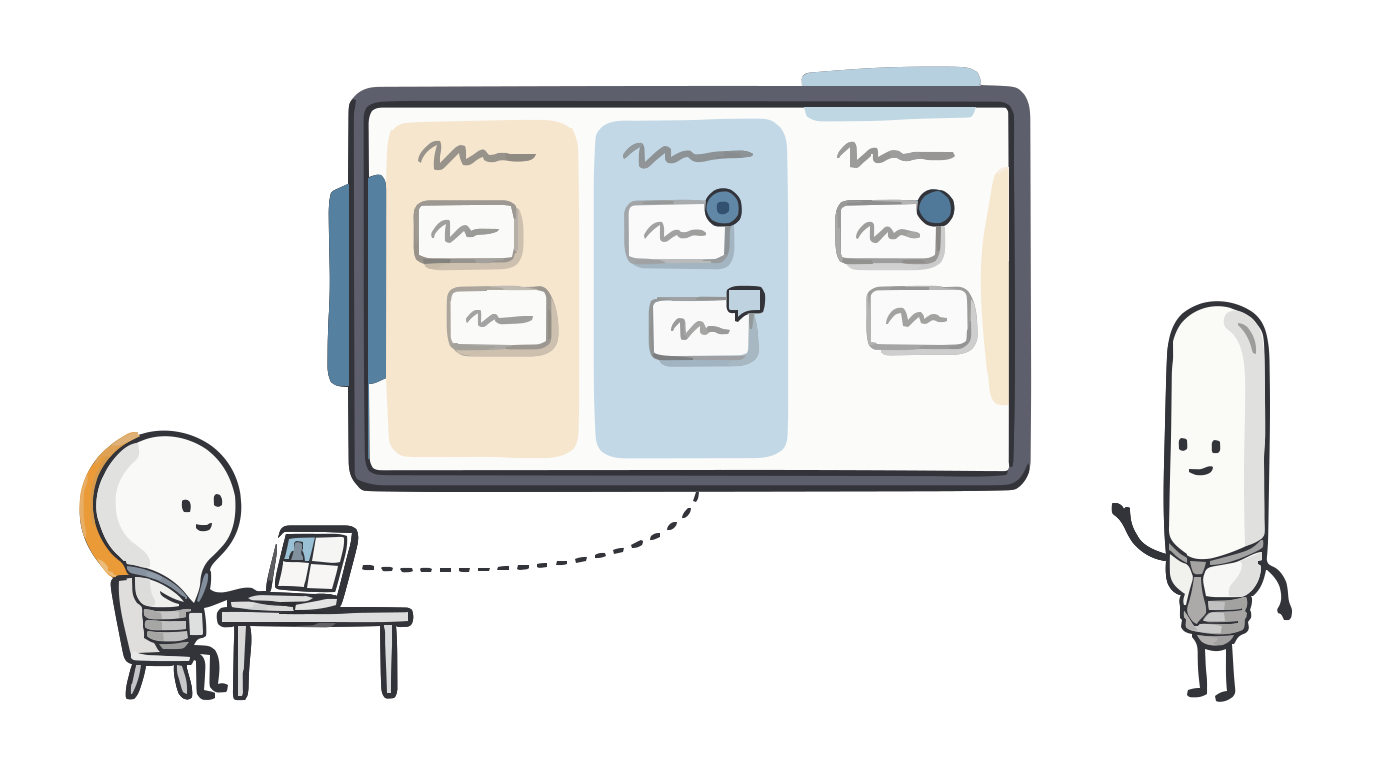
Complements team communications
Use GroupMap alongside Zoom, Microsoft Teams or Google Meet to turn any call into a collaborative space where every idea is visible.
Want better engagement for remote team activities? Here are a few ideas.
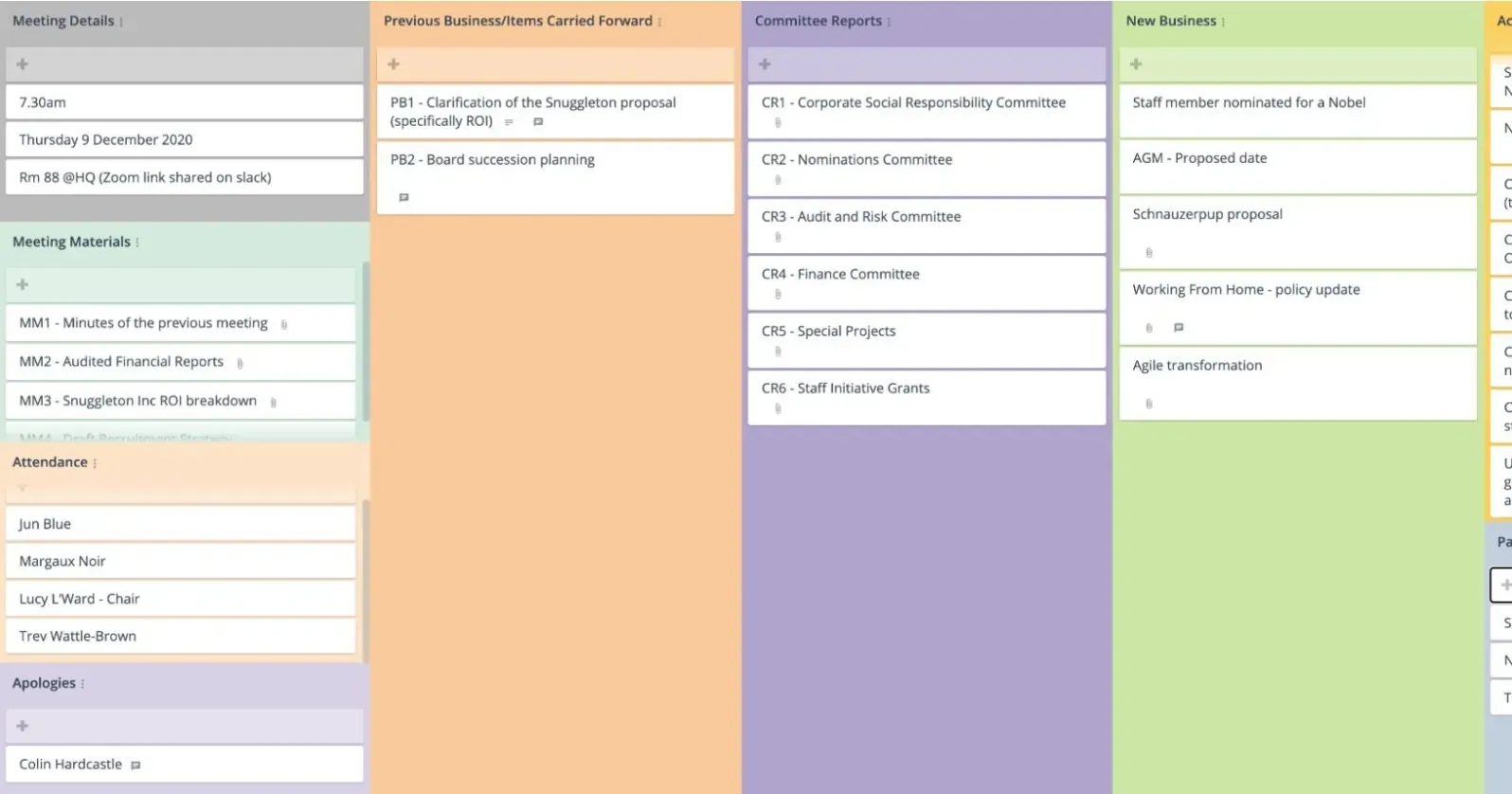
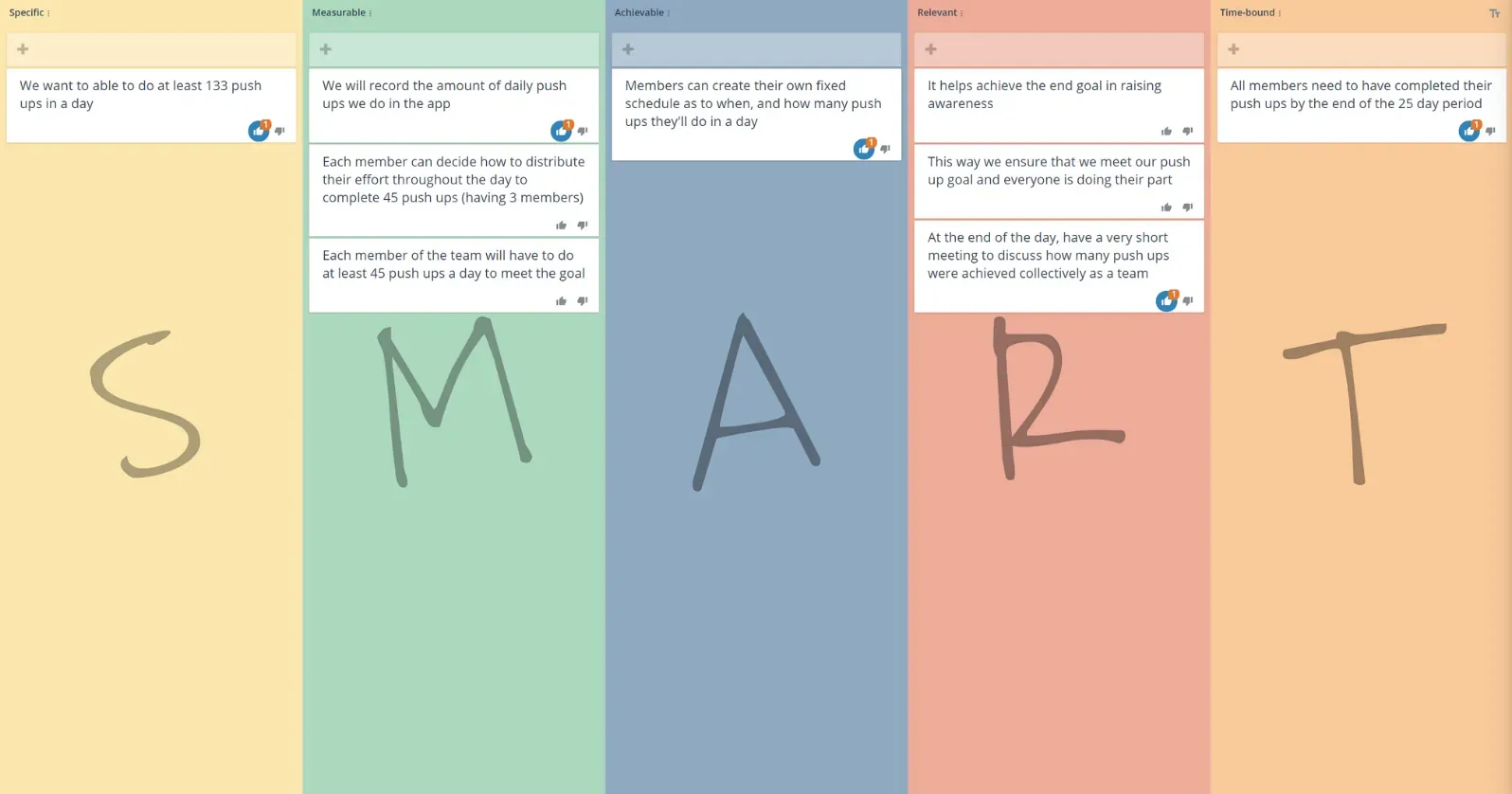
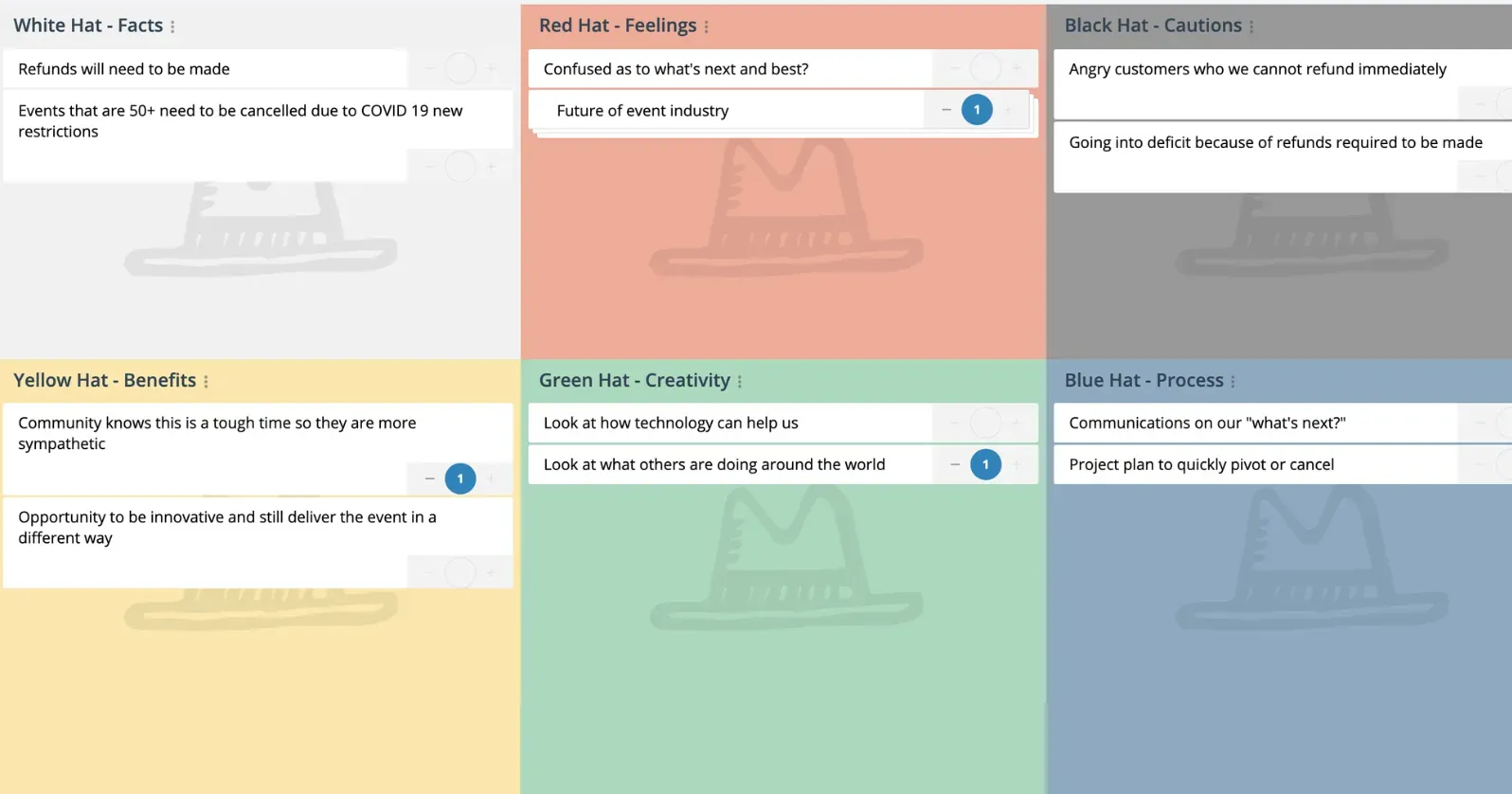
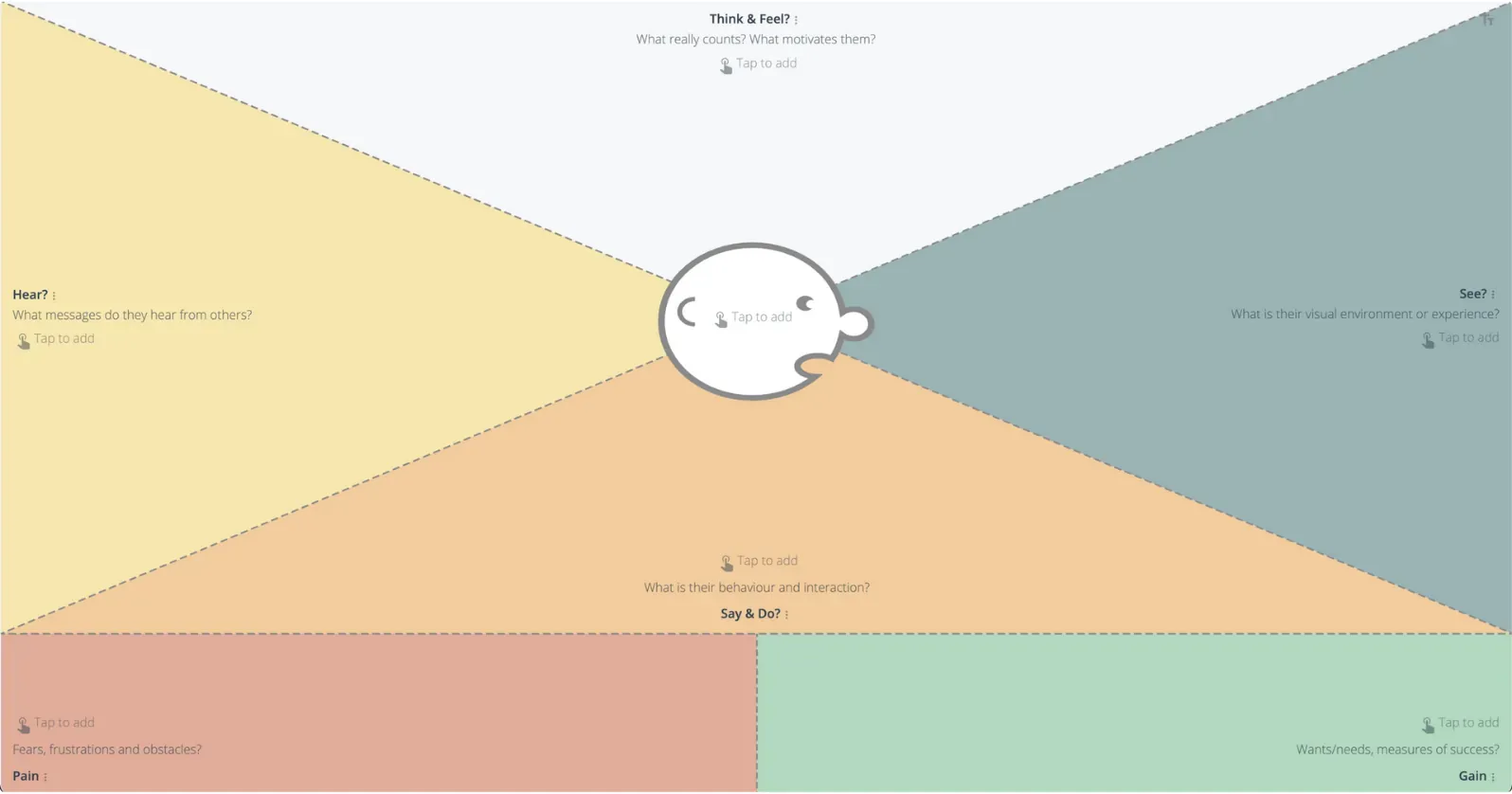
Start with one of our 130+ templates or create your own team building activity or meeting agenda. From structured one-on-one meetings and super quick stand-ups through to team building and prioritizing actions. GroupMap gives you the tools to create more meaningful conversations.
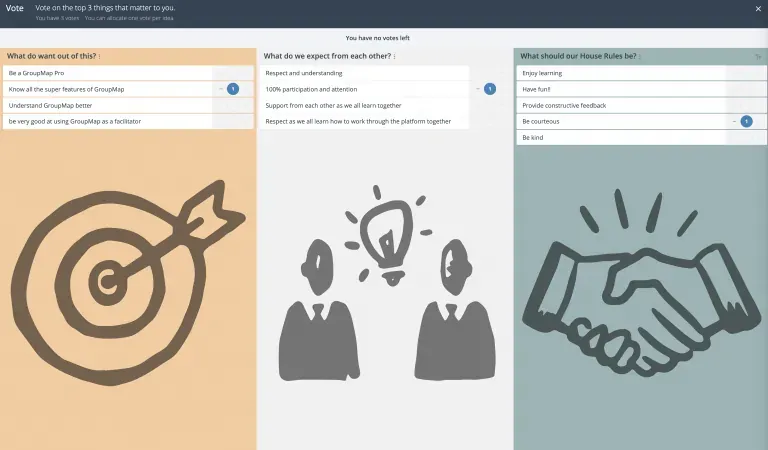
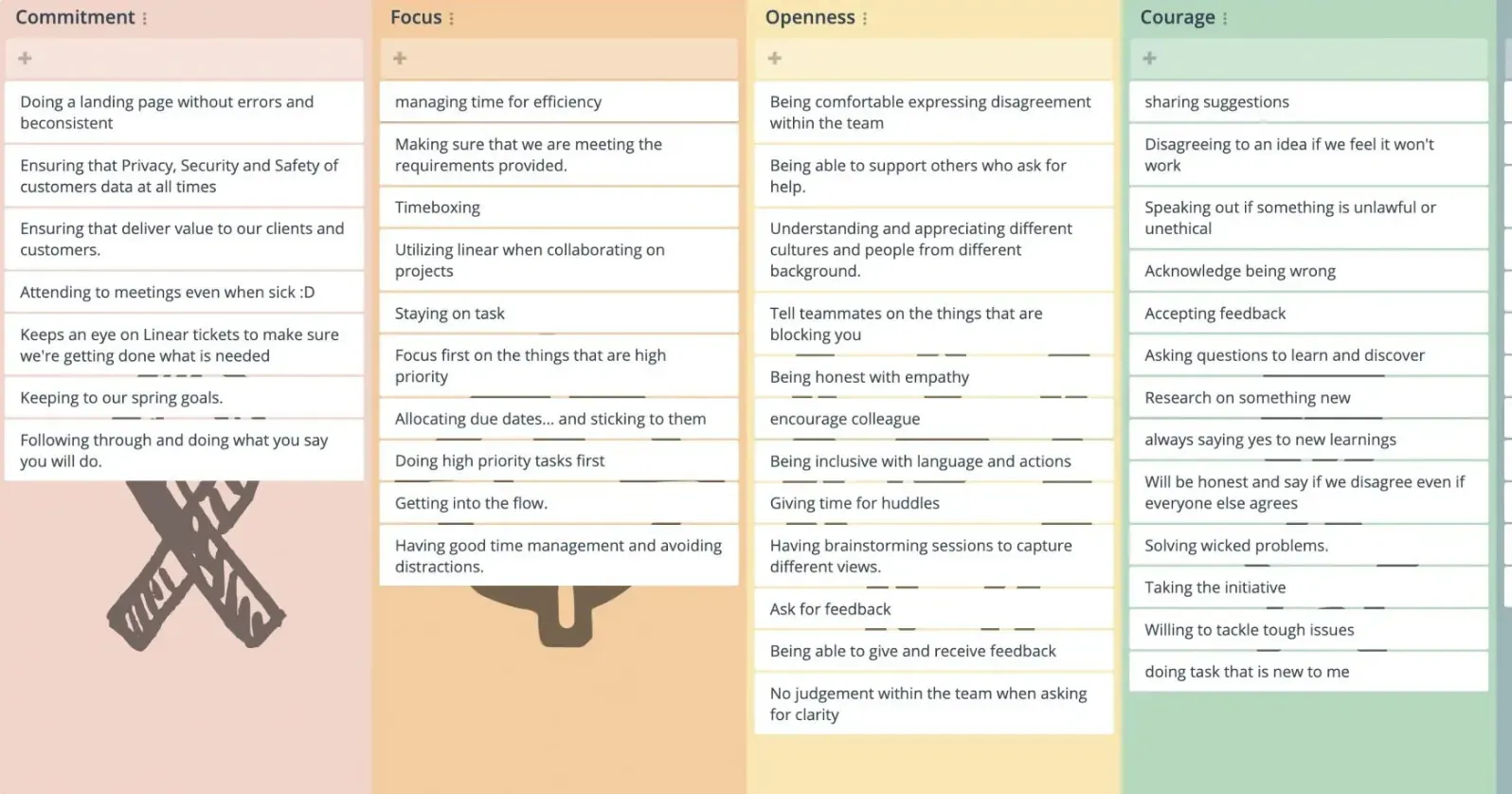
Create a Team Contract
Help everyone in your remote team work better together.
Creating a shared agreement or set of House rules can improve team bonding, communication and productivity.
The House Rules template helps your team create a social contract by establishing the code of conduct. Each person can brainstorm and add ideas collaboratively then dot vote independently to decide which behaviors and actions they believe the team needs.
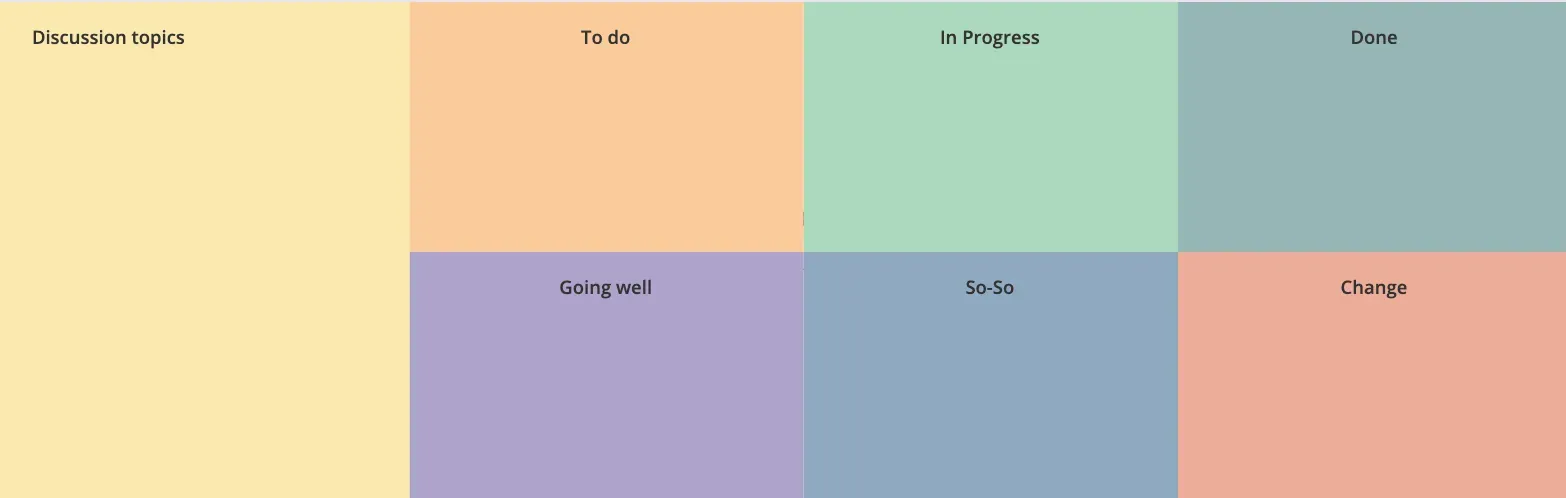
One-on-ones
Create agendas for more effective discussions.
Enjoy structured one-on-one meetings with other remote team members using a template that allows both parties to brainstorm topics they’d like to discuss, and opinions on what needs to be done, what’s going well, what needs to change. You can do this prior to the meeting so that both parties are prepared and can discuss what’s been brainstormed constructively.
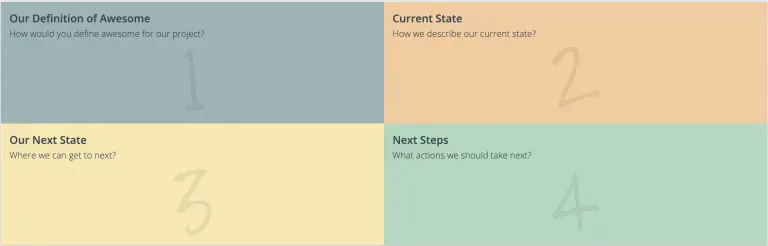
Team definition
Make it easier to improve remote way of working.
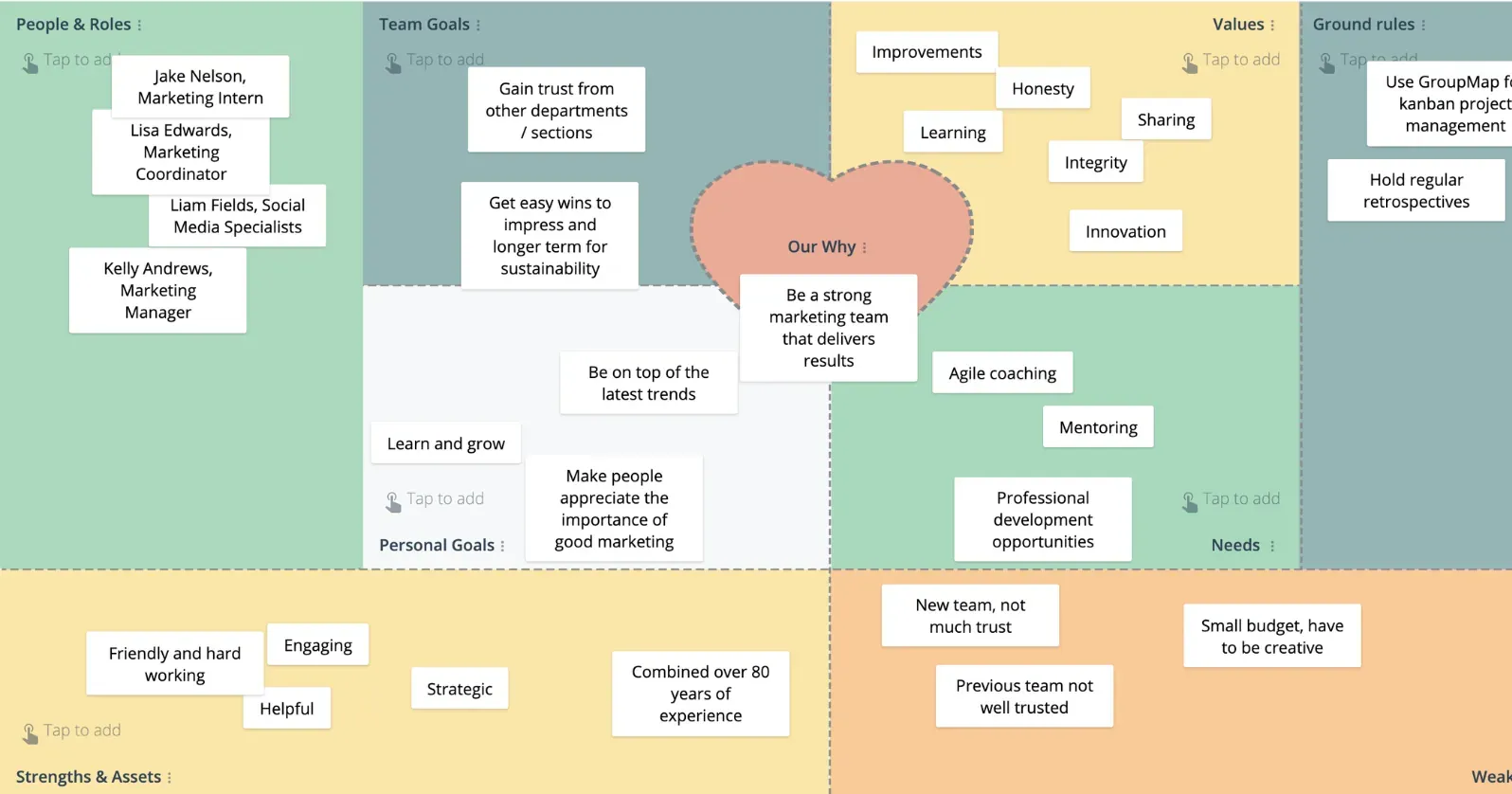
Empower your team to find out how to improve remote working culture and systems. Create strategies and action items to move your team from the current to the desired state of operating using the Improvement Canvas template. Brainstorm the ideal situation, what the current situation is and ideas how to get to the next state.
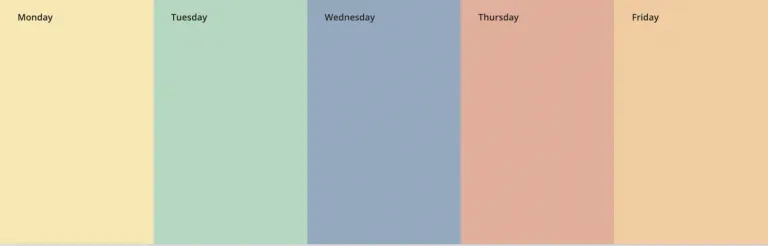
Plan the week
Capture thoughts and ideas from daily catch ups.
Visually show the team’s thoughts, items for actions and discussion points obtained during daily stand ups in a structured way. GroupMap’s Working Week template can be easily customized to be an online discussion and action board for every day of the week. Teams can also go back and view action items, decisions and other important notes wherever and whenever they need.

Virtual Lean Coffee
Get a visual on what the team is working on.
Create visibility of your team’s projects, activities and deadlines by using a kanban style of displaying workflow. GroupMap’s lean coffee template quickly and easily helps prioritize, focus and track resources and availability across the team.
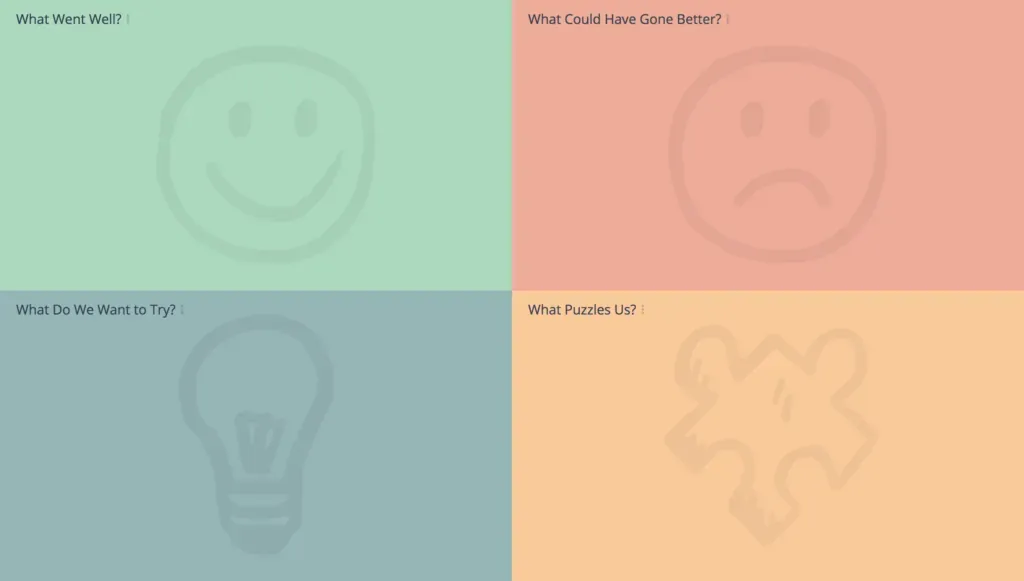
Remote retro
Fun and engaging retrospectives for any teams.
Choose from 15+ GroupMap retrospective templates to support your remote teams to reflect on their way of working, and to continuously become better in what they do. Run fun retrospectives or choose an agile retrospective for your agile team. Achieve your retrospective objectives using ready to use templates that prioritizes collaboration and brainstorming wherever your team members are based.
Looking for better meeting ideas? You have come to the right place
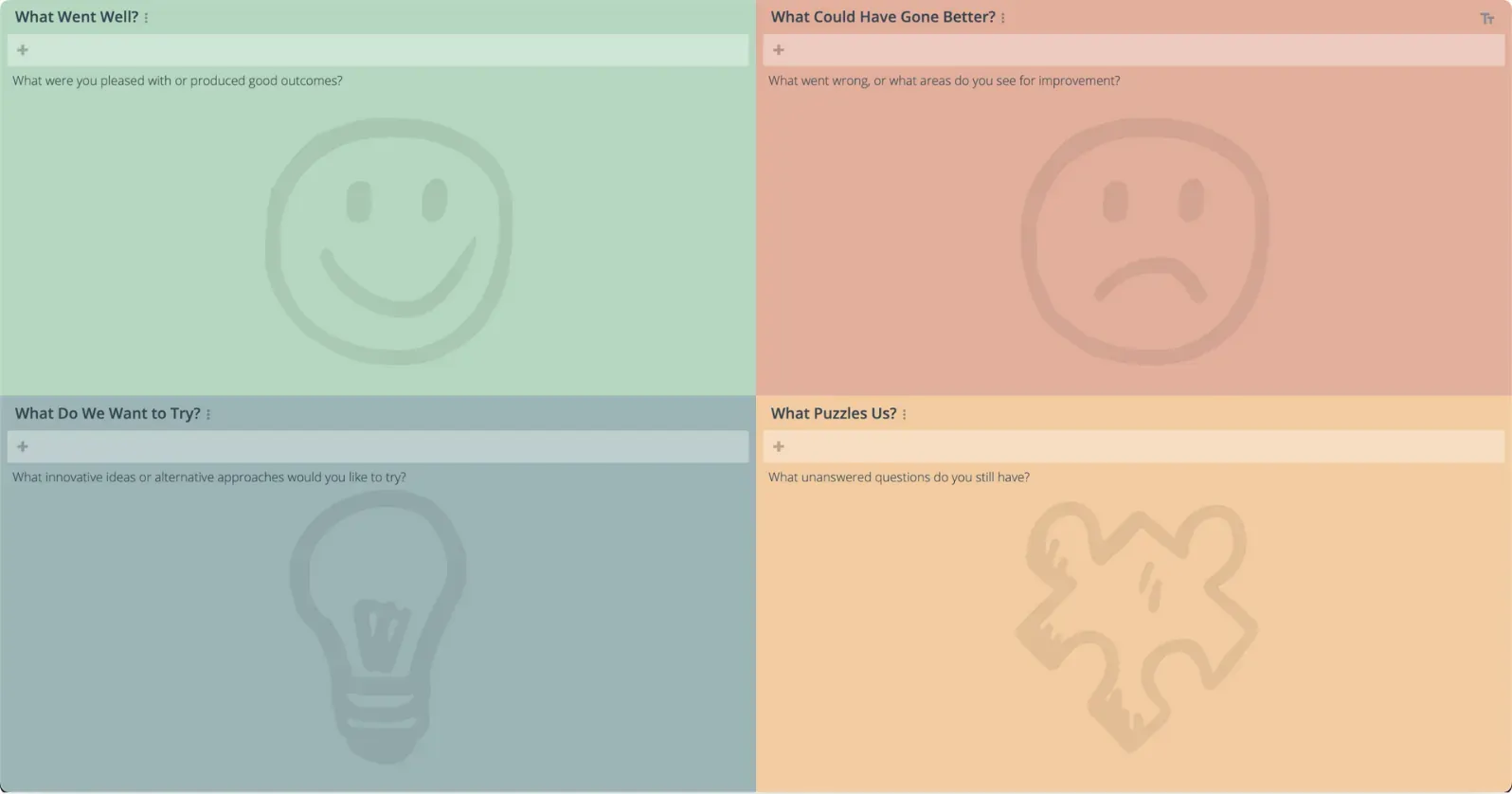
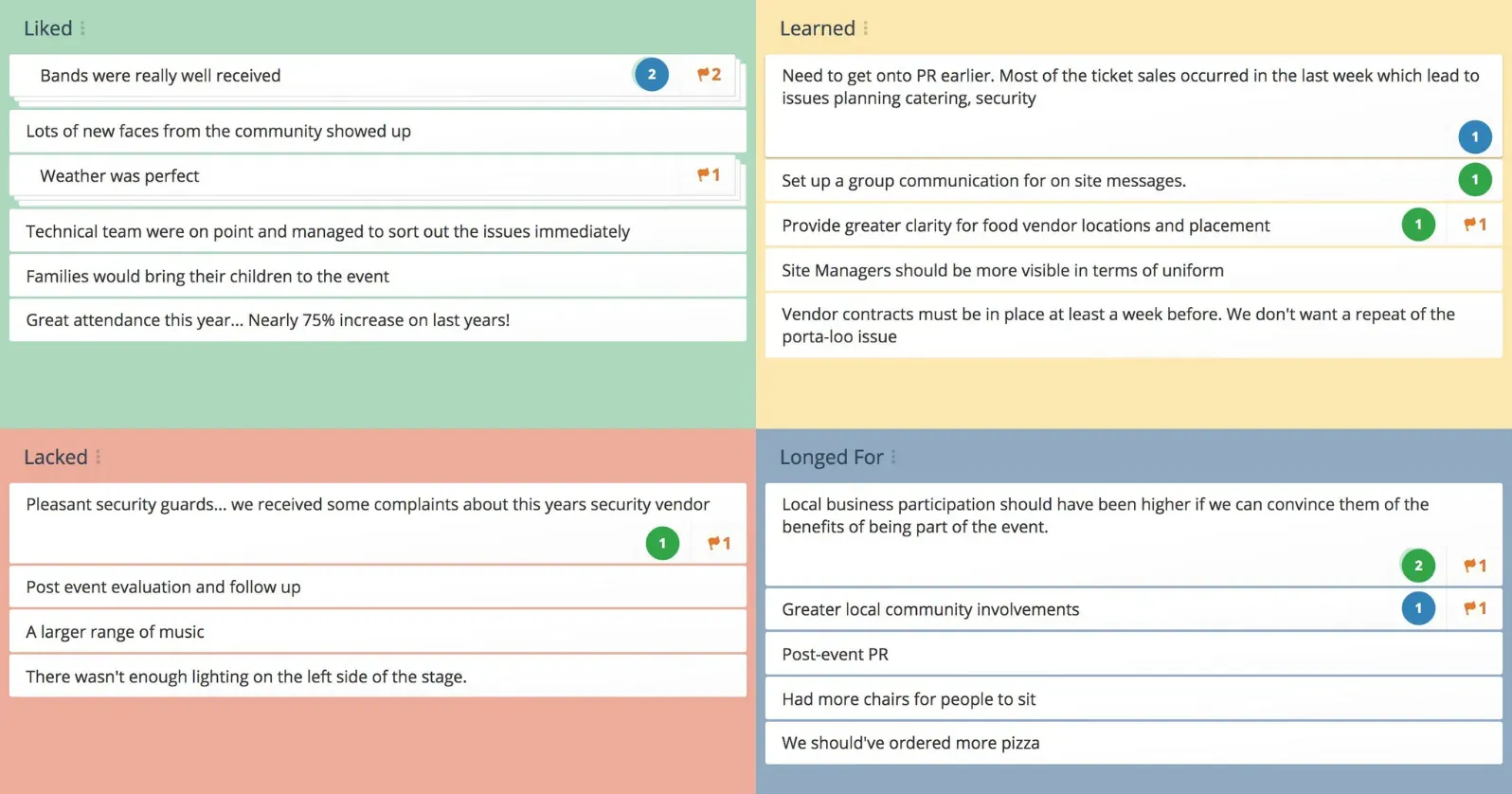
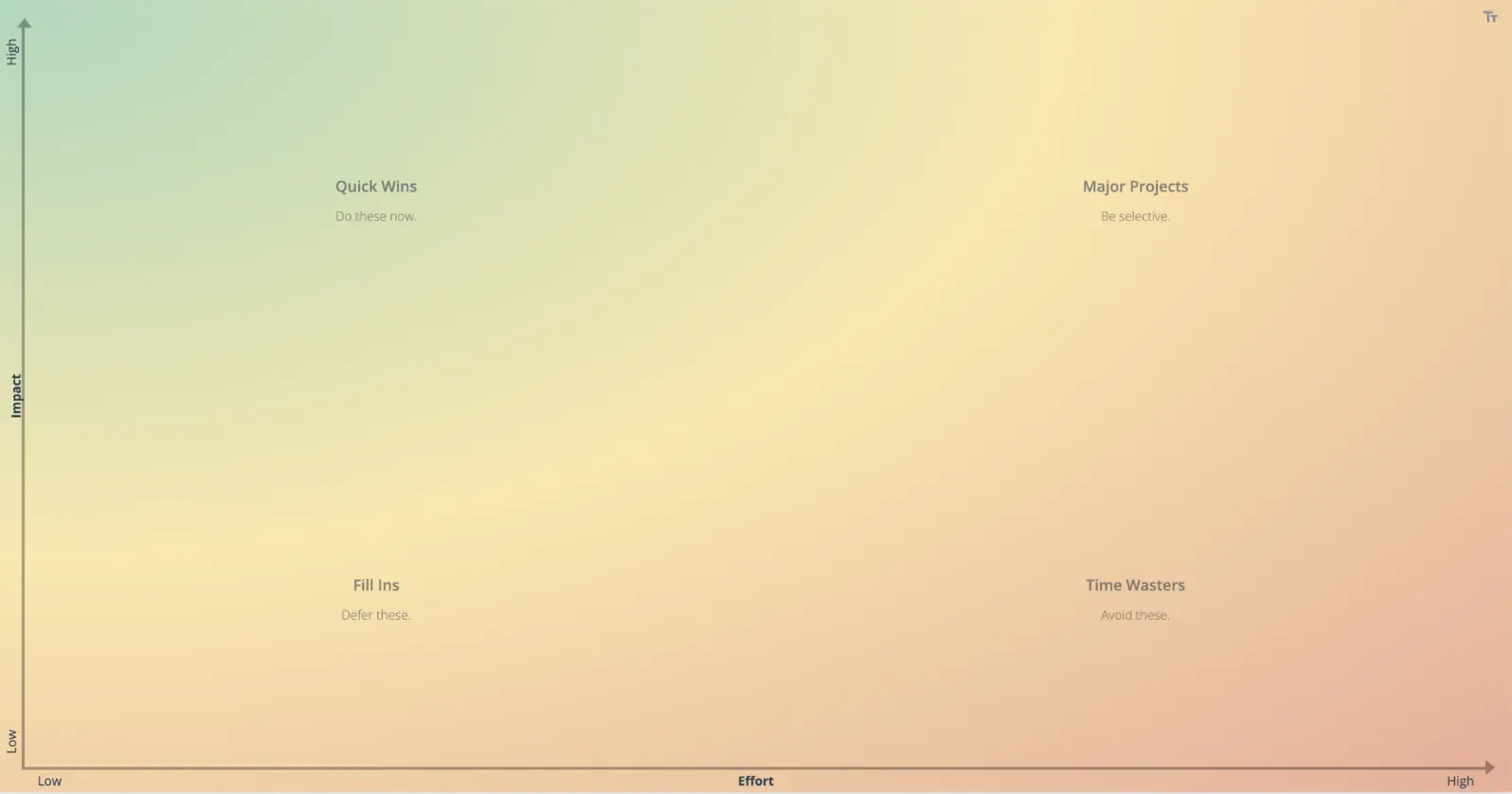
Start with one of our 130+ templates or create your own. Get status feedback, brainstorm and prioritize ideas, solve issues together, and improve team collaboration.
Not just another Zoom or Microsoft Teams meeting

A safe space for everyone to share ideas
Trusted by banks, governments and universities through to professional facilitators, GroupMap uses 256-bit TLS security and meets GDPR and privacy laws to keep you, your data and your team members safe.

Group ideas to synthesize thinking for discussion
Find common themes and groupings for ideas. Discuss, synthesize and pull all similar ideas into a group. Decide between facilitator only or audience based grouping.

Create action items linked to ideas
One of the biggest complaints from team meetings or workshops is feeling like there were no take away actions. GroupMap has an optional action step that allows you to capture key action points against ideas that can be assigned a target date and owner. Export and share the report or take action items into a new map for further discussion.

Manage bias and group think
Make ideas anonymous to encourage more honest or creative responses. Use individual brainstorming mode to manage social loafing and anchoring. All our voting and rating stages are done independently before results are revealed so that they are free from influence.

Poll or survey your teams
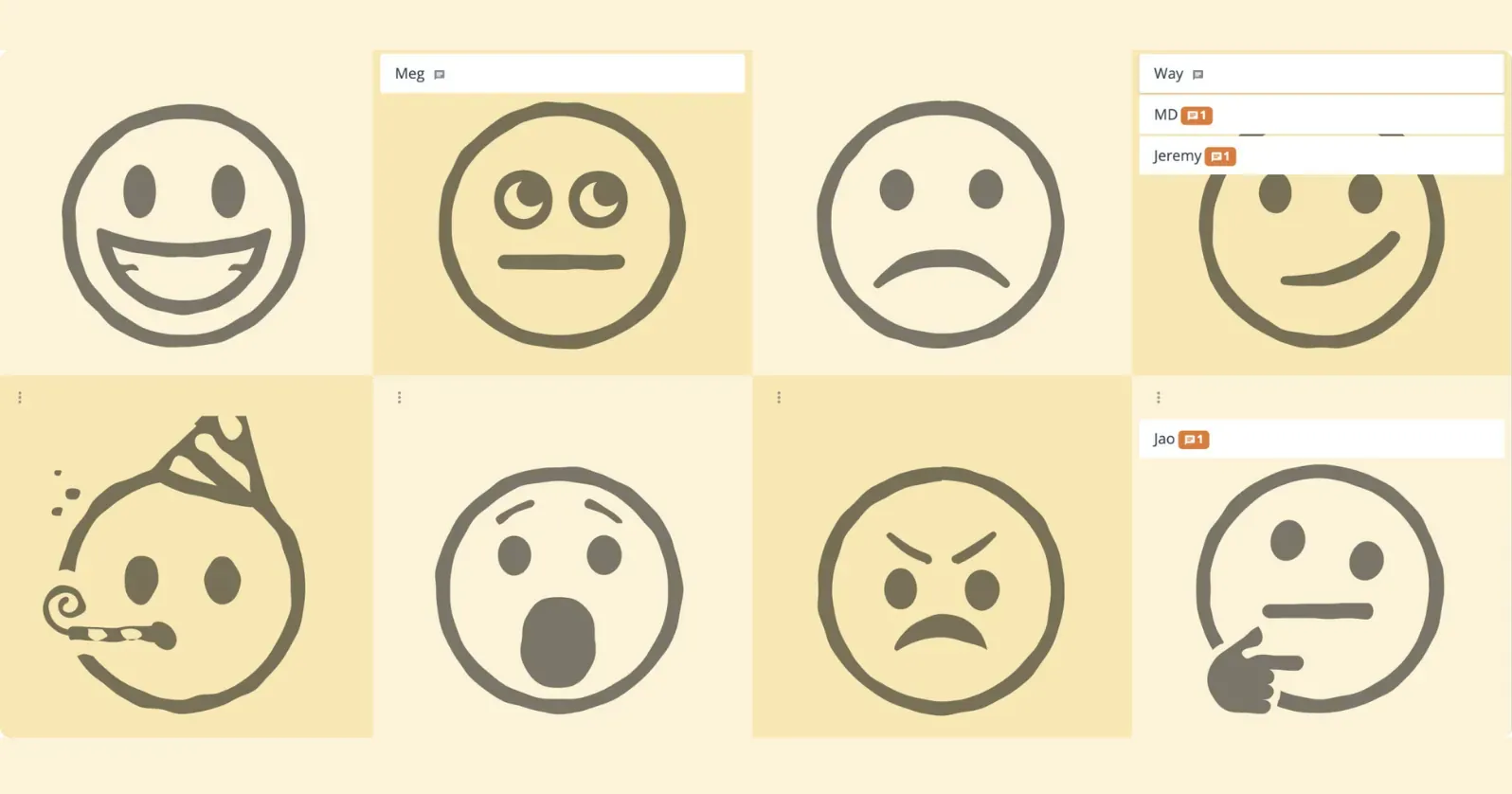
There is no need to switch tools or applications. Capture a quick thought, run a check in / check out, poll your team for a health check or feedback for new initiatives or projects. Get even more engagement and insights easily.

Control the tech and focus the conversation
We believe that conversations and connections are key. GroupMap lets you lock the map, hide views or prevent further changes allowing you to “turn off the tech” and turn on the talk. When you are ready, bring everyone back to capture highlights. You can even use directed brainstorming to create a central capture point.
What people say
We enable connection between team members so they can work together well. We help people dream within a framework exploring what they collectively want to achieve, avoid, and preserve in the future.

Ease of use, and the opportunity to use GroupMap asynchronously over a longer period of time – so people could either contribute during a teleconference or in the week after if they couldn’t make it – were benefits we all appreciated from using GroupMap for our online brainstorming.

Because GroupMap is a more democratic method, the quieter, shy members enjoyed contributing just as freely as anyone else. We now have a way for everyone to come together and share ideas, from the CEO to the new hire.

Other tools don’t provide the same level of interaction as GroupMap. It has a clear and concise process, from brainstorming to rating of opinions and ideas and finally the results. This is extremely useful with my groups.

The best feedback I heard was from a group of 35 consultants who ended up using a GroupMap Open Space as a substitute for a personal meeting during the COVID-19 pandemic. They had doubts that a virtual open space would work. In the end, they came out with better and more results than in any physical meeting before.

Need more to support your remote teams?

Enterprise-grade security
We use 256-bit TLS encryption, just like the banks. Your data, privacy and content is kept safe, and backed up. SSO options are available for organizations.

Link to video conference
A secure link or code can be shared on your video conference, Zoom or Google Meet call or presentation to get your team members working on the same page instantly.

Re-usable, repeatable templates
You can save your maps or workspaces as templates to be reused for team processes or meetings. No time? Use one of our 130+ templates to get you started.

Choose anonymity settings
Make maps anonymous to get honest answers, partially anonymous so that you can see who said what but other team members can’t, or not anonymous so that names are shown against each idea.

Synchronous or asynchronous
Open up the process flow or manage brainstorming, team meetings and workshops with remote teams through stages. The choice is yours.

Frequently asked questions
Can GroupMap facilitate remote team meetings?
How do you run an engaging brainstorm with a remote team?
Does GroupMap work for teams in different time zones?
How do you stop a few people from dominating a remote meeting?
Can remote teams run retrospectives in GroupMap?
Ready to get everyone on the same page?
Start a free GroupMap and turn your next discussion into clear, shared decisions.