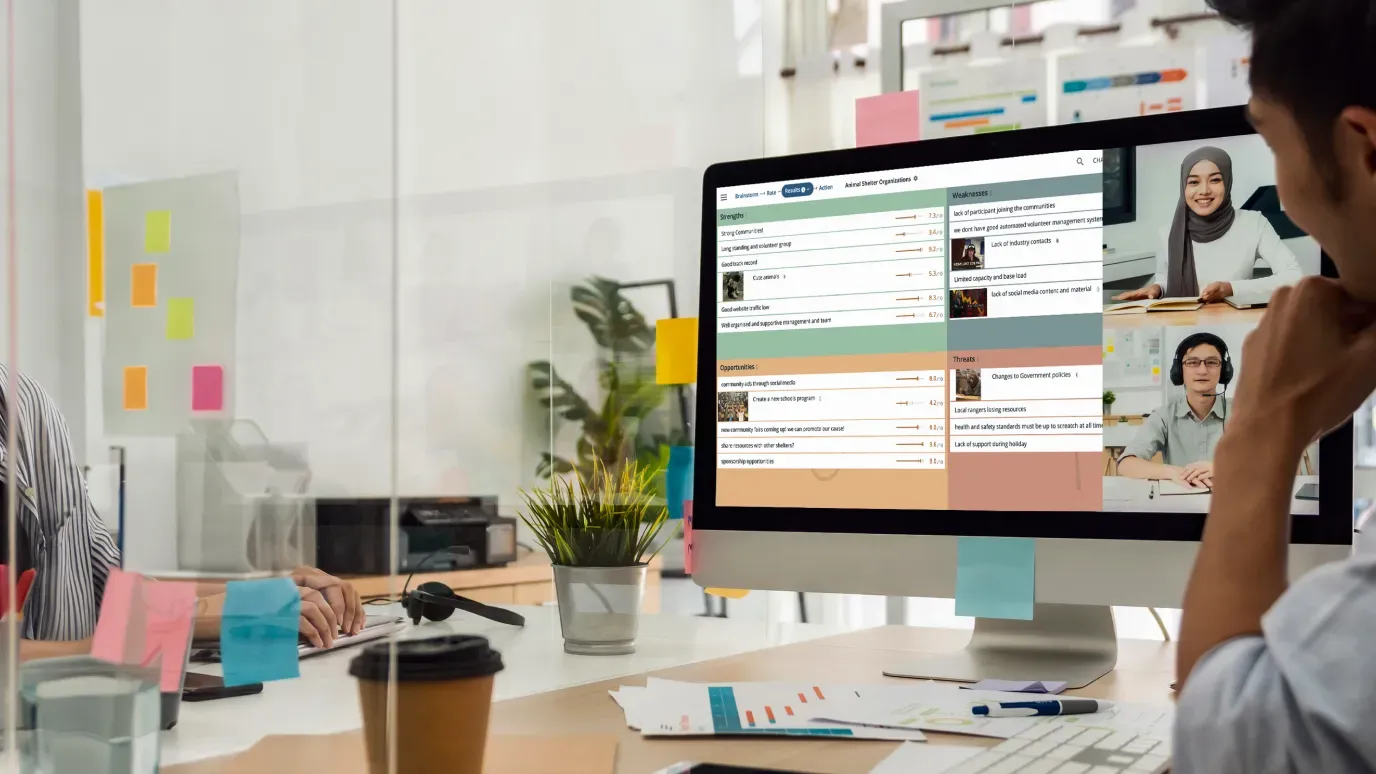
For meetings
Get the best facilitation tools for your meetings
Transform your meetings with online meeting solutions that enhance engagement and improve decision-making for your team.
Say goodbye to boring meetings that are a waste of time
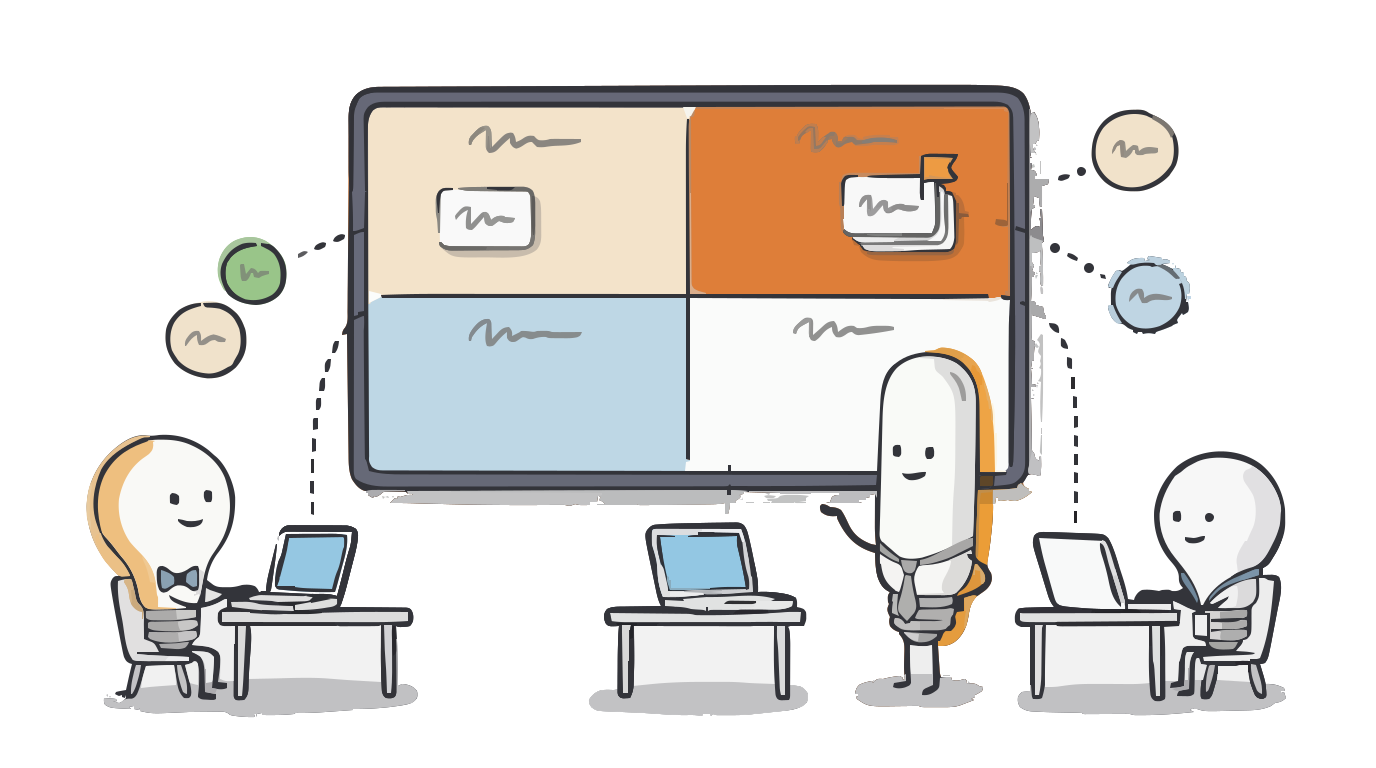
Focus thinking
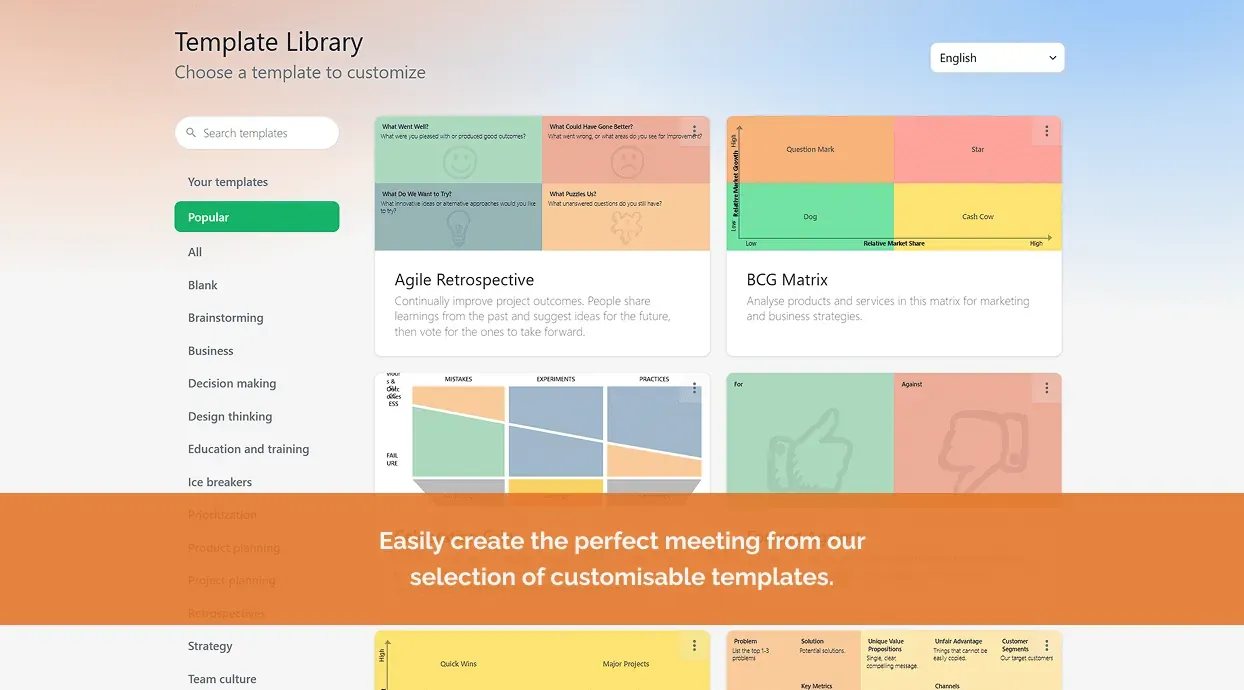
Pick or design a meeting template specific to your problem or issue. Get everyone on the same page instantly.
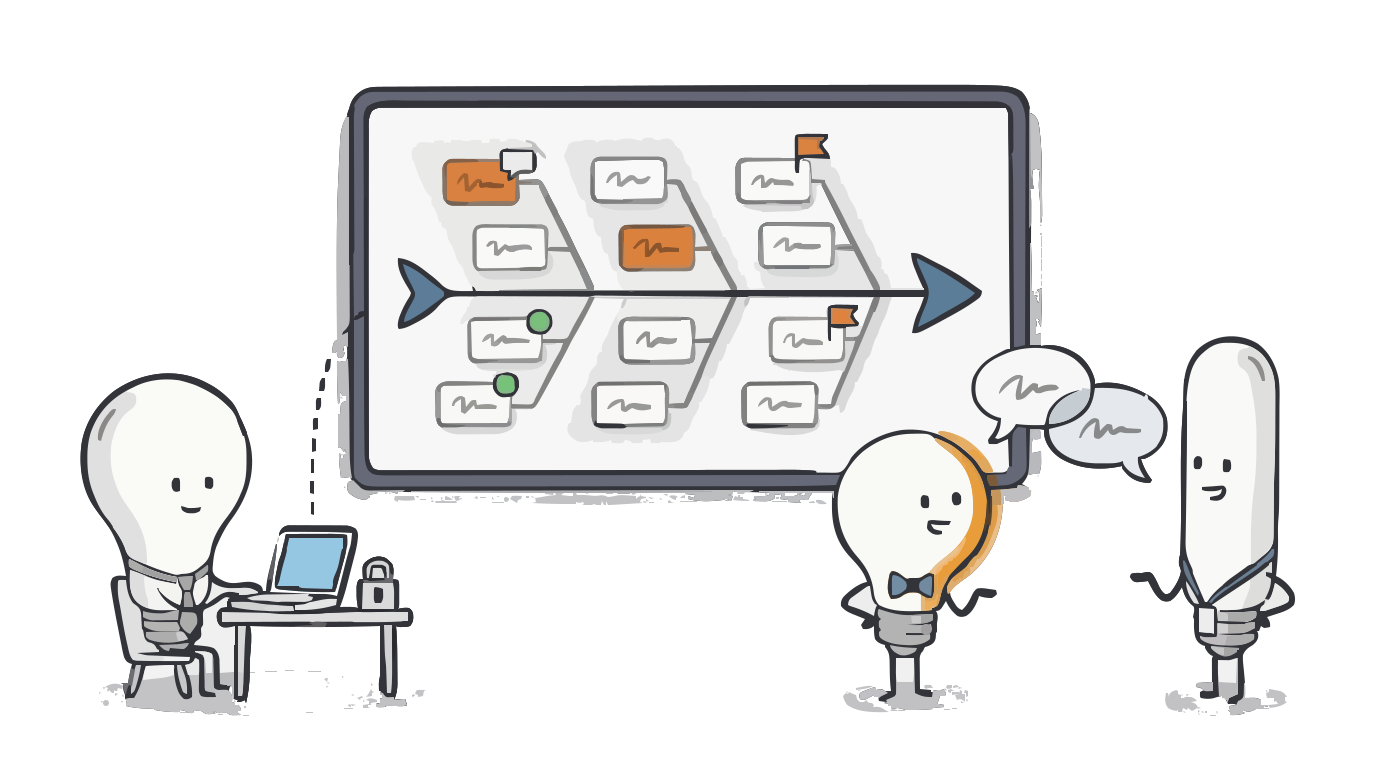
Deepen conversations
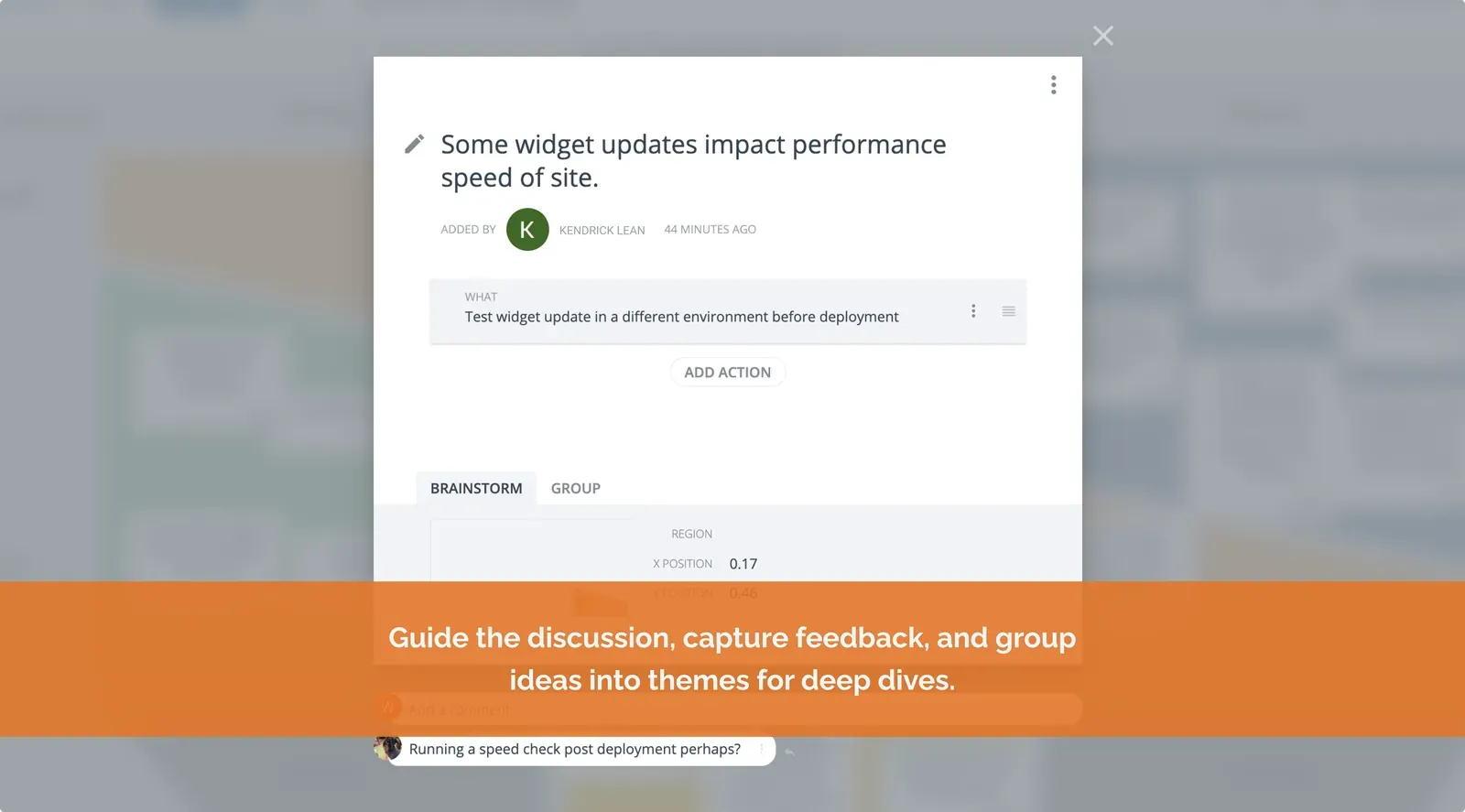
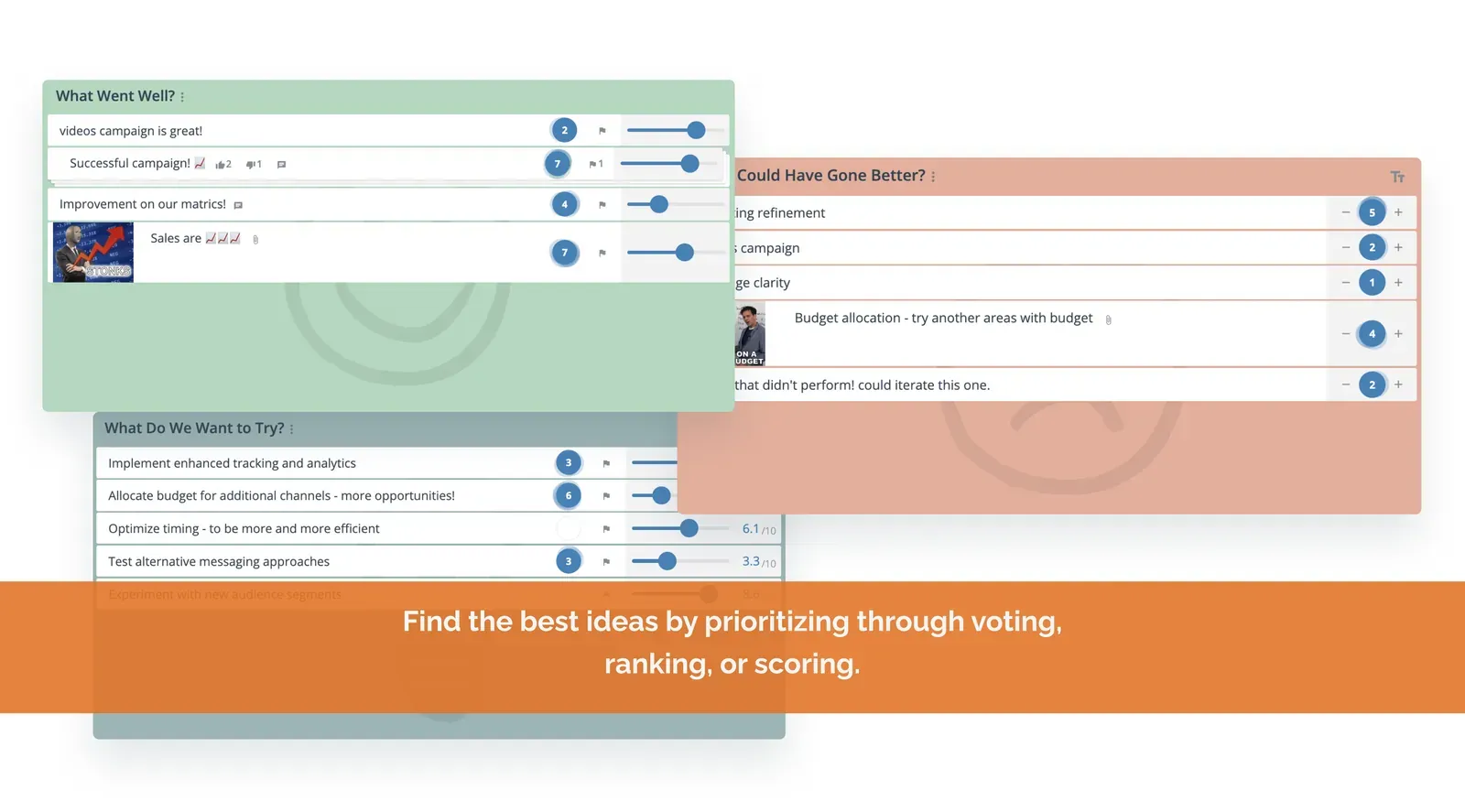
Facilitation tools, comments, private brainstorming and voting lets you deep dive into whats important.
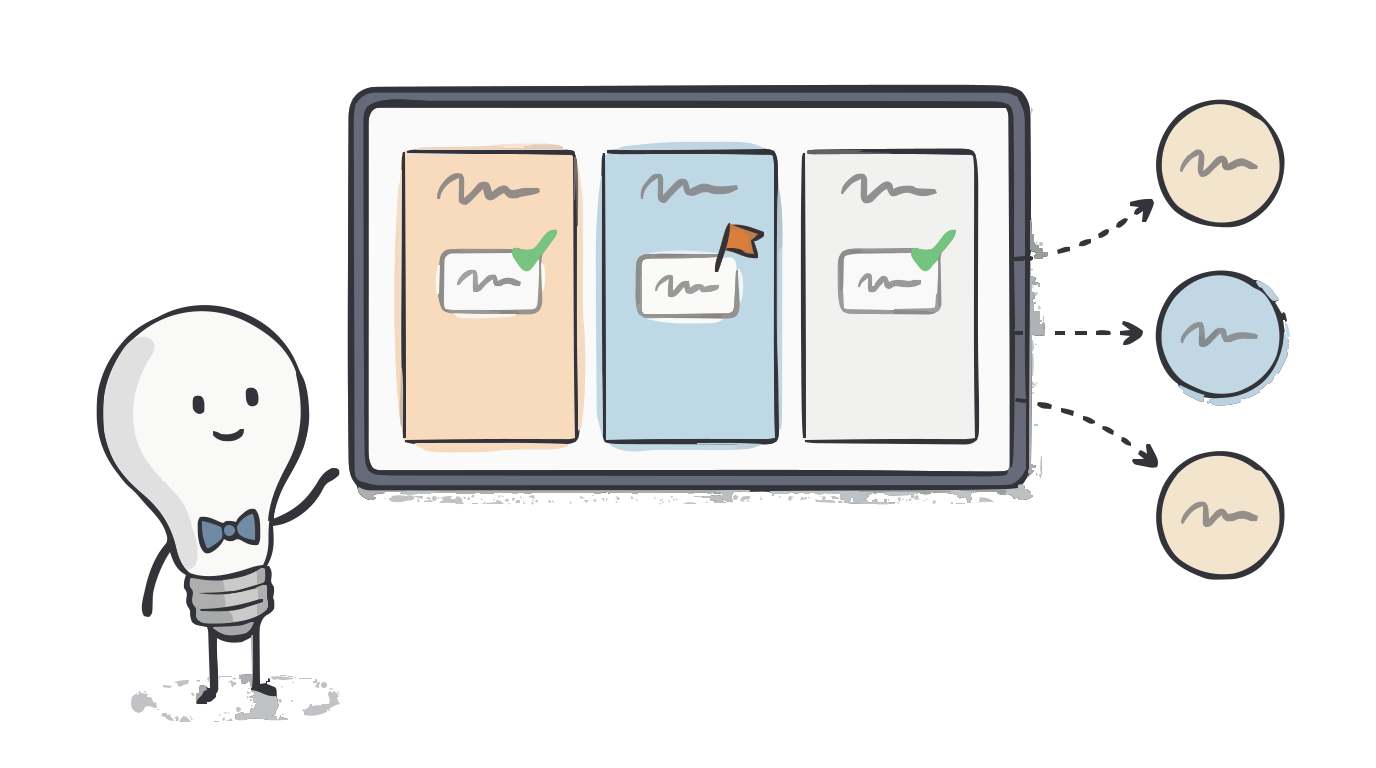
Create shared outcomes
Develop and get buy in for solutions and meeting outcomes. Easily share meeting outcomes with everyone.
Easily run collaborative, real time, engaging meetings
GroupMap lets you plan, design and run meetings in a structured and meaningful way that makes it relevant to the team. Gives each person a voice and improve decision quality while saving precious time.
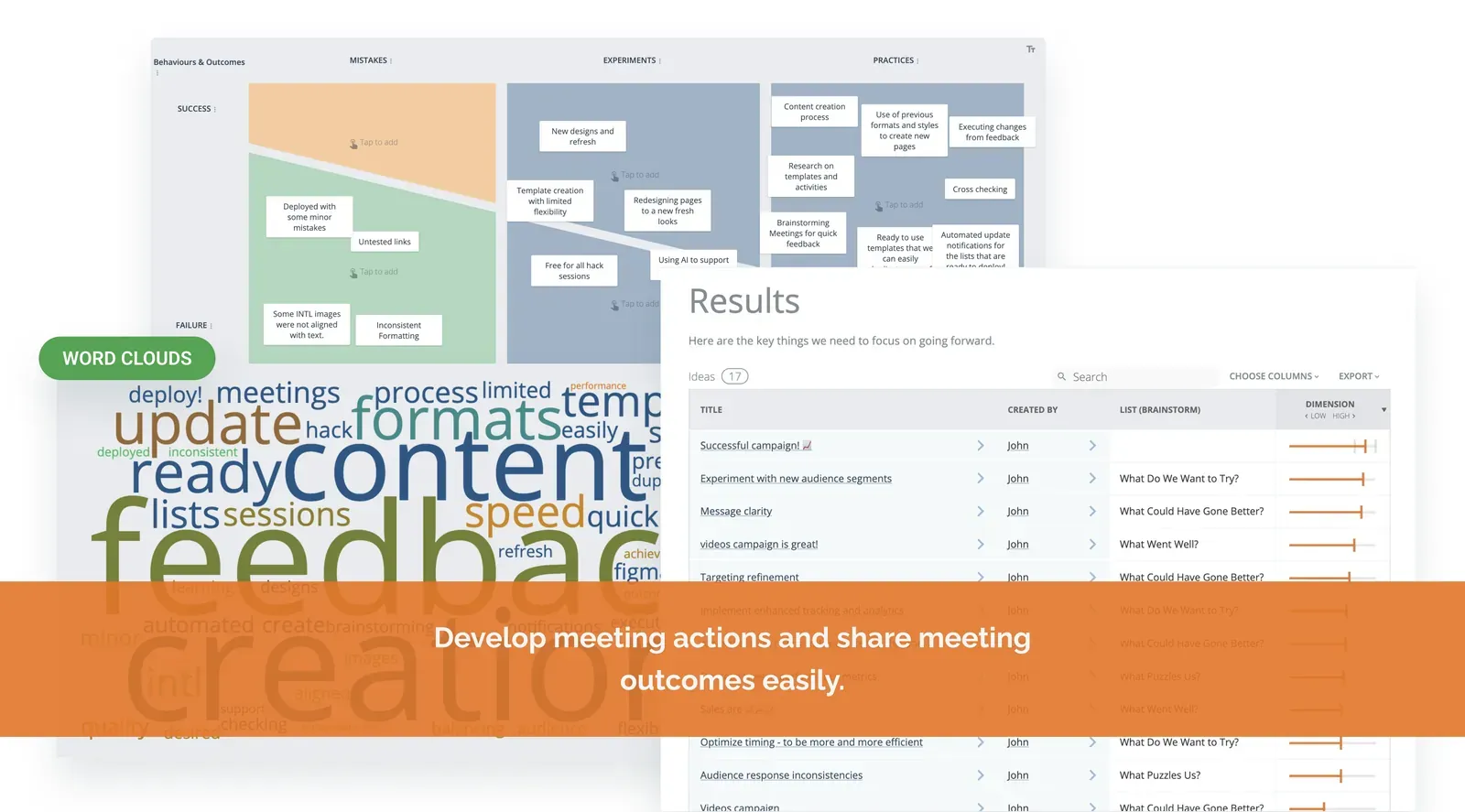
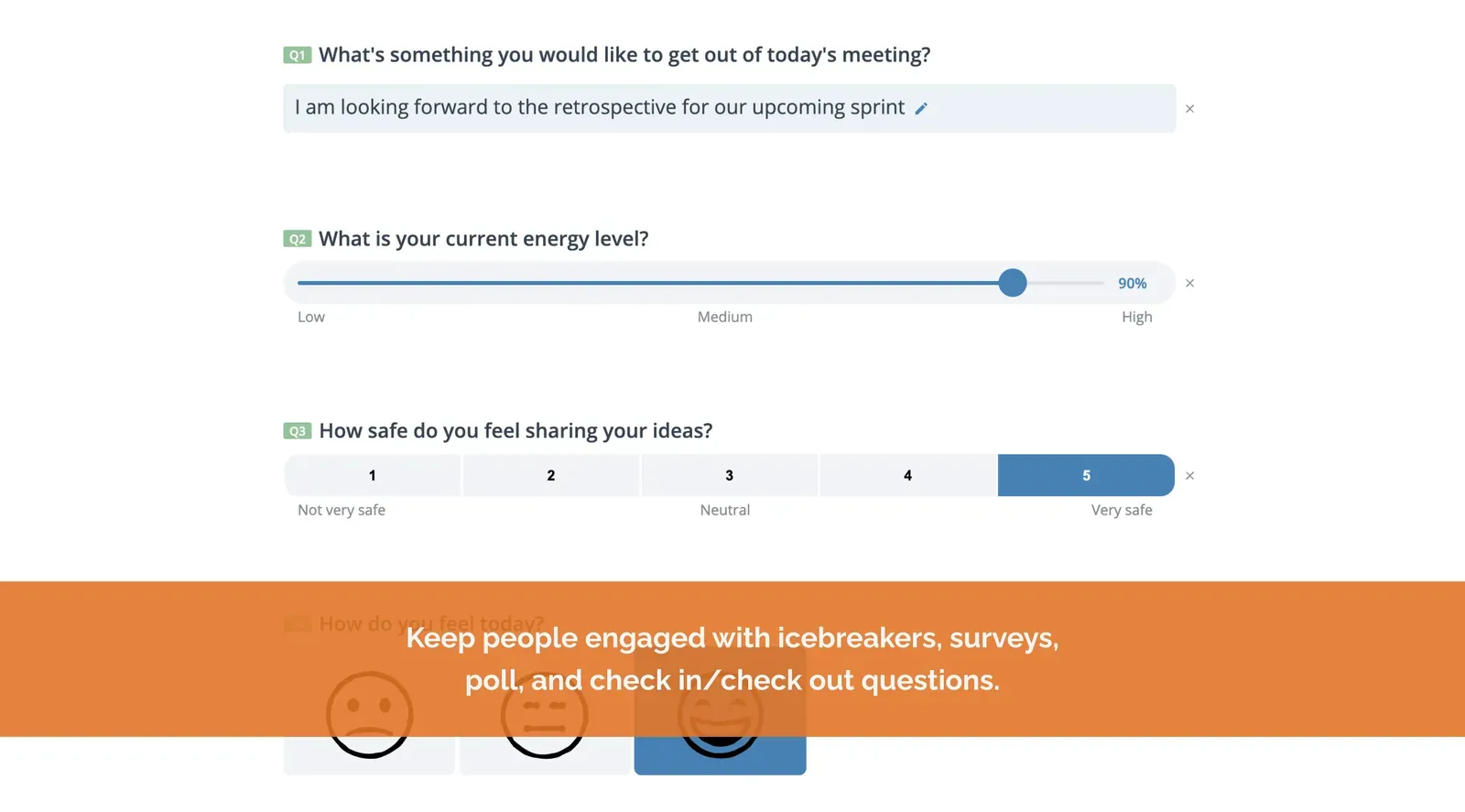
Looking for better meeting ideas? You have come to the right place
Start with one of our 130+ templates or create your own. Get status feedback, brainstorm and prioritize ideas, solve issues together, and improve team collaboration.
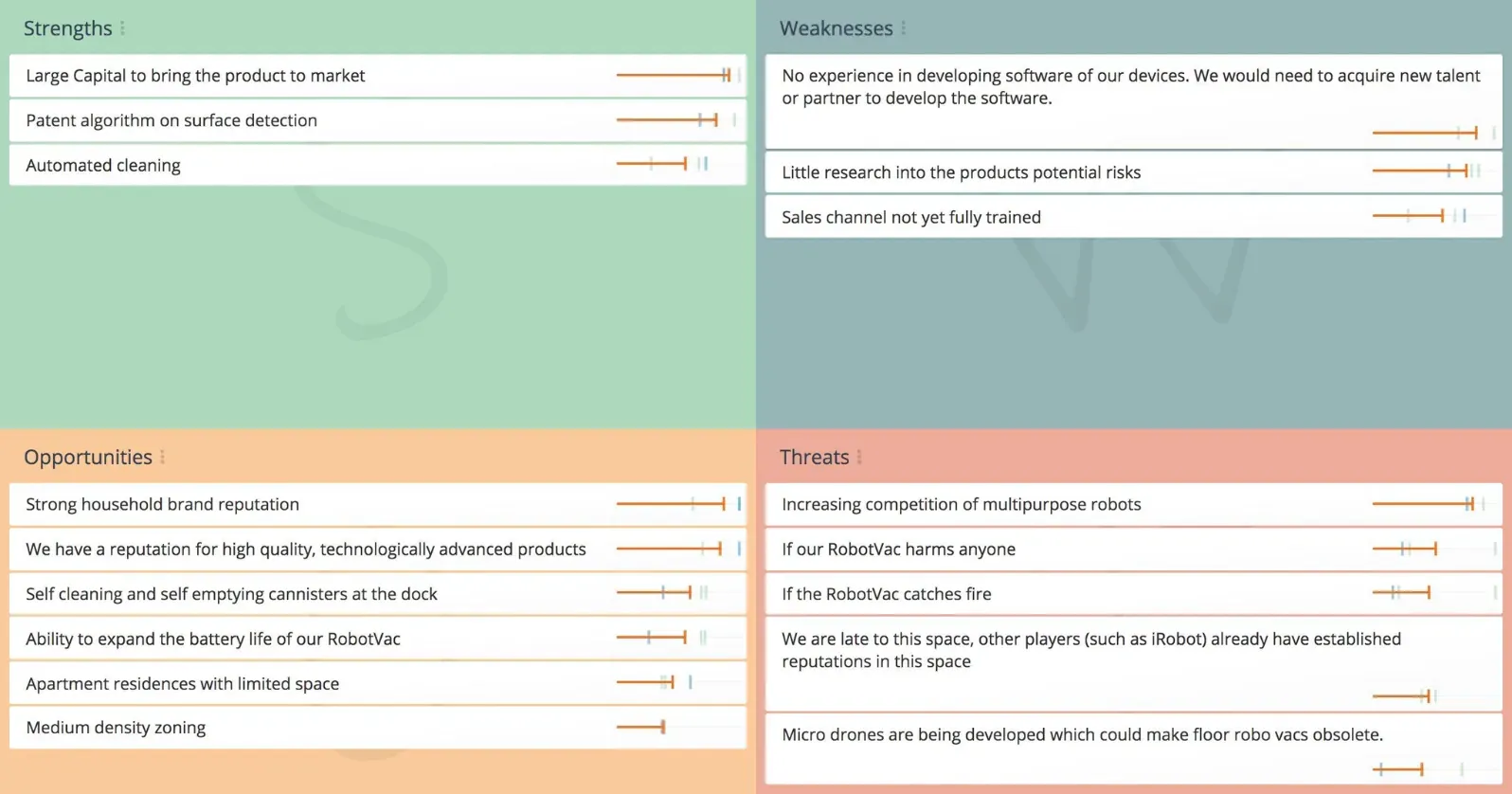
SWOT Analysis
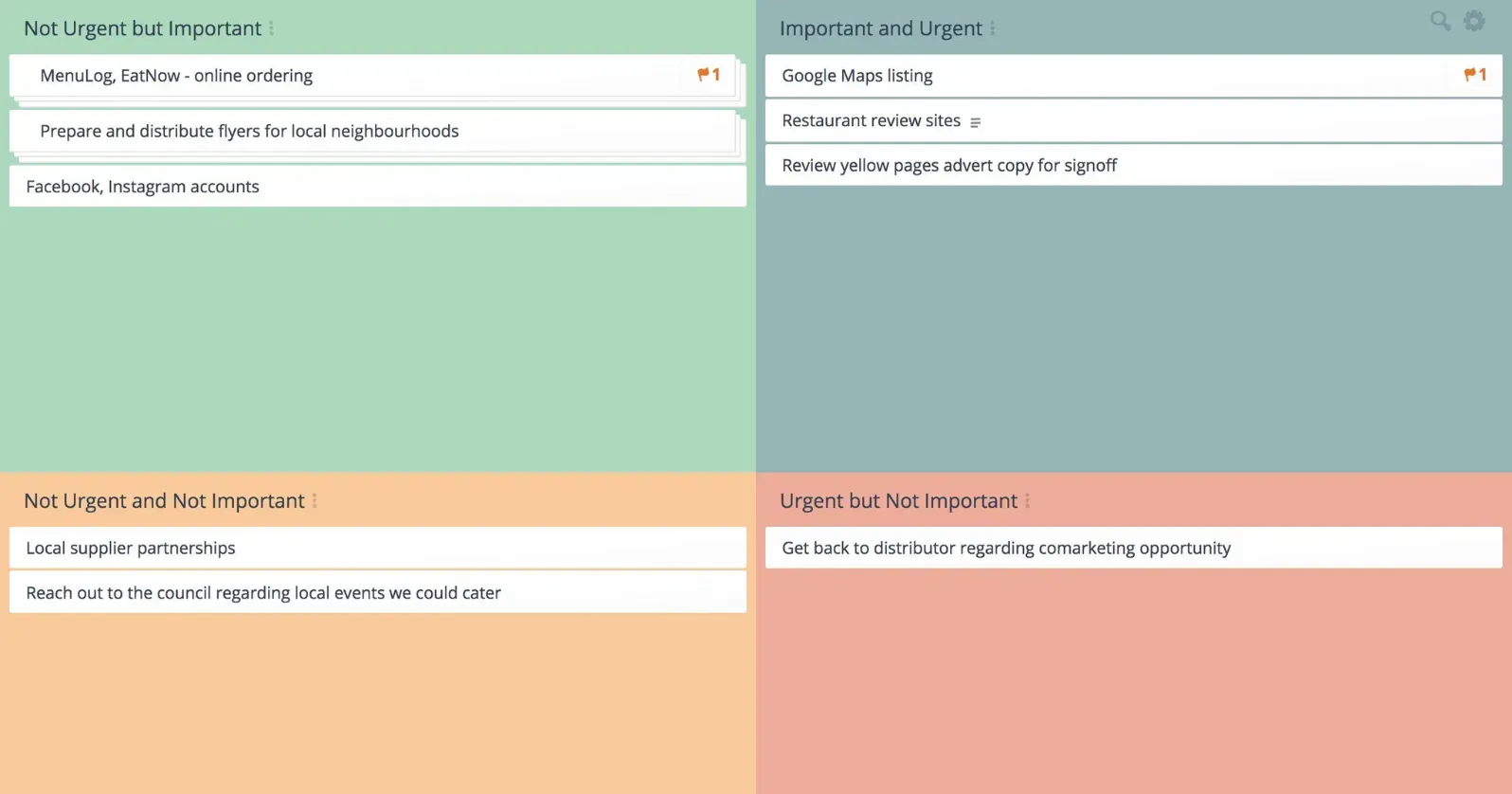
Urgent Important Matrix
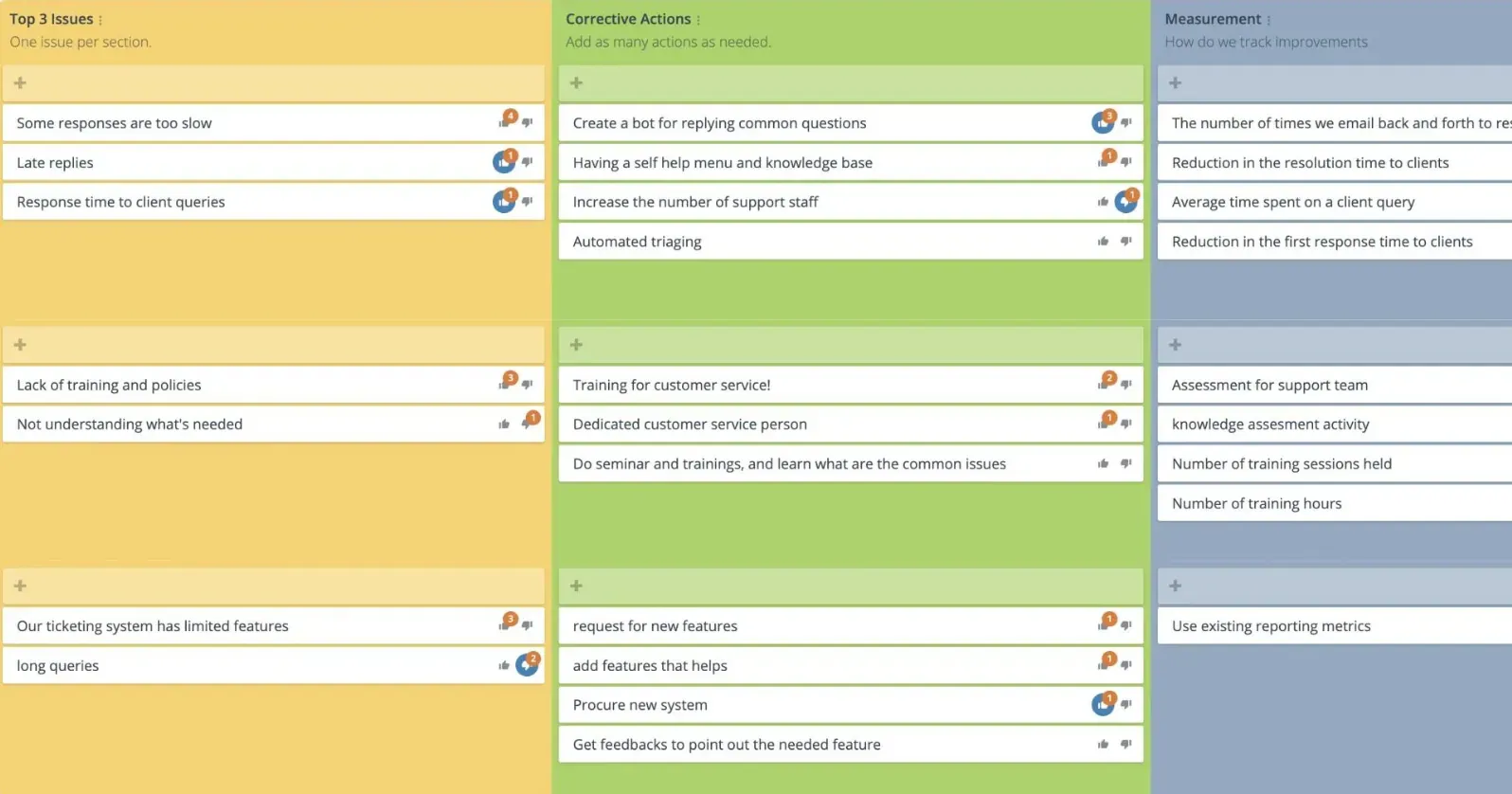
Corrective Action Plan
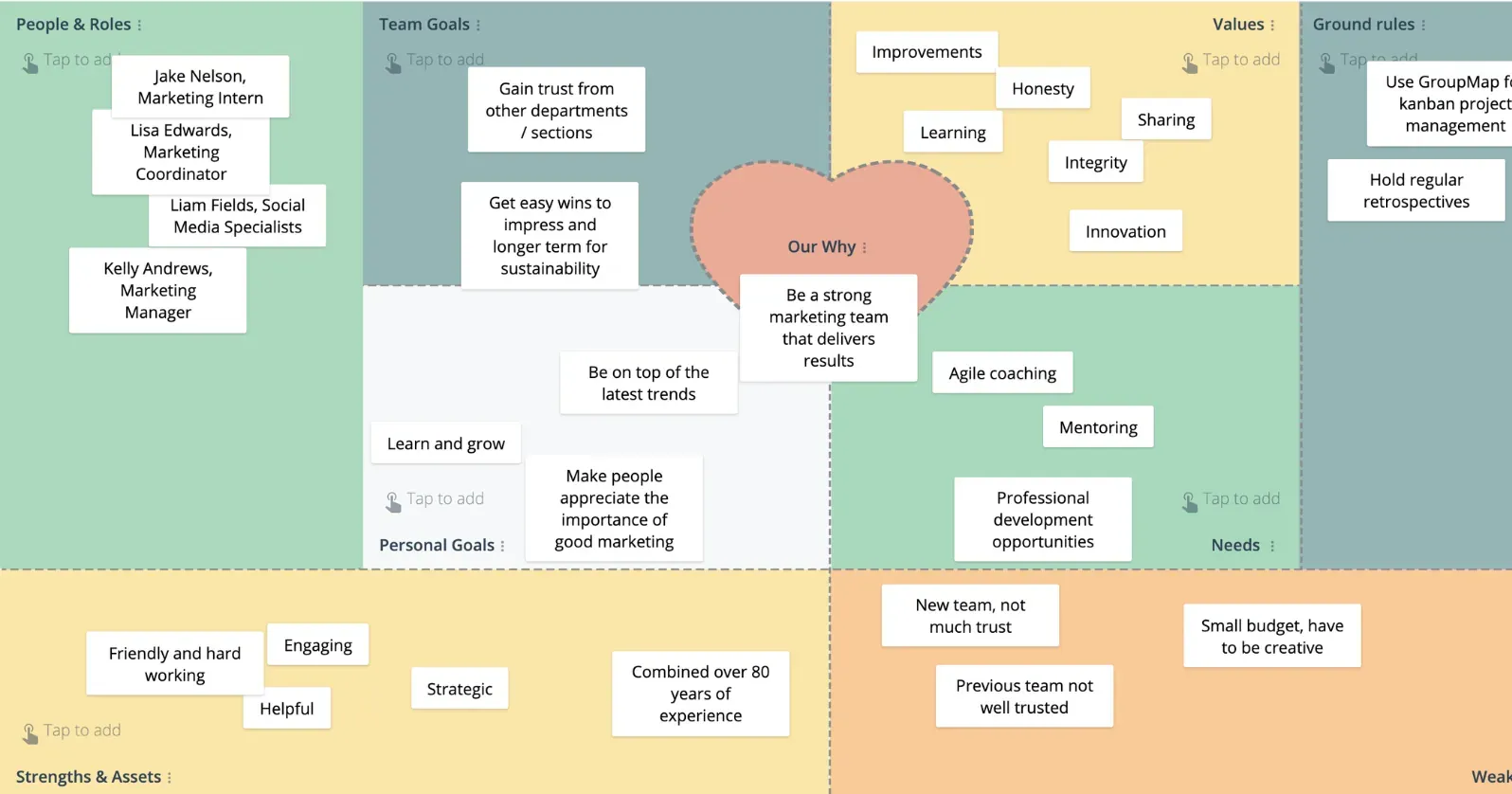
Team Canvas
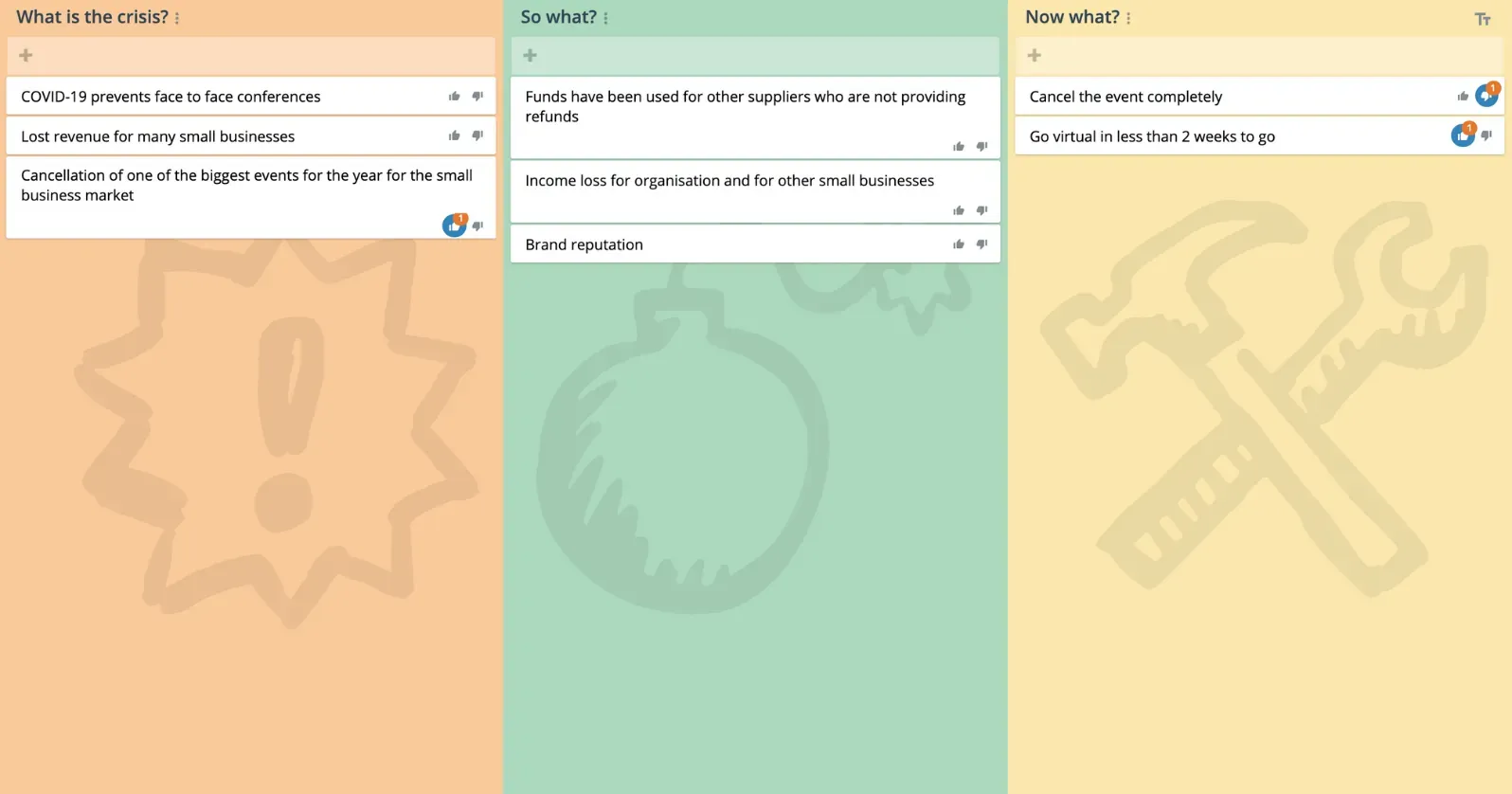
What, So What, Now What?
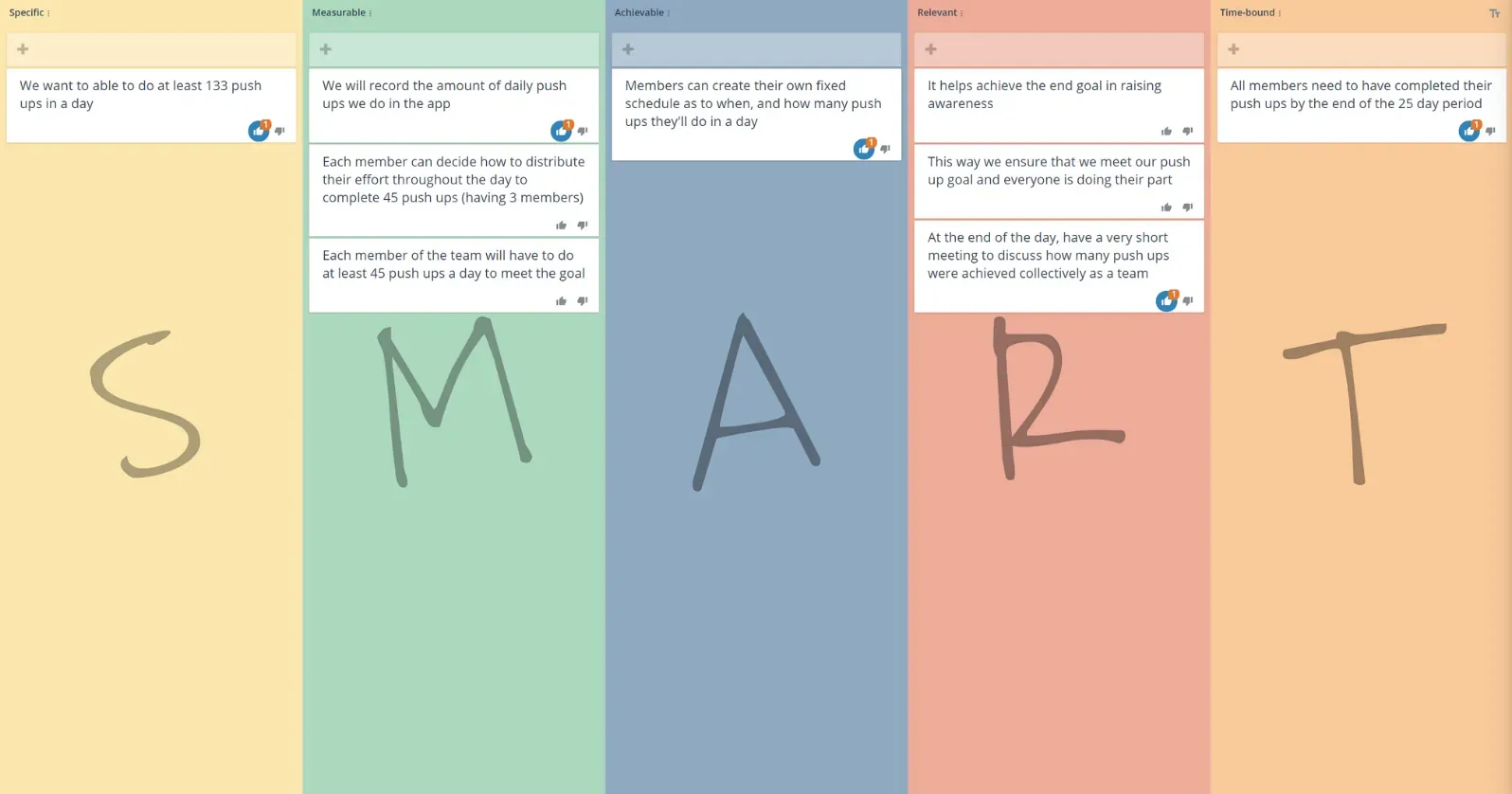
Smart Goal
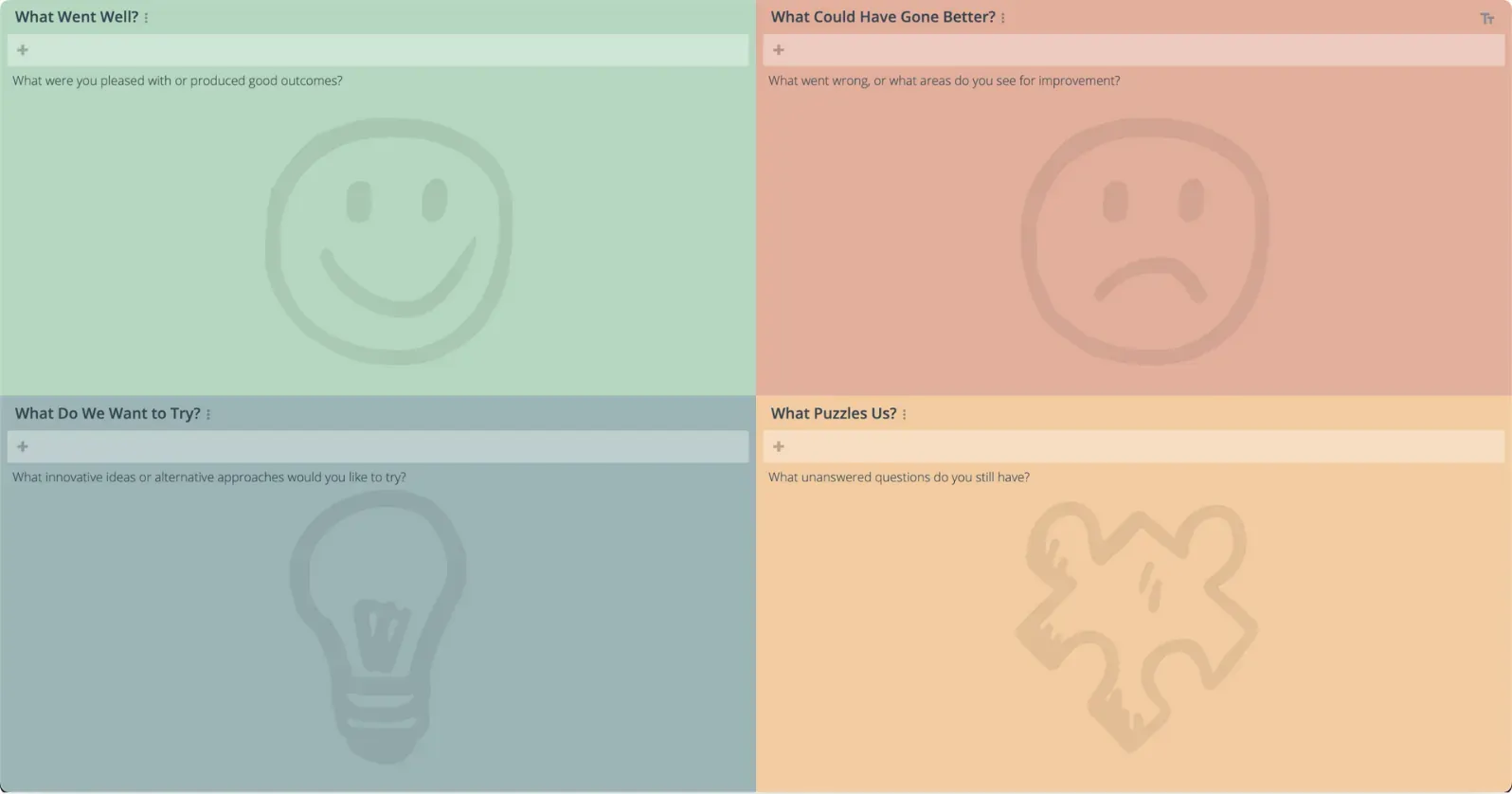
Agile Retrospective
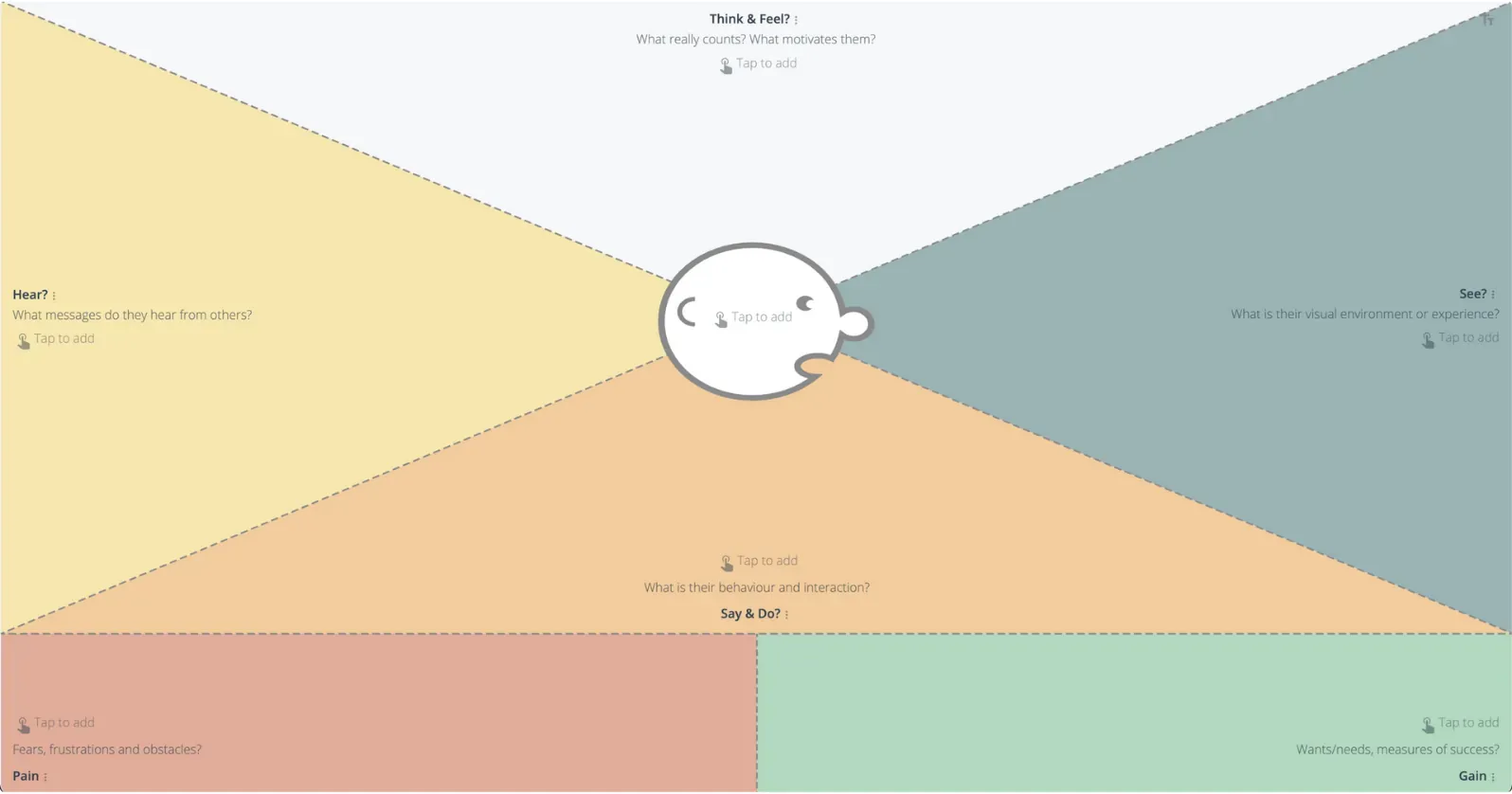
Empathy Map
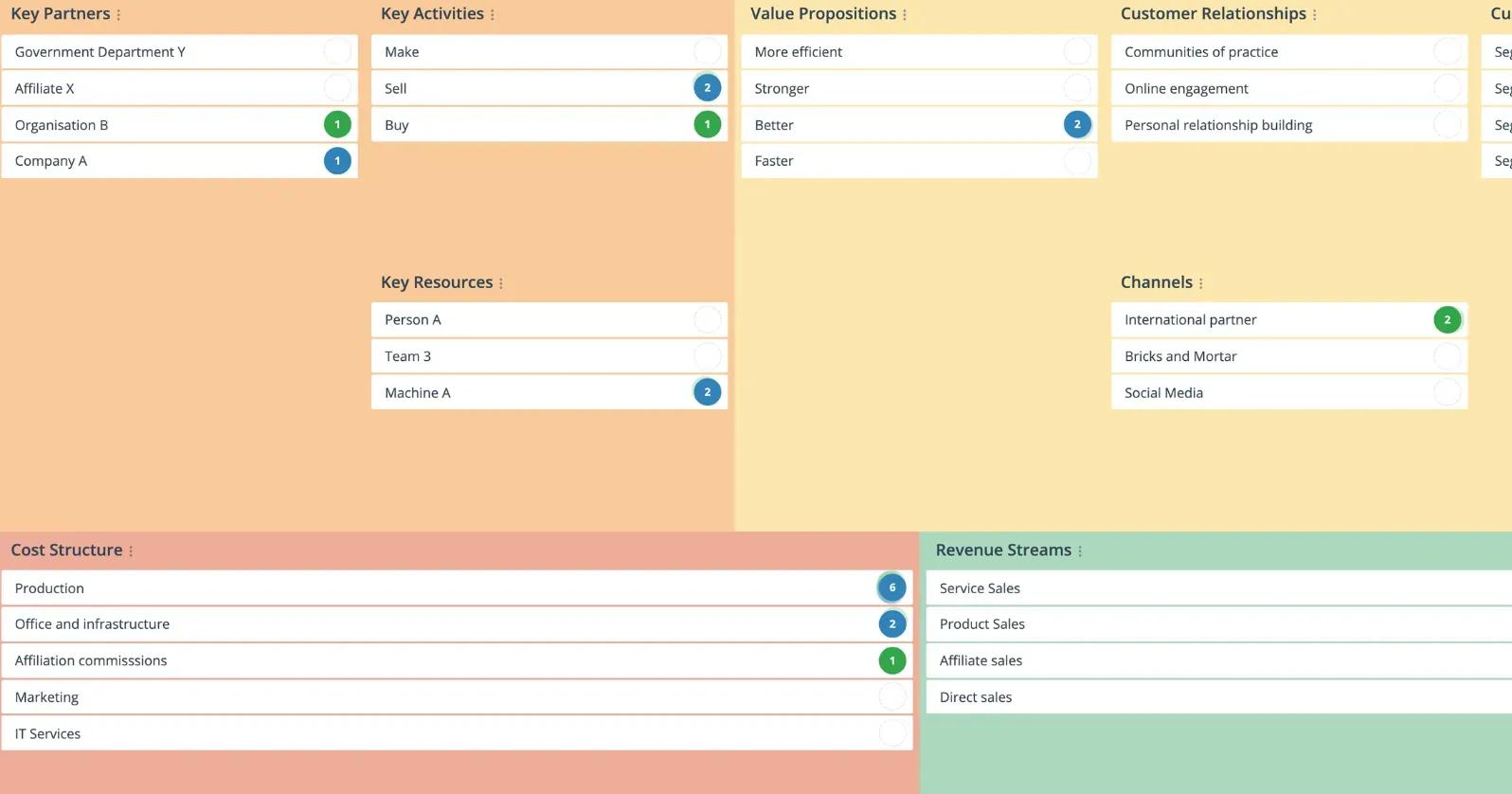
Business Model Canvas
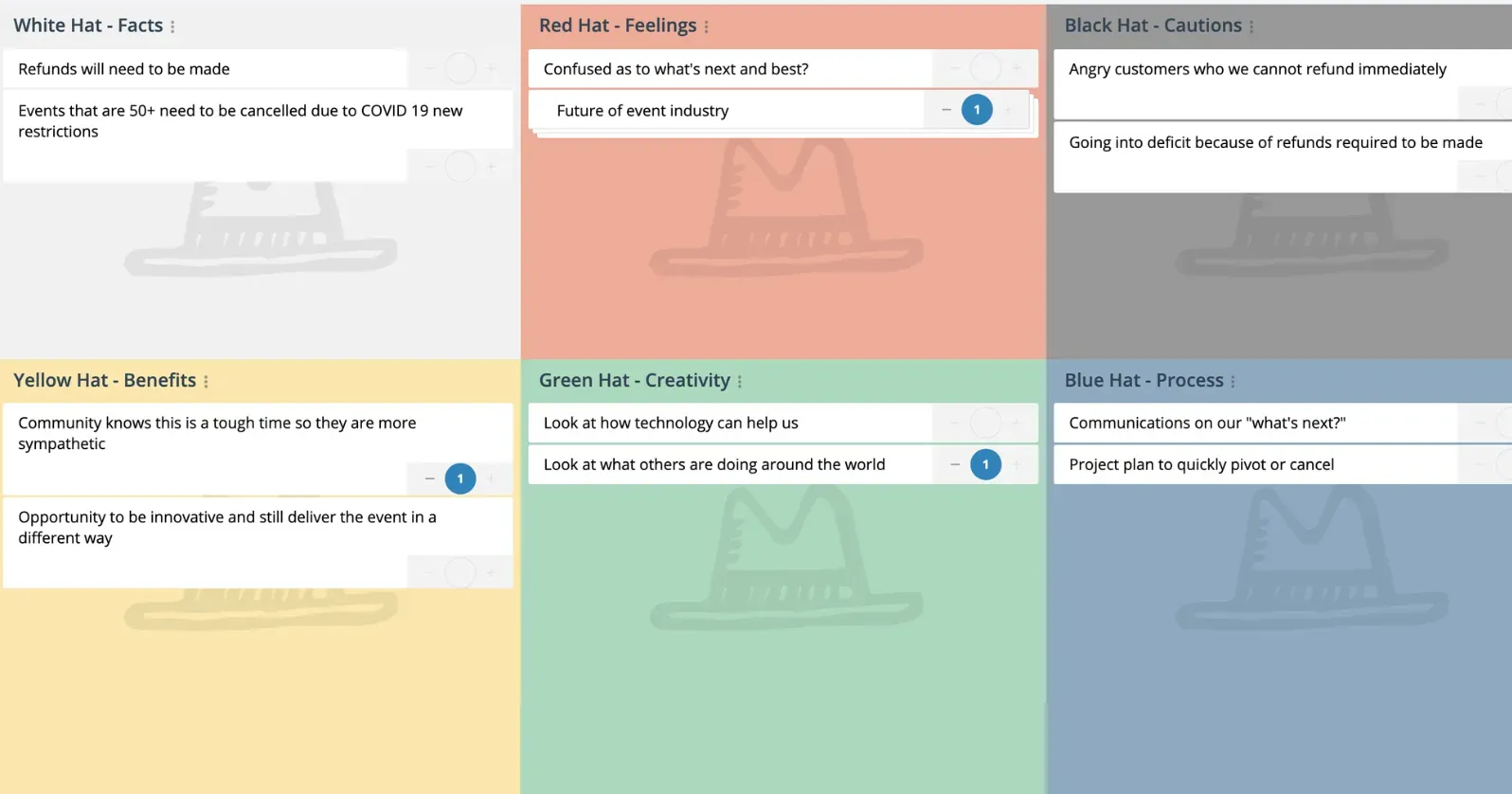
Six Thinking Styles
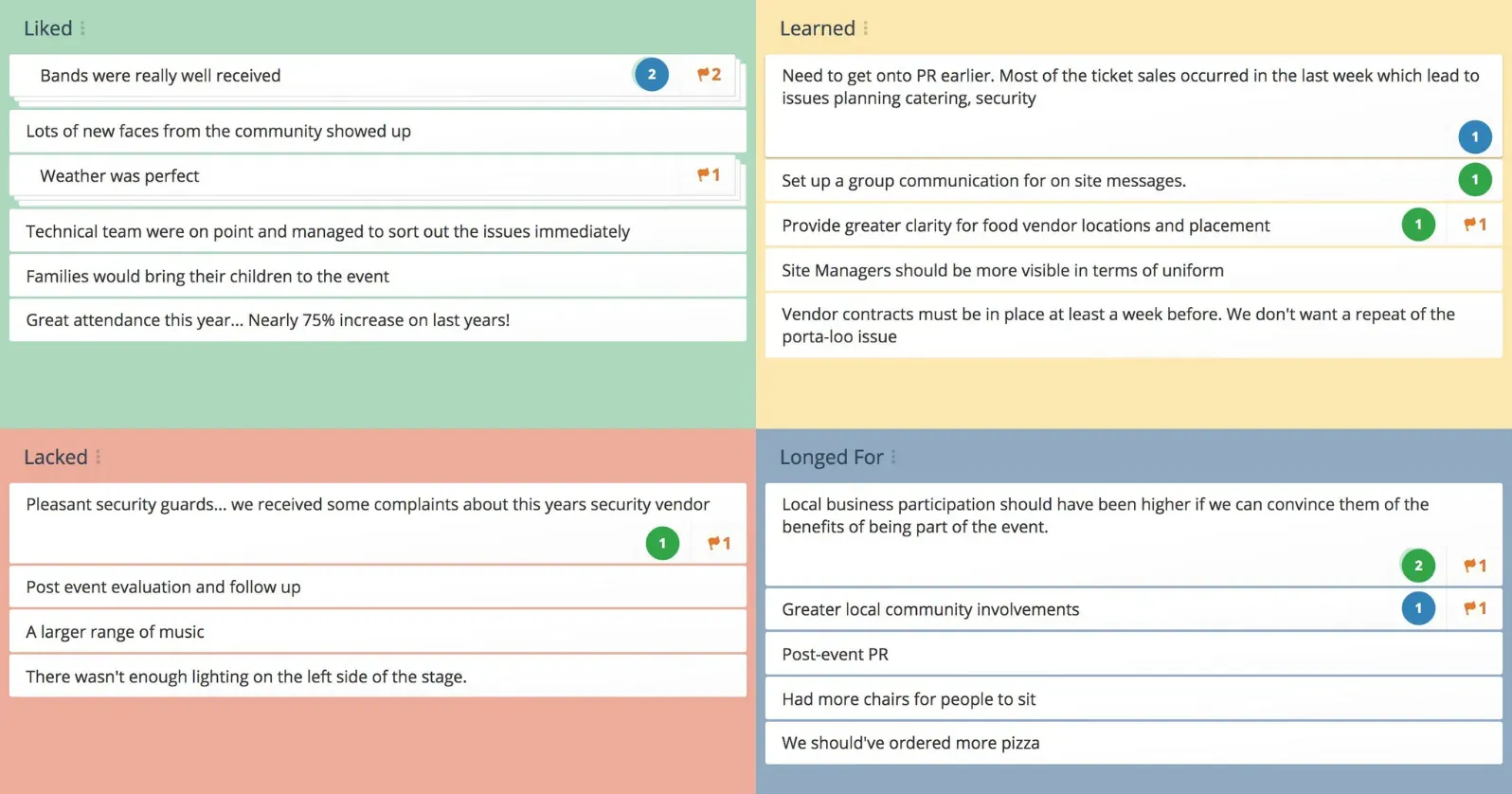
4Ls Retrospective
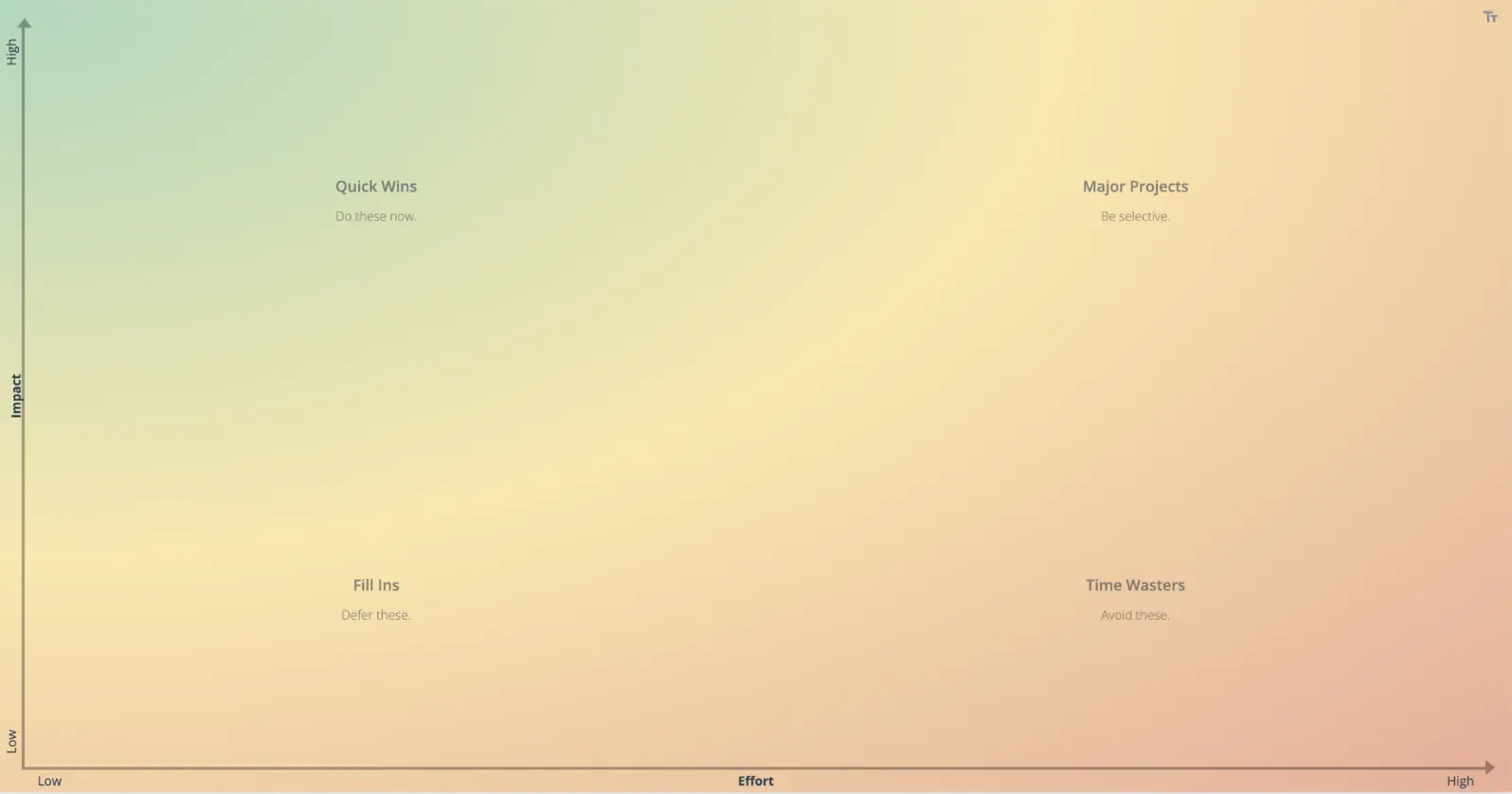
Impact Effort Matrix
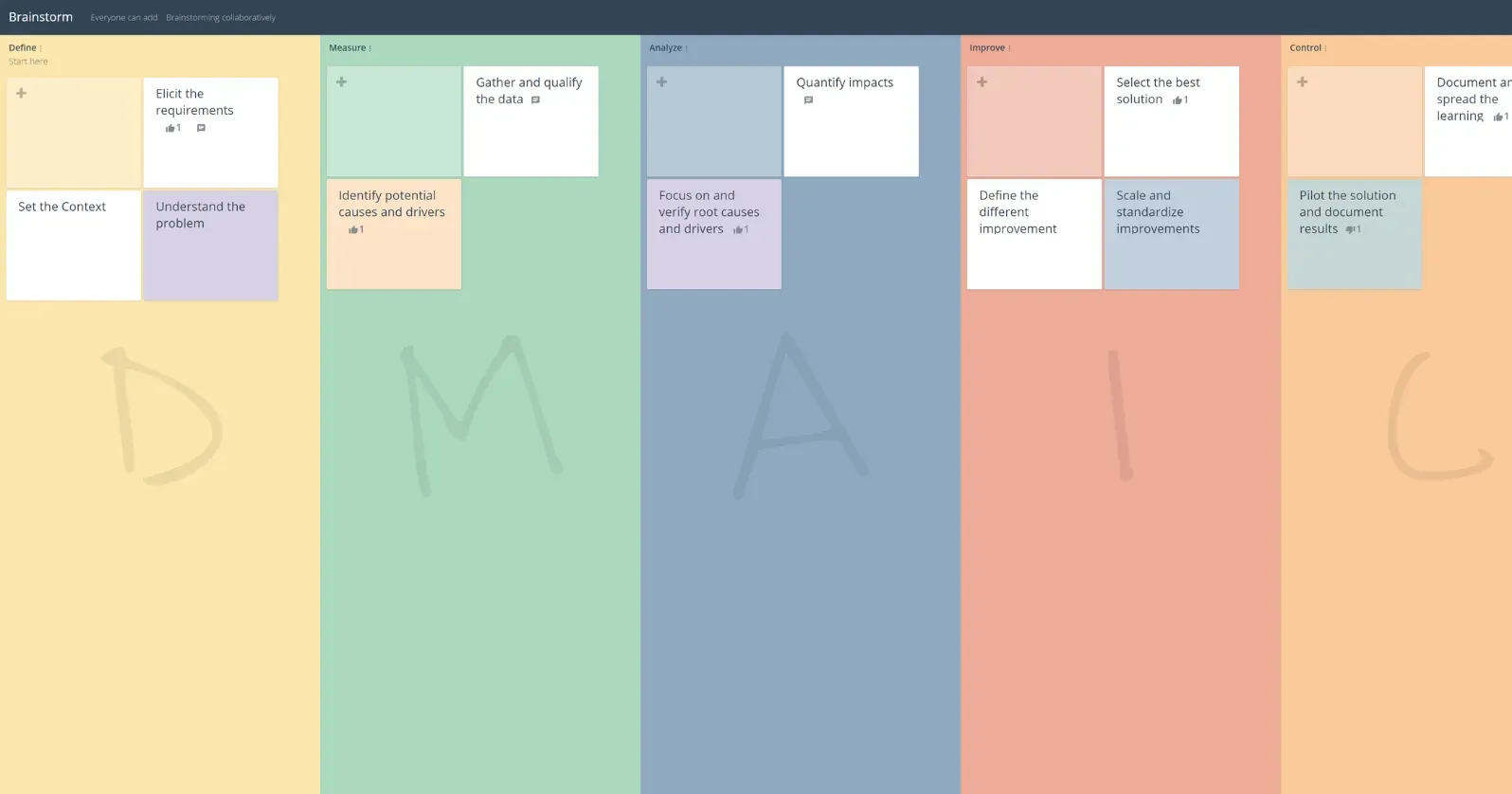
DMAIC Analysis
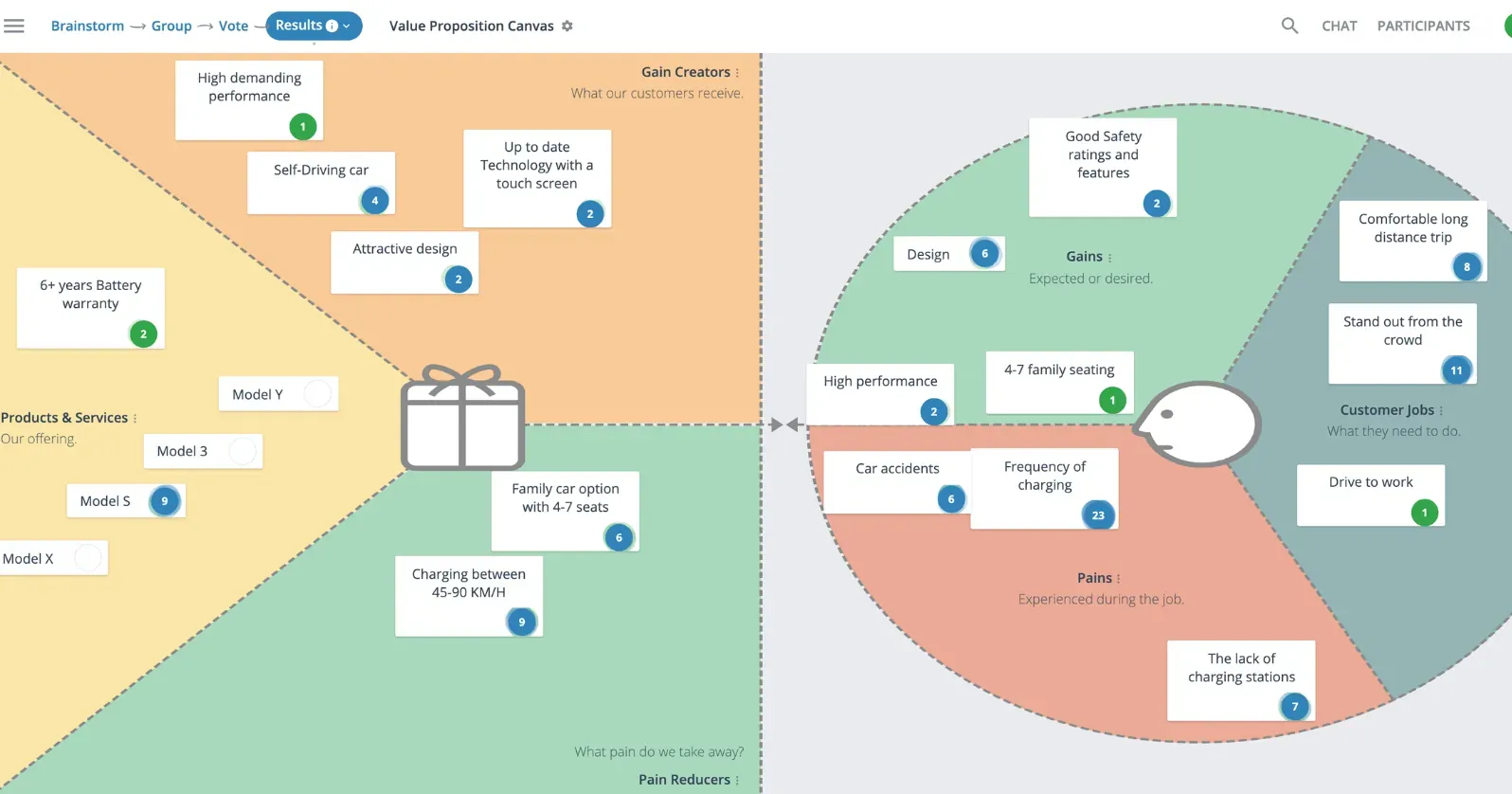
Value Proposition Canvas
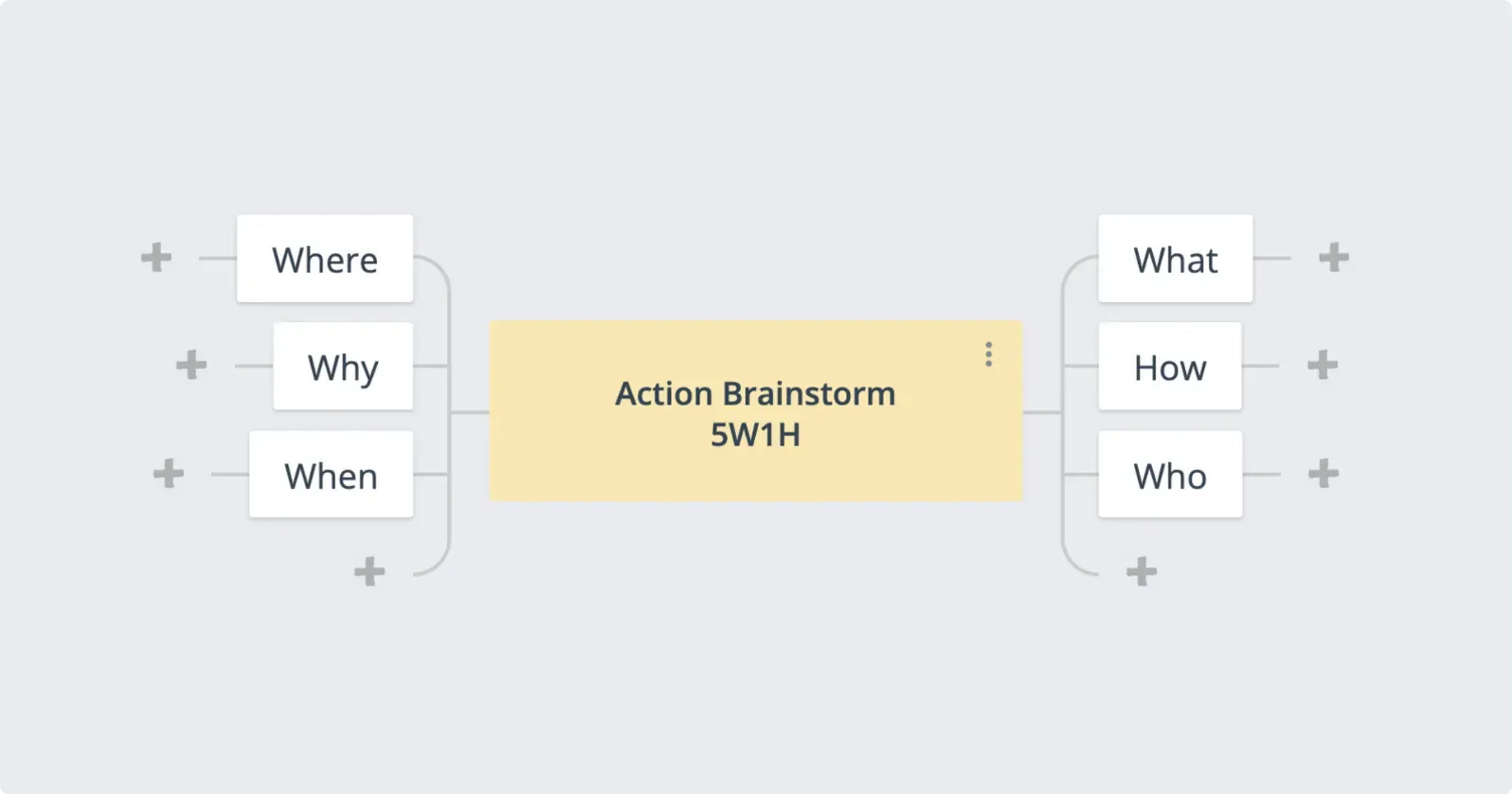
Group Mind Mapping
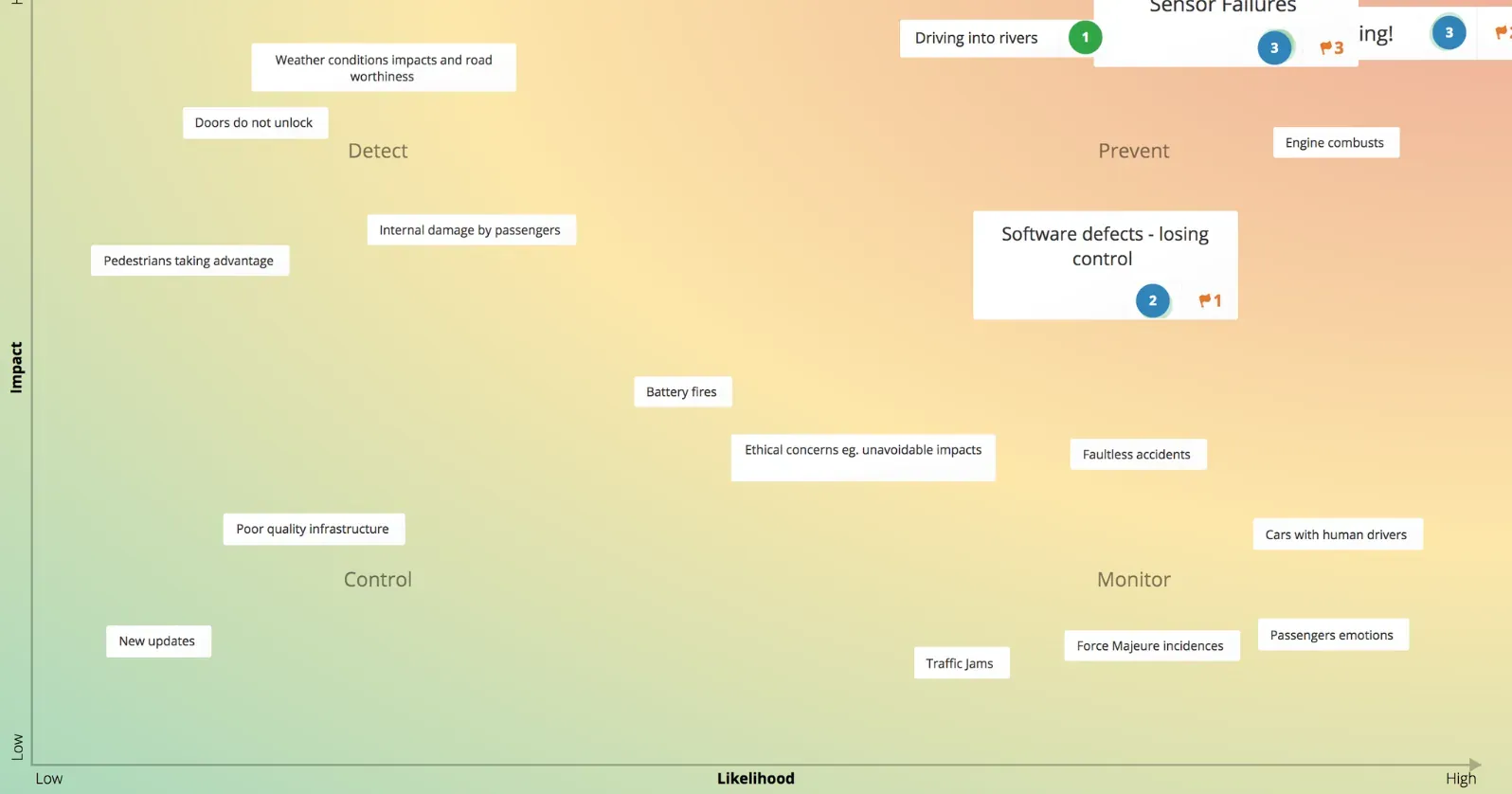
Risk Assessment
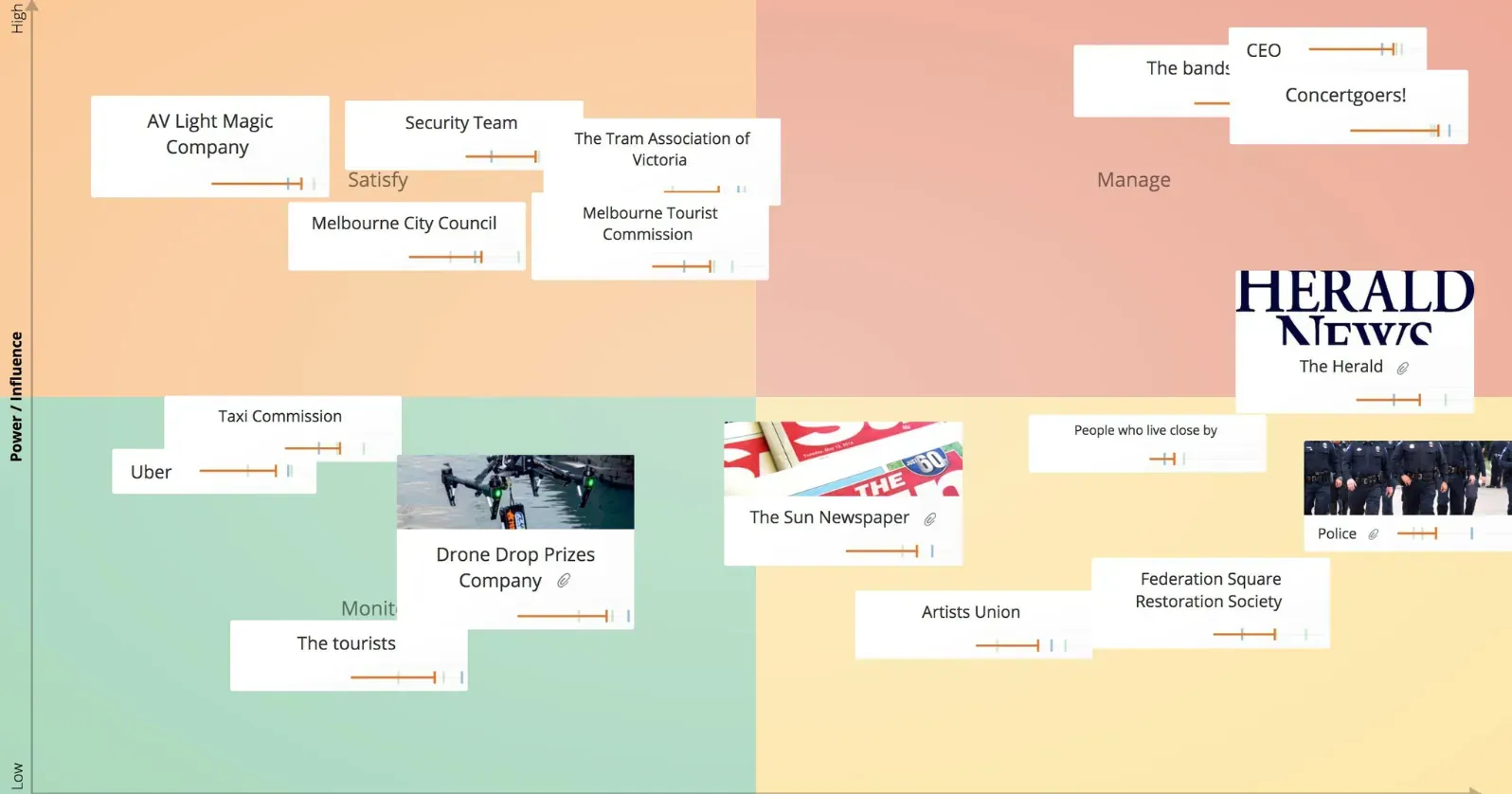
Stakeholder Analysis
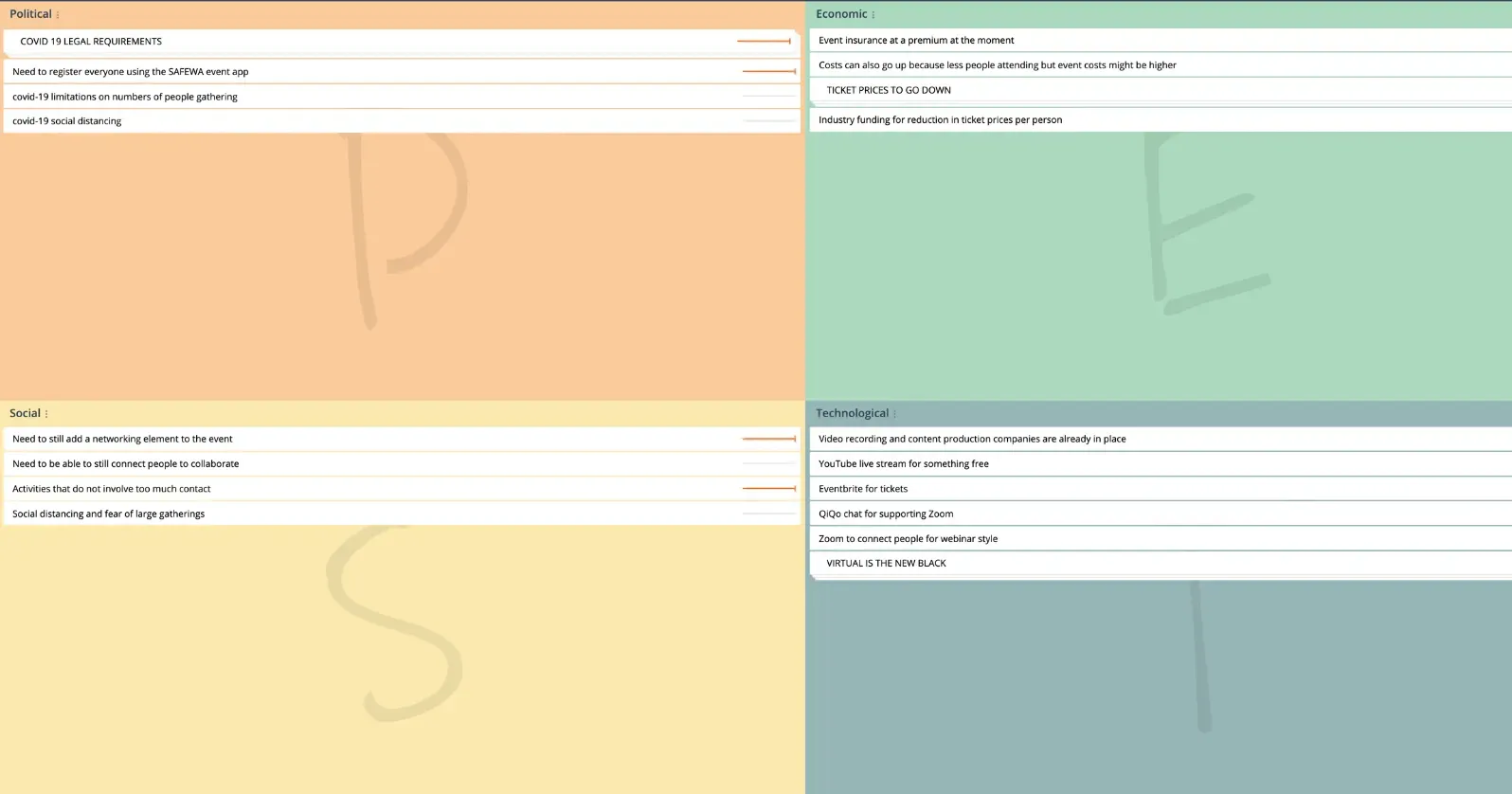
PEST Analysis
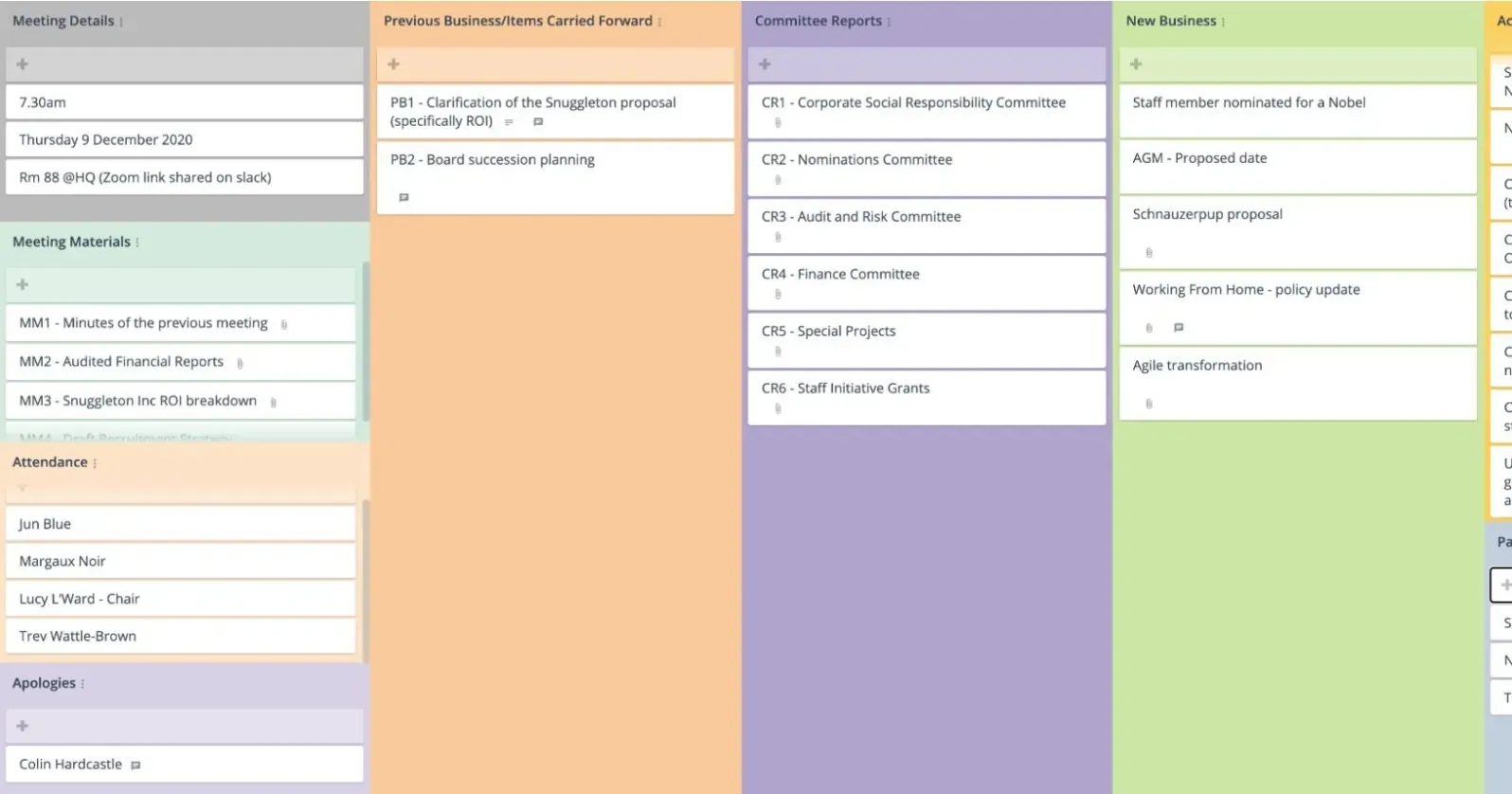
Meeting Agenda
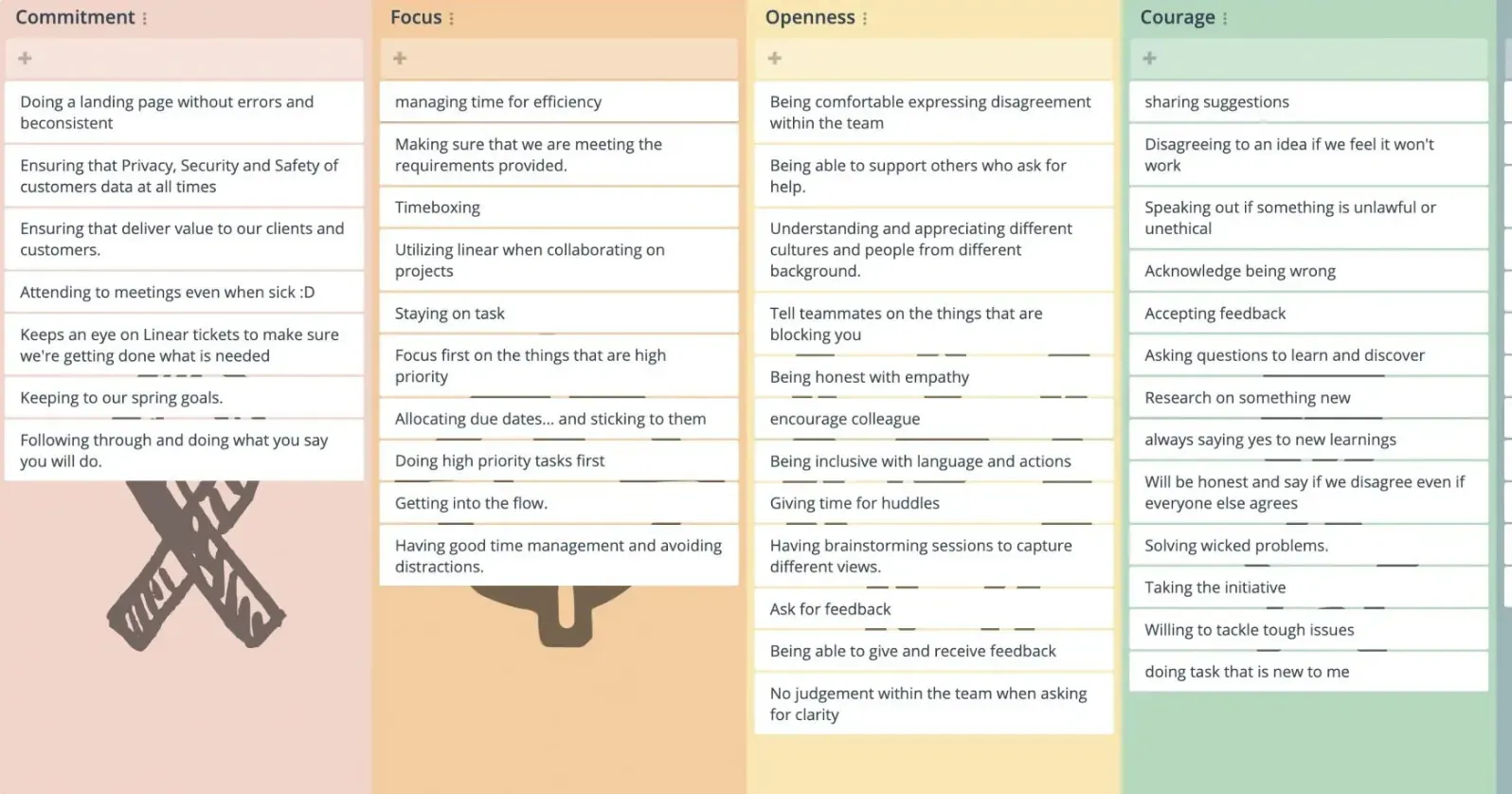
Scrum Values
Features designed for smooth meetings
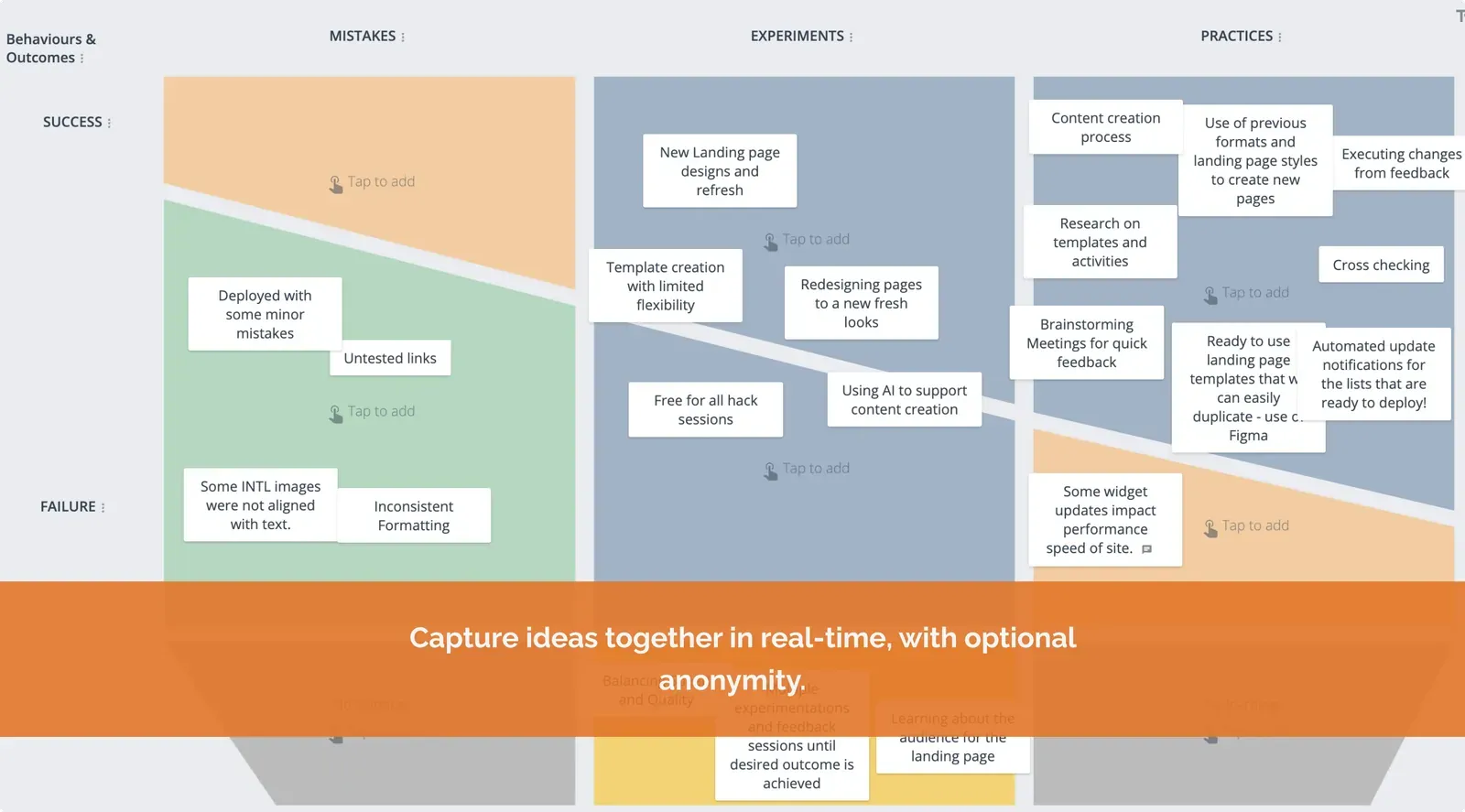
GroupMap creates a safe space for each team member to add their ideas freely and in real time without edit wars, big learning curves and bias.

Easily invite others
Invite users effortlessly by sharing a link, code, or QR code.

Easily group ideas
Search and merge across the map to group ideas.

Anonymity
Choose between open and private brainstorming options.

Timer
Set a timer to time-box each activity and monitor your progress.

Sync screens
Bring everyone to the same map and sync devices instantly.

Filter ideas
Tag or categorize ideas for easy filtering and organization.

Lock maps
Stop edit wars and focus people’s attention.

Use any video tool
Augments with your preferred video tool like Zoom, Google, Microsoft Teams or Slack.

Instant reports
Generate shareable meeting reports for easy team distribution.
What people say
We enable connection between team members so they can work together well. We help people dream within a framework exploring what they collectively want to achieve, avoid, and preserve in the future.

Five years later and after comparison to many, many others, GroupMap remains my favorite for most educational workshops.

GroupMap has made my online and hybrid session flow smoothly. It is an intuitive platform that takes little to no training for my participants.

We generate far more (and far better!) content from our partners using GroupMap than we would have with traditional discussion or other online tools.

We’ve done the hard work so you can sleep well at night
With 99.99% up time, secure and reliable top of the industry infrastructure, GroupMap helps you focus on solving problems, not creating more.

Ready to use
No download or installs needed. Works across all modern browsers and devices.

Private and secure
We use 256-bit TLS security and meet GDPR and privacy laws to keep your data safe. Hosted on Amazon Web Services. Read more here.

Partner with us
We have run workshops from 30 to 1,100 people. We can help you design, support and co- facilitate.

Frequently asked questions
What is the best tool for online meeting facilitation?
How do you make meetings more engaging and interactive?
Can GroupMap run meetings alongside Zoom or Microsoft Teams?
How do you keep everyone involved in a meeting?
Can I reuse the same meeting format each time?
Ready to get everyone on the same page?
Start a free GroupMap and turn your next discussion into clear, shared decisions.