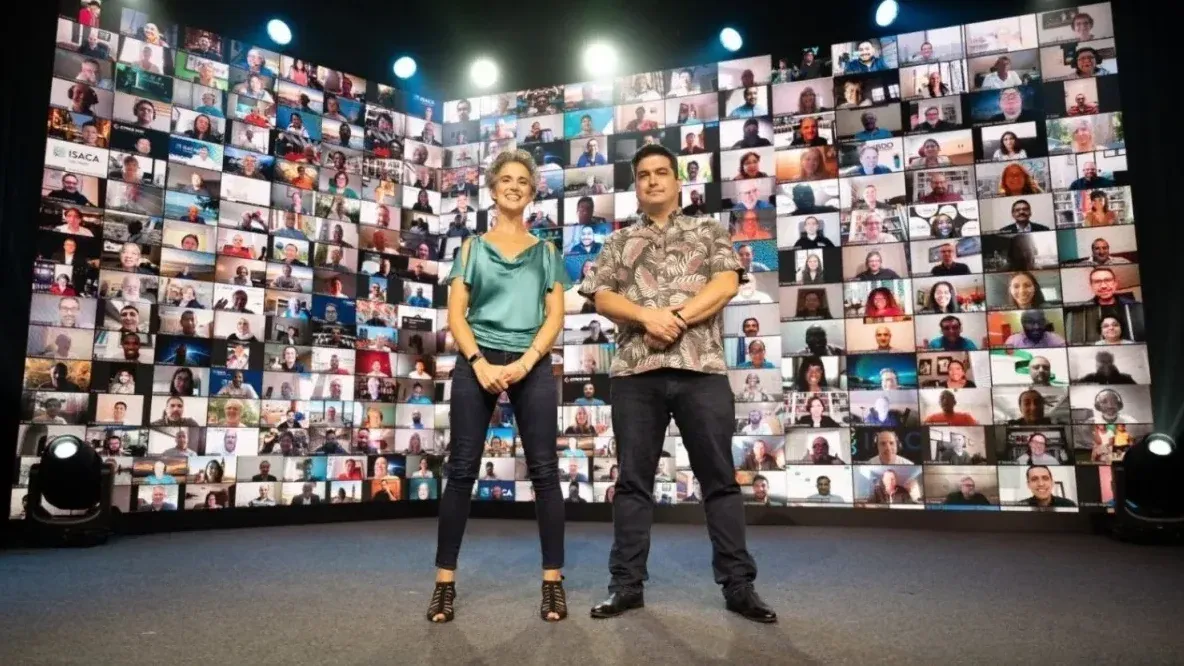
For virtual events
GroupMap helps to engage participants at virtual events
From online conferences to webinars to live-streamed events, GroupMap helps attendees brainstorm, collaborate and take part in activities at virtual events.
Virtual events made engaging and interactive
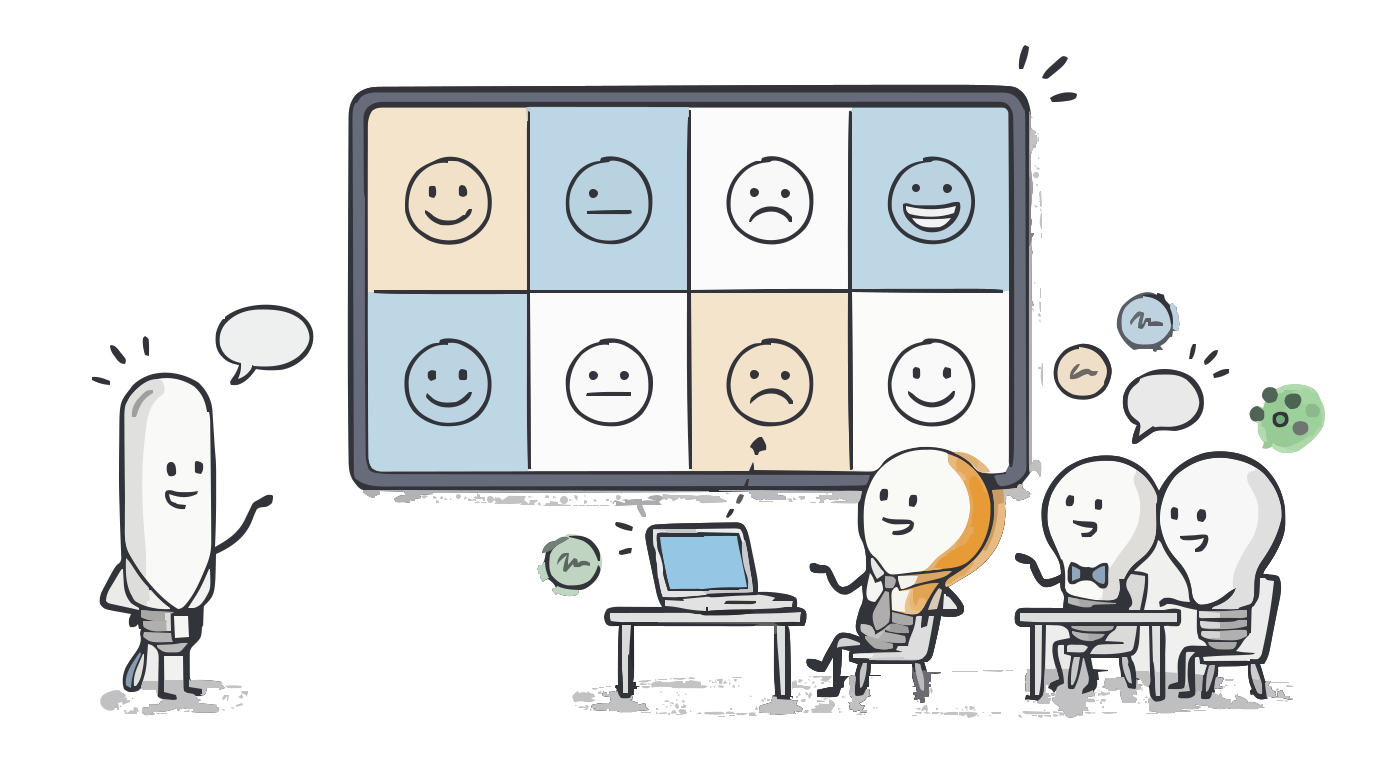
Engage your audience
Go beyond one-way presentations. Use 130+ customizable templates to get people contributing, voting and connecting in real time.
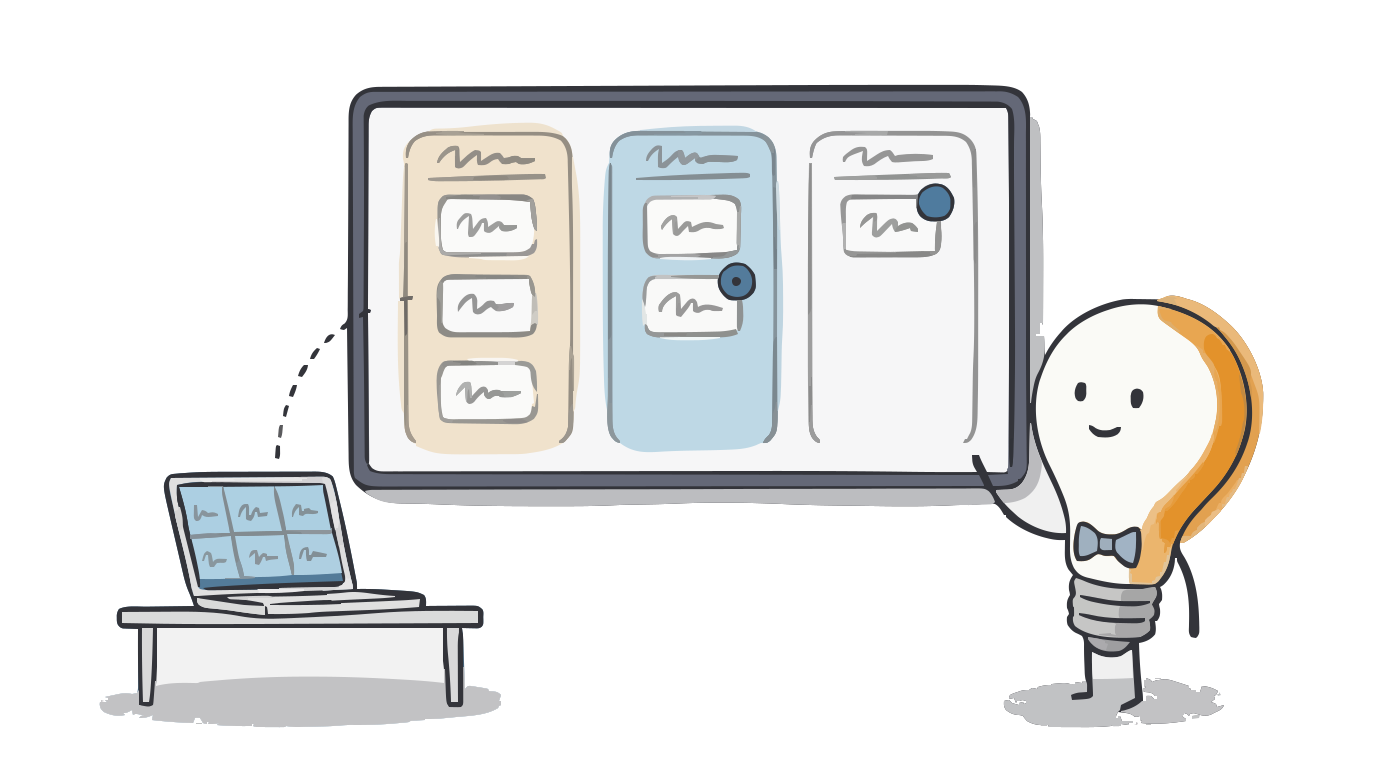
Beyond video and voice
Use GroupMap alongside Zoom, Microsoft Teams or Google Meet to turn any call into an engaging space where every idea is visible.
Easy for people to use
Simple for facilitators to set up and intuitive for anyone to join, with no tech skills needed.
Ready to engage participants at your virtual events? See how we can help.
See some examples on how GroupMap’s 130+ templates can be used as is or easily customized to create your very own engaging and collaborative activities.
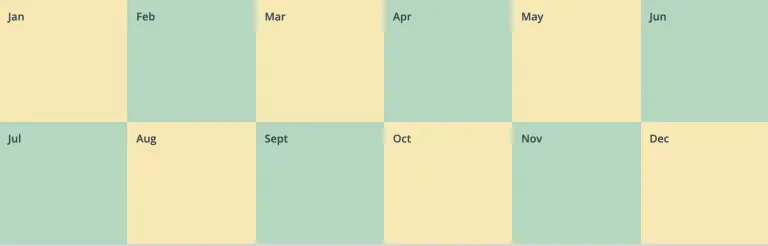
Virtual event planning
Plan every step of your event preparation in advance.
When you are juggling many different tasks during your event preparation, GroupMap’s project planning templates can help. Use the “Months of the Year” map to plan out all events actions or the “Working Week” map if you prefer to break down your event planning into smaller activities.
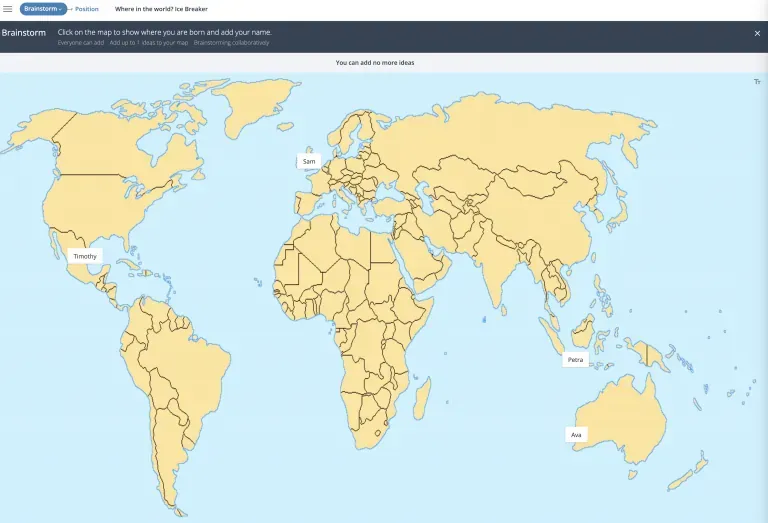
Fun ice breakers
Kick off your event with engaging activities.
When you need to start your virtual event with something fun and interactive, choose from one of GroupMap’s icebreaker maps and customize visuals and activities to suit your event plan.
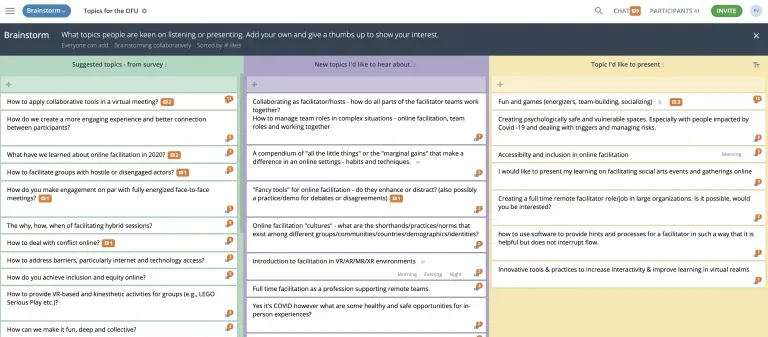
Open Space Technology
Create participant-driven events.
In Open Space events or conferences, participants create and manage their own agenda of parallel sessions around a specific theme. Create activities in GroupMap and place them in a workspace so they act as “breakout rooms” or activities that anyone can join in at any time.
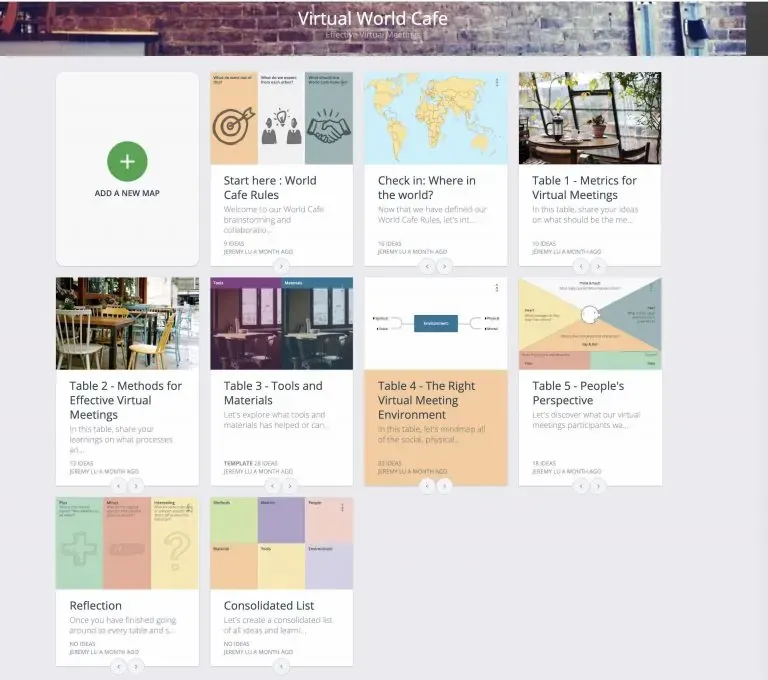
World Cafe sessions
Host large group events and dialogues virtually.
World Café methodology is a simple, effective, and flexible format for hosting large group dialogue. Create the “cafe” feel with round tables, sticky notes and “talking stick items” with GroupMap’s customizable templates.
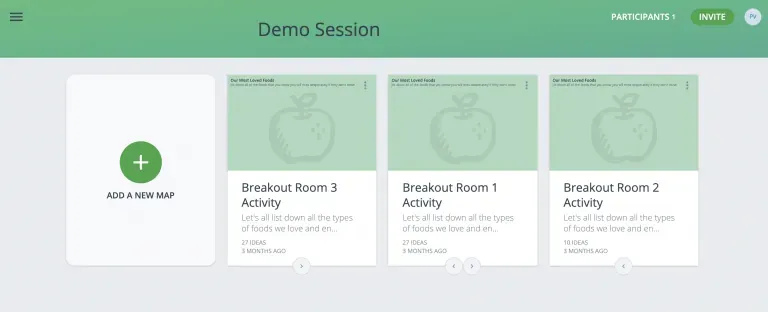
Breakout activities
Encourage participation in smaller group session.
Duplicate the same brainstorming and collaboration sessions and turn them into breakout rooms in a GroupMap workspace. This allows for a large event to have smaller group activities where it will feel safer, and more engaging to contribute.
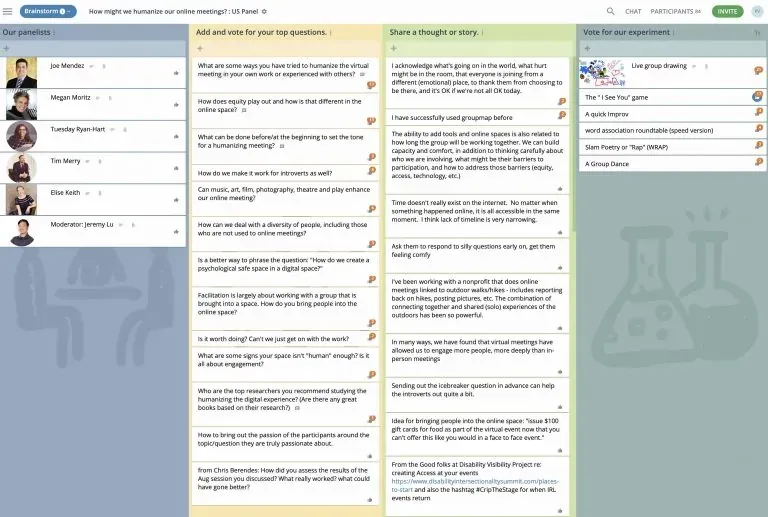
Panel Q&A
Create Q&A panel sessions for audience interaction.
Gather burning questions that your audience might have for experts at your event. Use the GroupMap List of Questions map to get the audience to jot down things they’d like to ask from your panel session. If time runs out to answer these at the event, your panel members can go back and type answers to questions in the map.
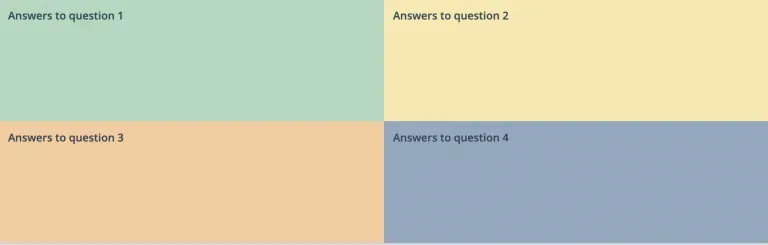
Evaluation
Get a pulse on the outcome of your event
Easily ask your event participants to provide feedback on what they thought went well, what they enjoyed most and what can be improved. Use GroupMap’s Rate a Response map to ask your questions, turn anonymity on and create a rating scale so people can easily submit their evaluation. Use the reporting functionality to capture all feedback at the click of a button.
Looking for great virtual event ideas? You have come to the right place
Start with one of our 130+ templates or create your own. From webinars and online conferences to icebreakers for large groups, breakout activities and audience Q&A, GroupMap gives you engaging, ready-to-run activities that keep participants involved from start to finish.
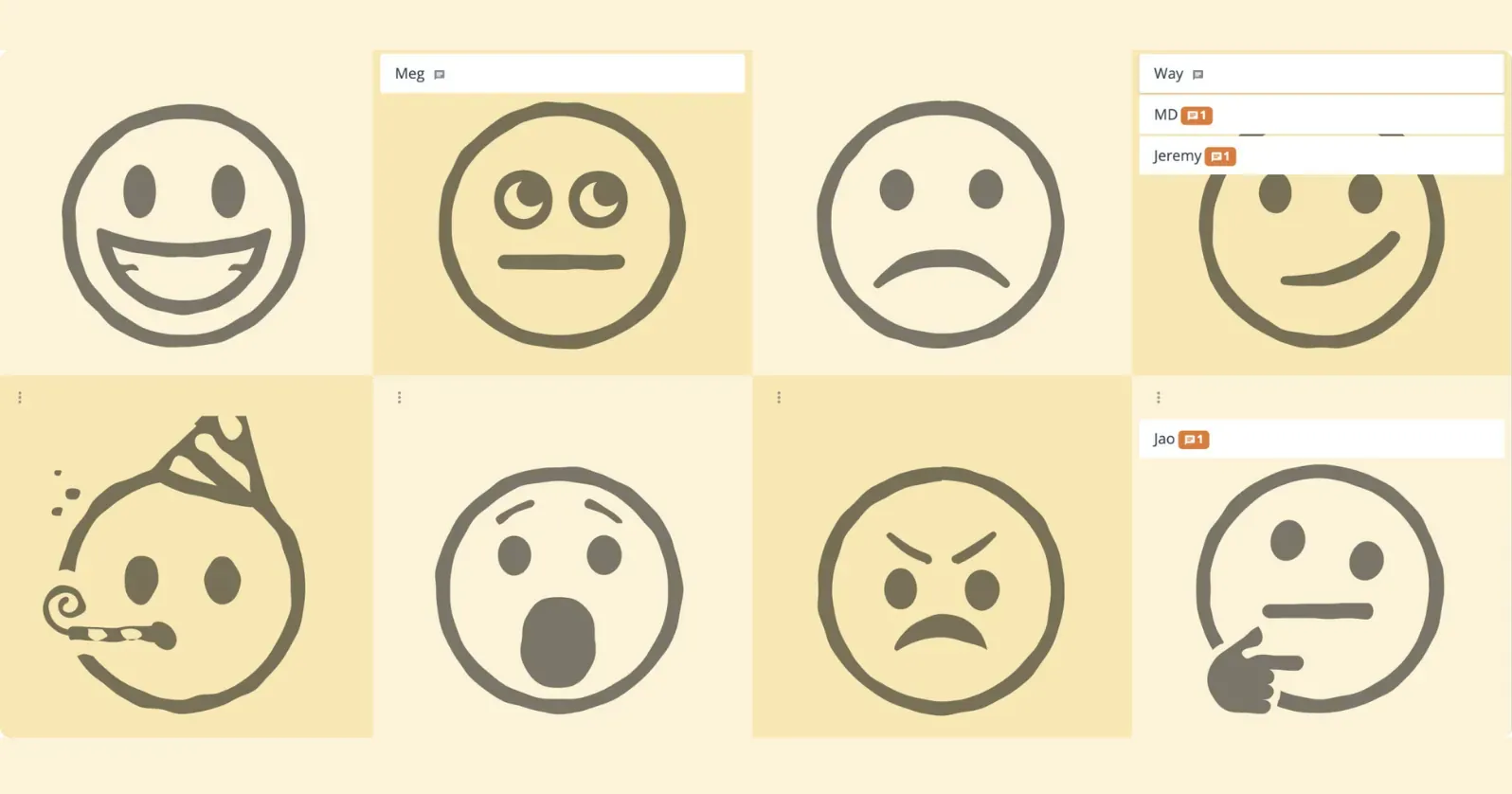
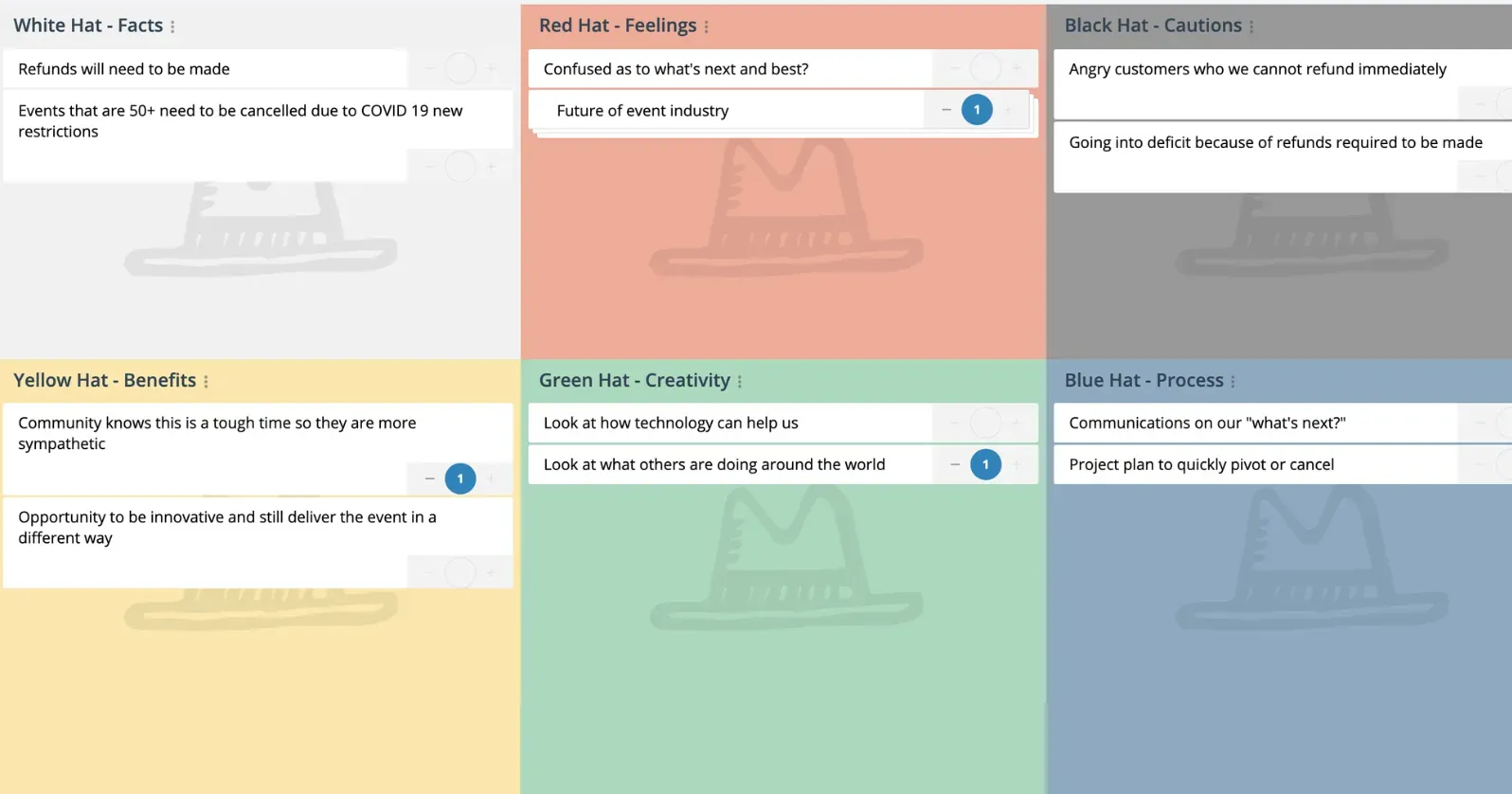
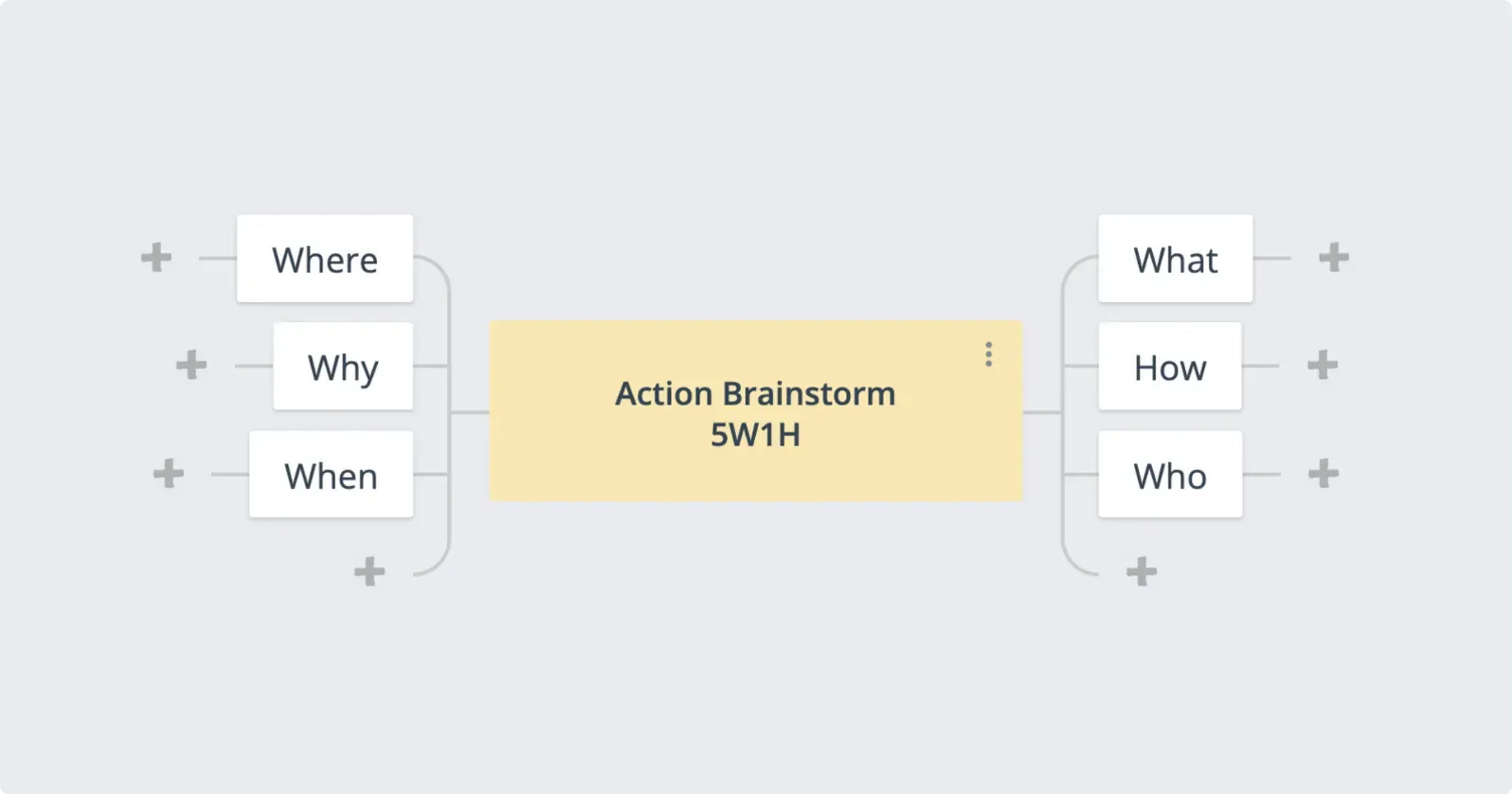
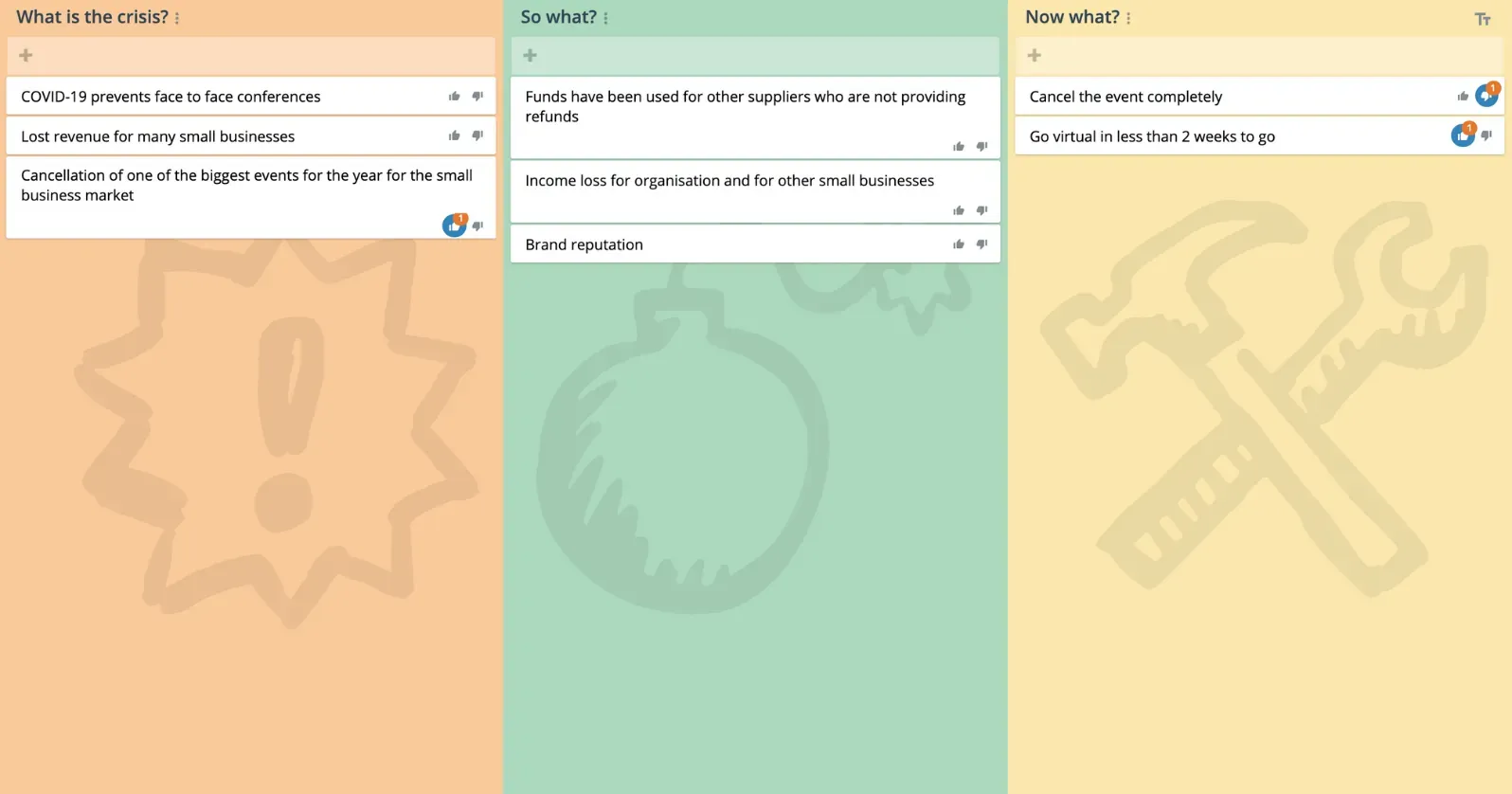
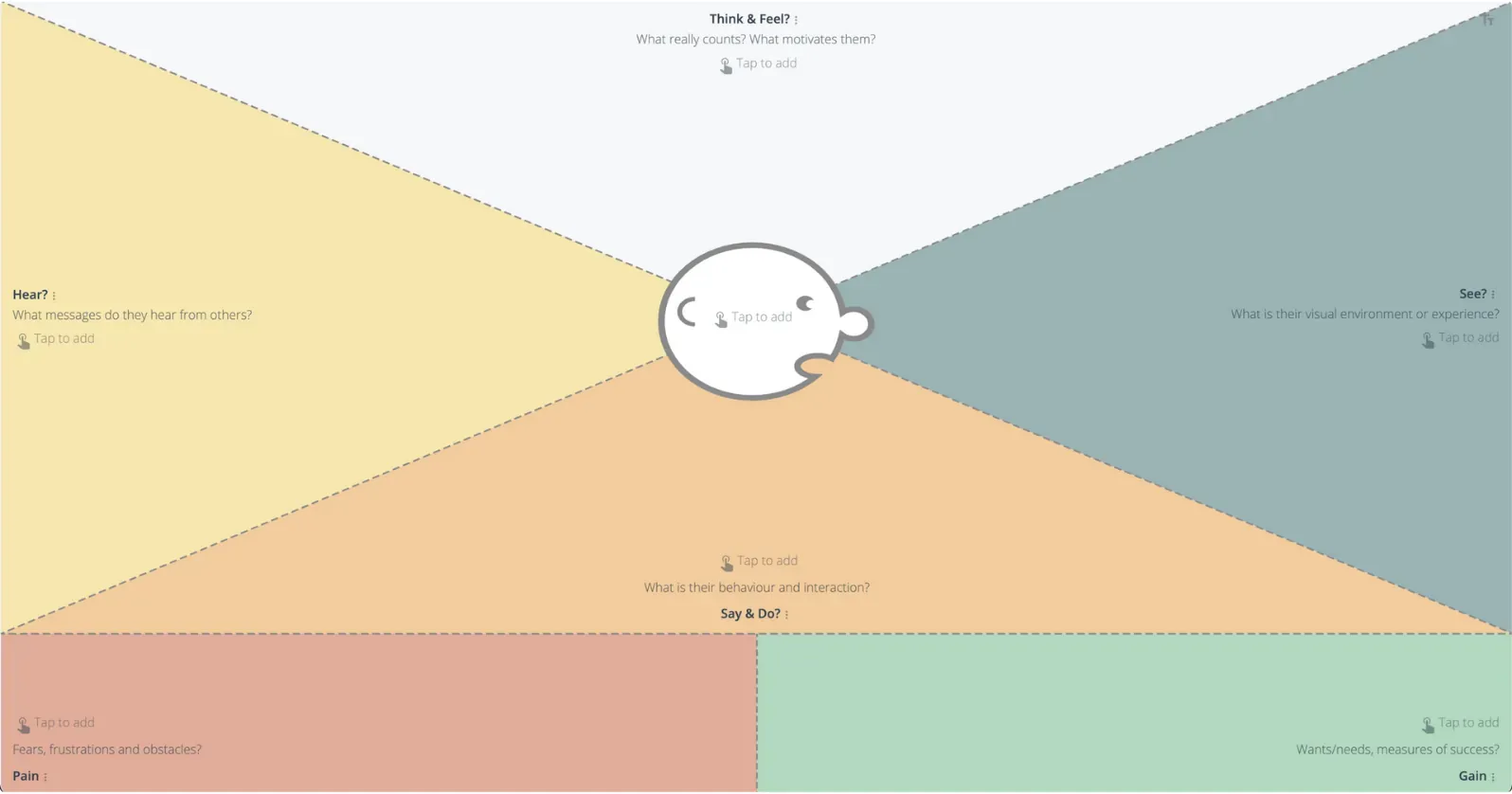
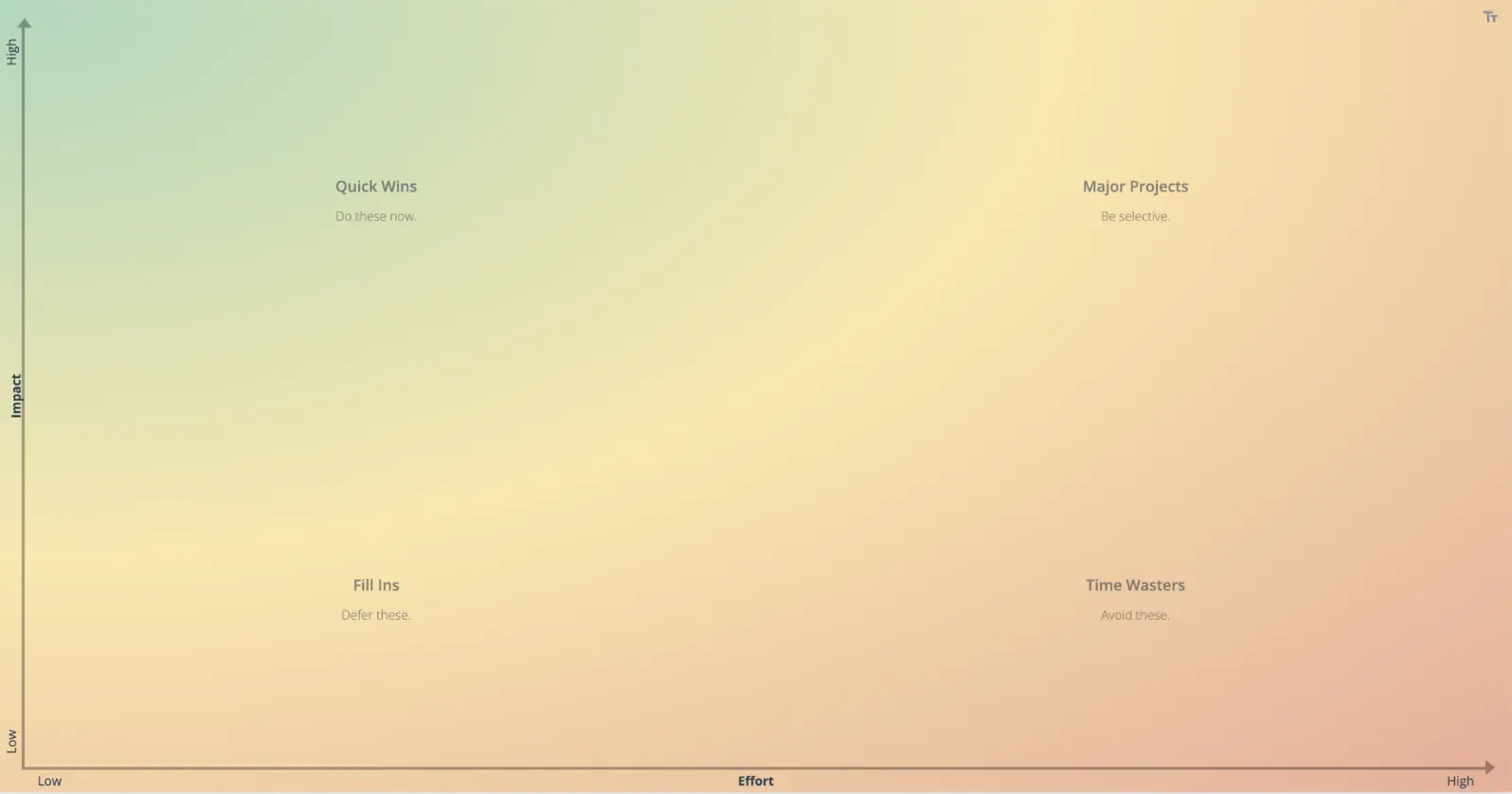
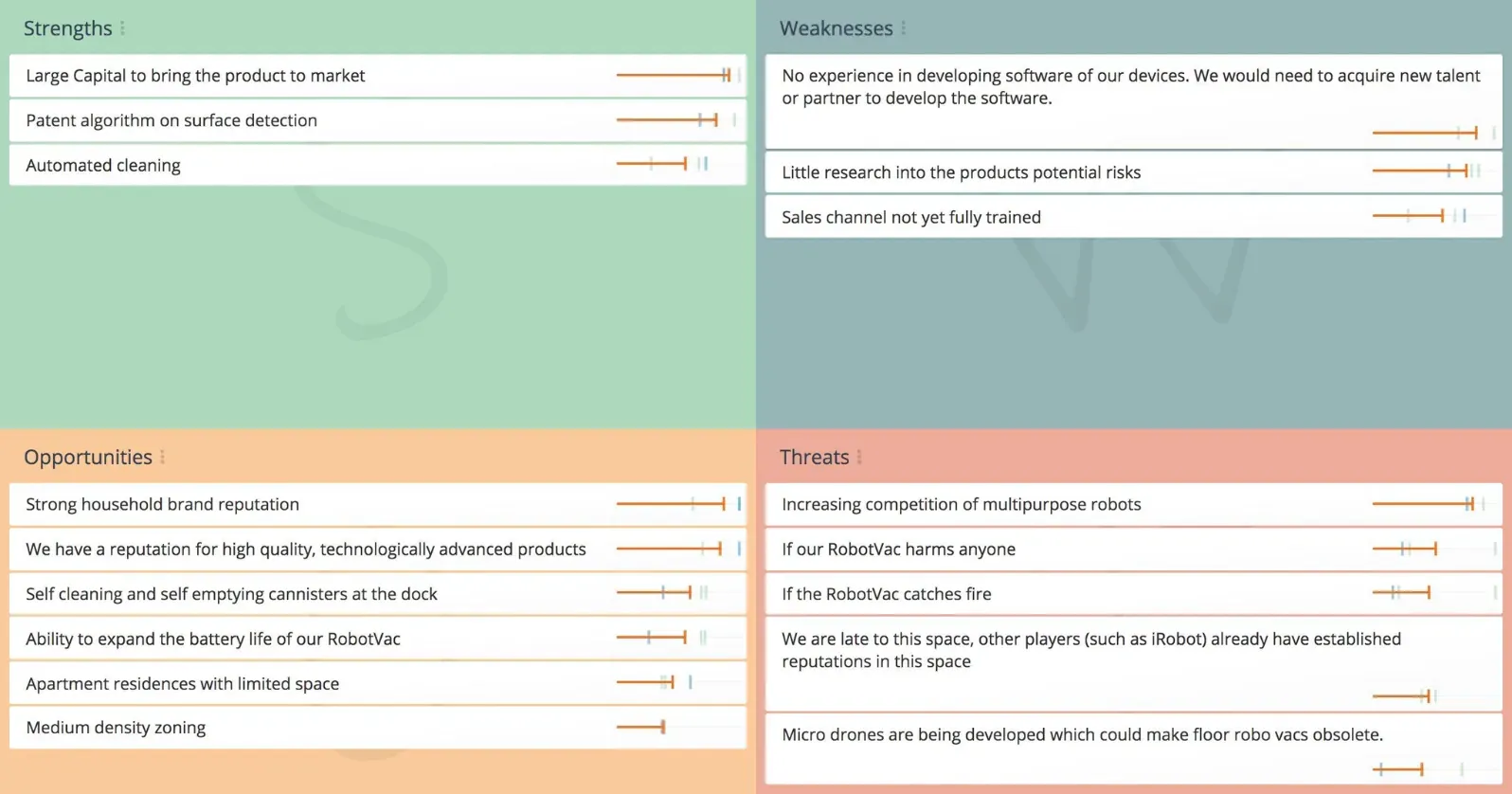
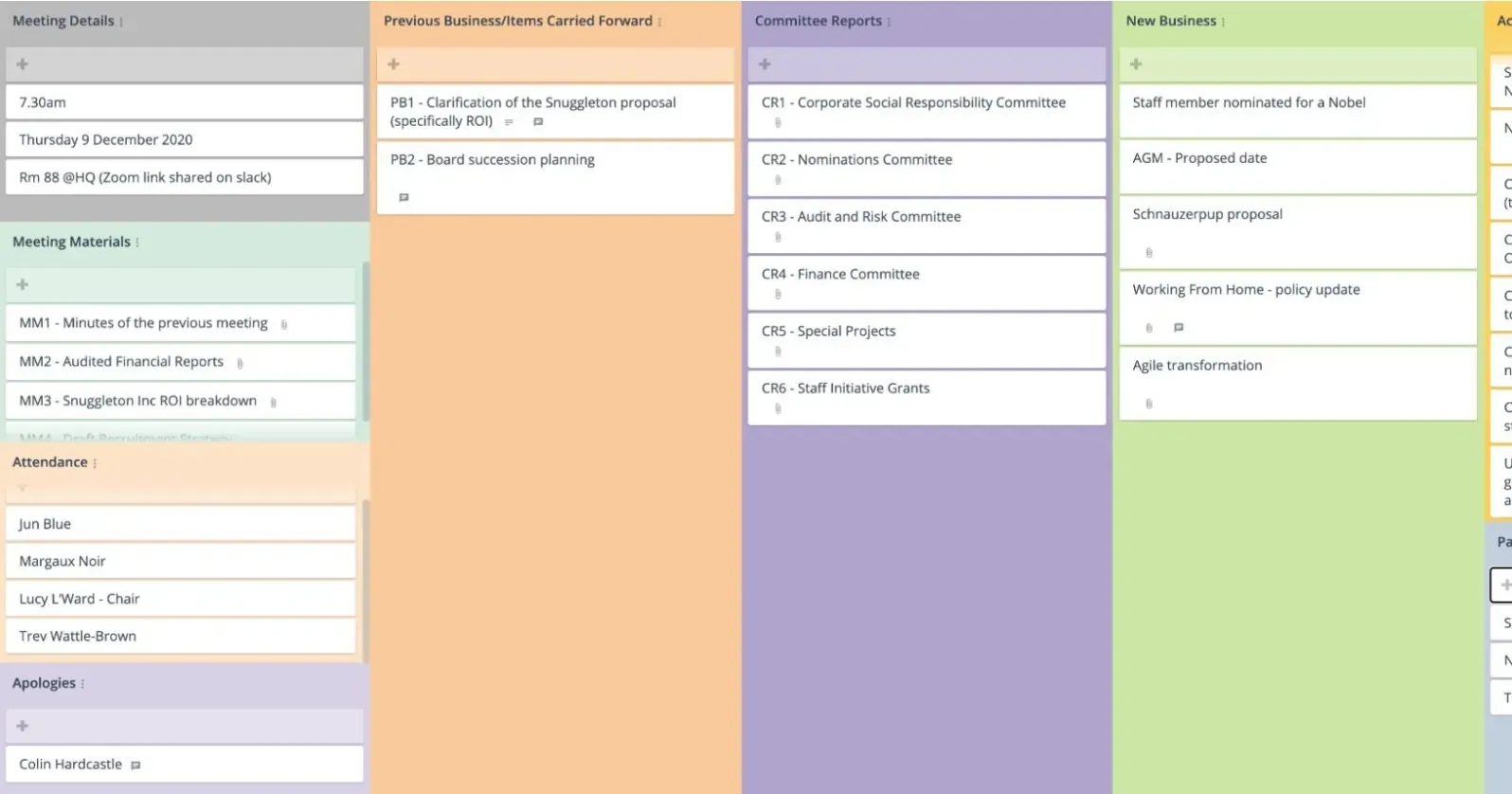
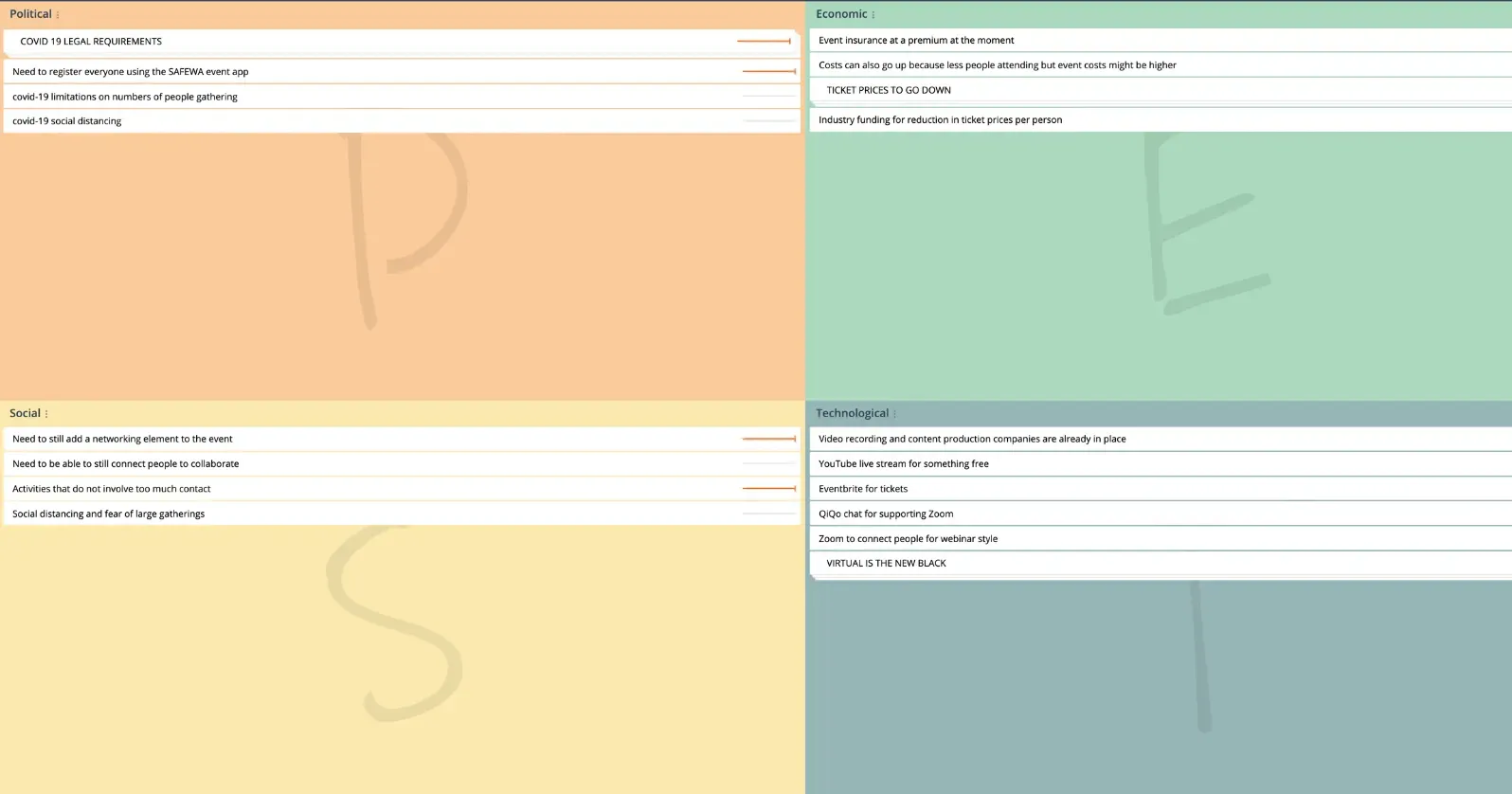
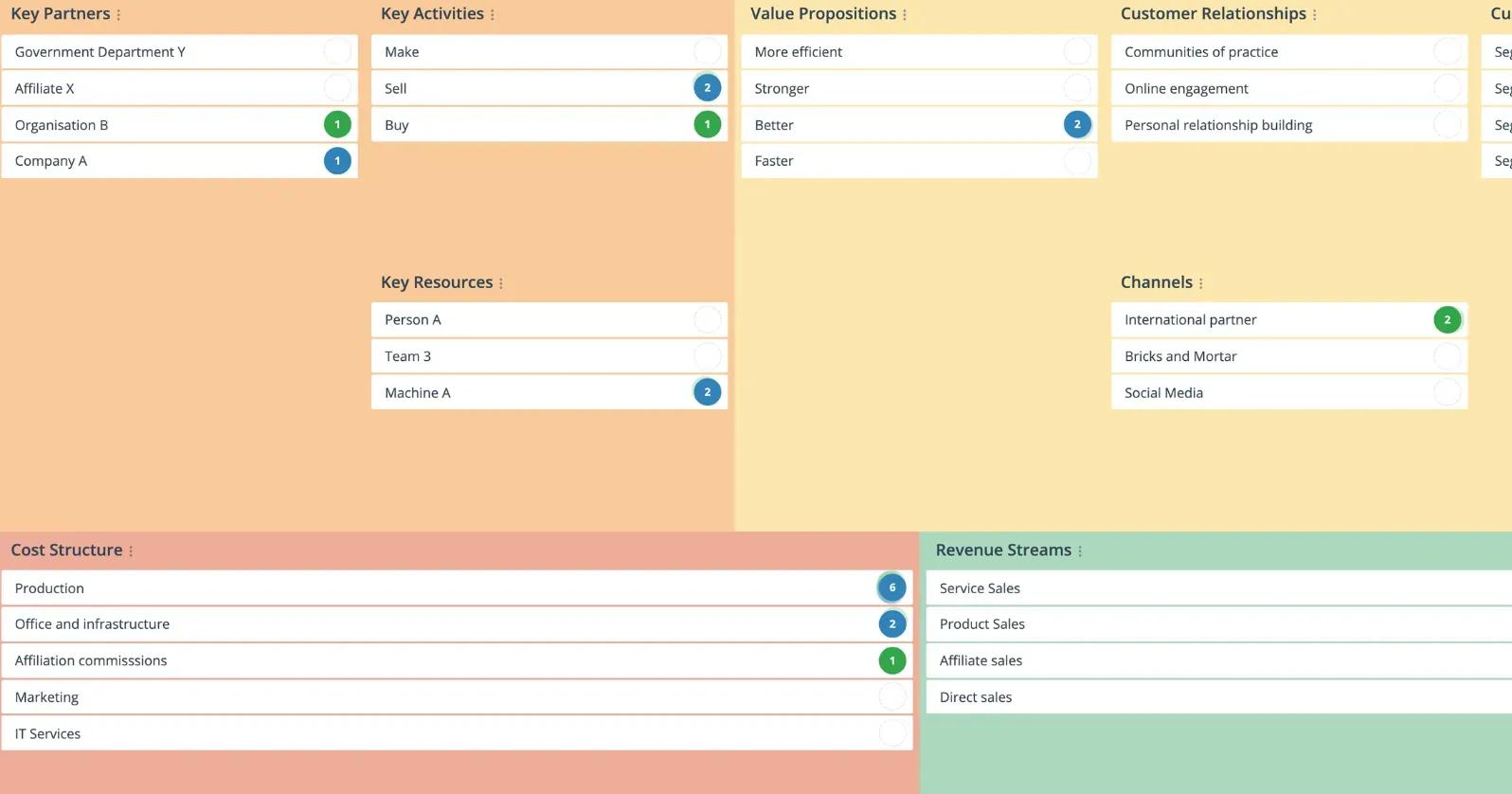
Collaboration features available to support your virtual events.

Build, reuse and share event activities
Created an event activity you love? You can save the map as a template so that you can rinse and repeat. You can even invite other team members and share templates. Now that’s a time saver!

Event branding and integration
Add your event logo, authentication for managing users and custom URL to GroupMap. Integrate easily by adding links to specific activities or event spaces into your virtual event or video conferencing platform such as Zoom, vFairs, Microsoft Teams and more.

Capture drawings, pictures, links and documents
Snap a picture of that incredible prototype or creative butchers paper output and encourage greater sharing, collaboration and creativity. Don’t let great ideas go to waste!

Poll or survey your participants
There is no need to switch tools or applications. Capture a quick thought, run a check in / check out, poll the audience or evaluate your session. Get even more engagement and insights easily.

Participants and data security
All our maps already use SSL to transfer data (the same technology used by banks) and we back up your data every day. If your event needs additional security measures such as SAML/SSO we can do that too.

Control the tech and focus the conversation
We believe that conversations and connections are key. GroupMap lets you lock the map, hide views or prevent further changes allowing you to “turn off the tech” and turn on the talk. When you are ready, bring everyone back to capture highlights.
What people say
GroupMap literally salvaged our virtual executive global event. We would not have been able to have our workshop nor accomplished as much without this tool.

The best feedback I heard was from a group of 35 consultants who ended up using a GroupMap Open Space as a substitute for a personal meeting during the COVID-19 pandemic. They had doubts that a virtual open space would work. In the end, they came out with better and more results than in any physical meeting before.

Ease of use, and the opportunity to use GroupMap asynchronously over a longer period of time – so people could either contribute during a teleconference or in the week after if they couldn’t make it – were benefits we all appreciated from using GroupMap for our online brainstorming.

Other tools don’t provide the same level of interaction as GroupMap. It has a clear and concise process, from brainstorming to rating of opinions and ideas and finally the results. This is extremely useful with my groups.

We generate far more (and far better!) content from our partners using GroupMap than we would have with traditional discussion or other online tools.

GroupMap is ready to go to support your virtual events

Ready to use
No need to download and install or create accounts. Works across browsers and devices.

Create brand consistency
Add your logo and a customized landing page to GroupMap.

Enhance video conferencing
Augment your video conferences and other online meeting tools like Zoom, Google Meet or Webex.

Partner with us
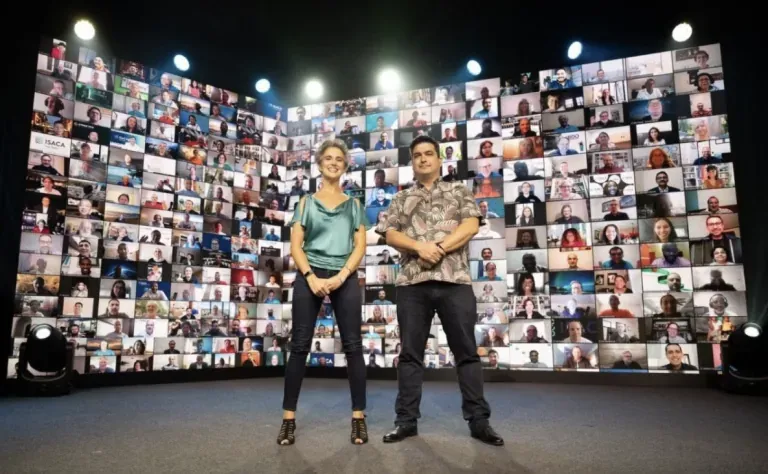
We’ve run virtual events from 30 to 1,100 people. We can help design, support or co-facilitate your event**.**

Synchronous or asynchronous
Open up the process flow or participants through each stage. The choice is yours.

Frequently asked questions
How do you facilitate a virtual event with a large group?
Can GroupMap run breakout activities at a virtual event?
How do you make a webinar or online conference interactive?
Can attendees join a virtual event activity without creating an account?
How do you collect audience questions and feedback at a virtual event?
Ready to get everyone on the same page?
Start a free GroupMap and turn your next discussion into clear, shared decisions.